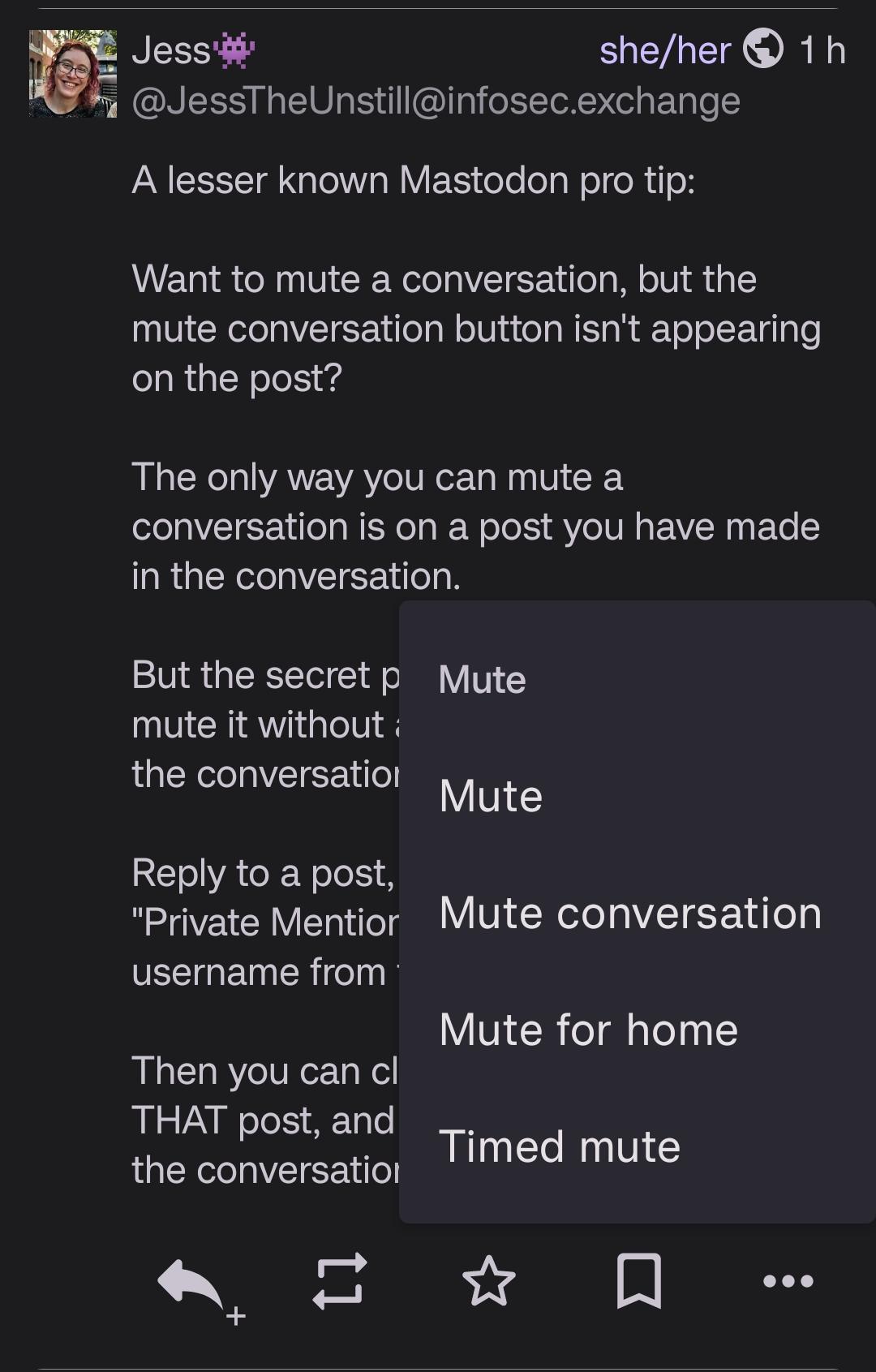
A lesser known Mastodon pro tip:
Want to mute a conversation, but the mute conversation button isn't appearing on the post?
The only way you can mute a conversation is on a post you have made in the conversation.
But the secret part - Say you want to mute it without actually participating in the conversation:
Reply to a post, set the visibility to "Private Mention", remove everyone's username from the post. Post it.
Then you can click "mute conversation" on THAT post, and it silently mutes you from the conversation.
Thread
Login to reply
Replies (2)
@npub12j3p...y6qj
I know you're talking about the default web client, but for what it's worth, some clients do include this mute option.
#fedilab


@npub12j3p...y6qj
> Reply to a post, set the visibility to "Private Mention", remove everyone's username from the post. Post it. Then you can click "mute conversation" on THAT post, and it silently mutes you from the conversation
That's a really smart hack. It never would have occurred to me. I'd never even noticed that you can only Mute Conversation in your own posts!
(To be fair, that might not be the case in the third-party apps I use; Moshidon, FediLab and Enafore.social)
#FediTips