Site updated. New: - 'Permissions & Details' section was added for mod posts where creators can easily adjust what permissions the public has with their mods Changes: - Added a new filter on the admin side to better manage hidden mods (in case there was a mistake). - Adjusted the download section in the mod post to always show the other downloads, and show the 'Additional Details' as a popup now. - Creators can now also add a title for each download, and add a single image for each download. Fixes: - Cleaned a chunk of the games list Note: For mod posts that were published before this update, the permissions section won't show unless creators edit their post and do a simple republish (if they're ok with the default selections, otherwise they can change it before republishing).
Site updated. New: - Local caching of field data in mod and blog submission - Source view & Difference view modes in the rich text editor - Hidden posts, by either admin or user, now show a note about it when visiting the post - Mod downloads will show a notice note if the download link isn't a file / if it directs the user to another page - Mod posts without a malware scan report link will show a note informing the user of it (even if it's there, the user should still need to be cautious) Changes: - Report button now only appears if the user is logged in (to be further enhanced later down the line) Fixes: - Old mod posts can be editable again without issue, with an error shown if something is wrong for the user to fix - If a mod post (later blog post) gets stuck while publishing, a timer kicks in that'll lead to a 'try again' option that usually publishes the post correctly - Tip/Zap buttons will only appear if the author has an LN address in their profile (shouldn't have been visible) - Posts marked as 'repost' will have that tag shown in the mod card in the landing page's "Latest Mods" section (it didn't appear before)
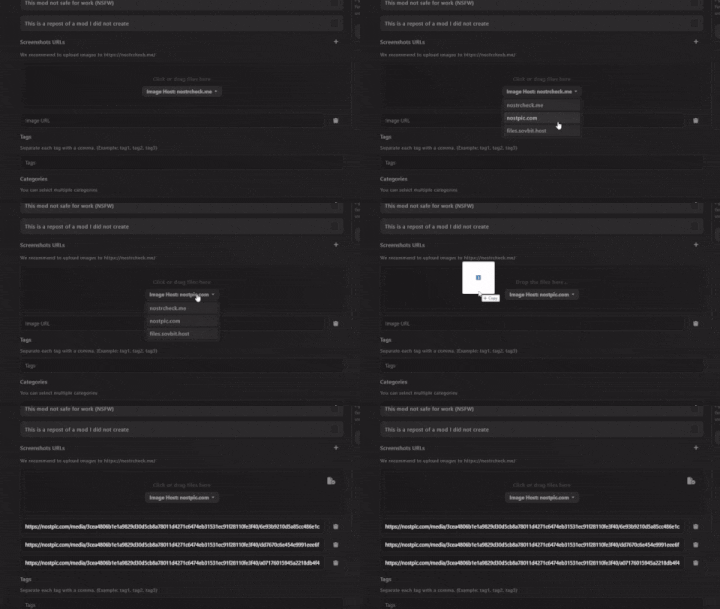
Site updated. New/Changes: - Easier media uploads (Drag and drop. There's no need to find other sites to upload images to anymore, but it remains optional) image
A small update went live. Fixes: - A 'try again' button appears on mods that error out. (99% of the time this fixes the issue). - The blog tab in a user's profile now loads correctly (doesn't get stuck anymore for new users) - Text now appears if a game isn't found in the search Next up: - Looking into fixing one newly discovered issue related to old mods - Easier media uploads (drag and drop basically. No need to go find other sites to upload images to anymore)
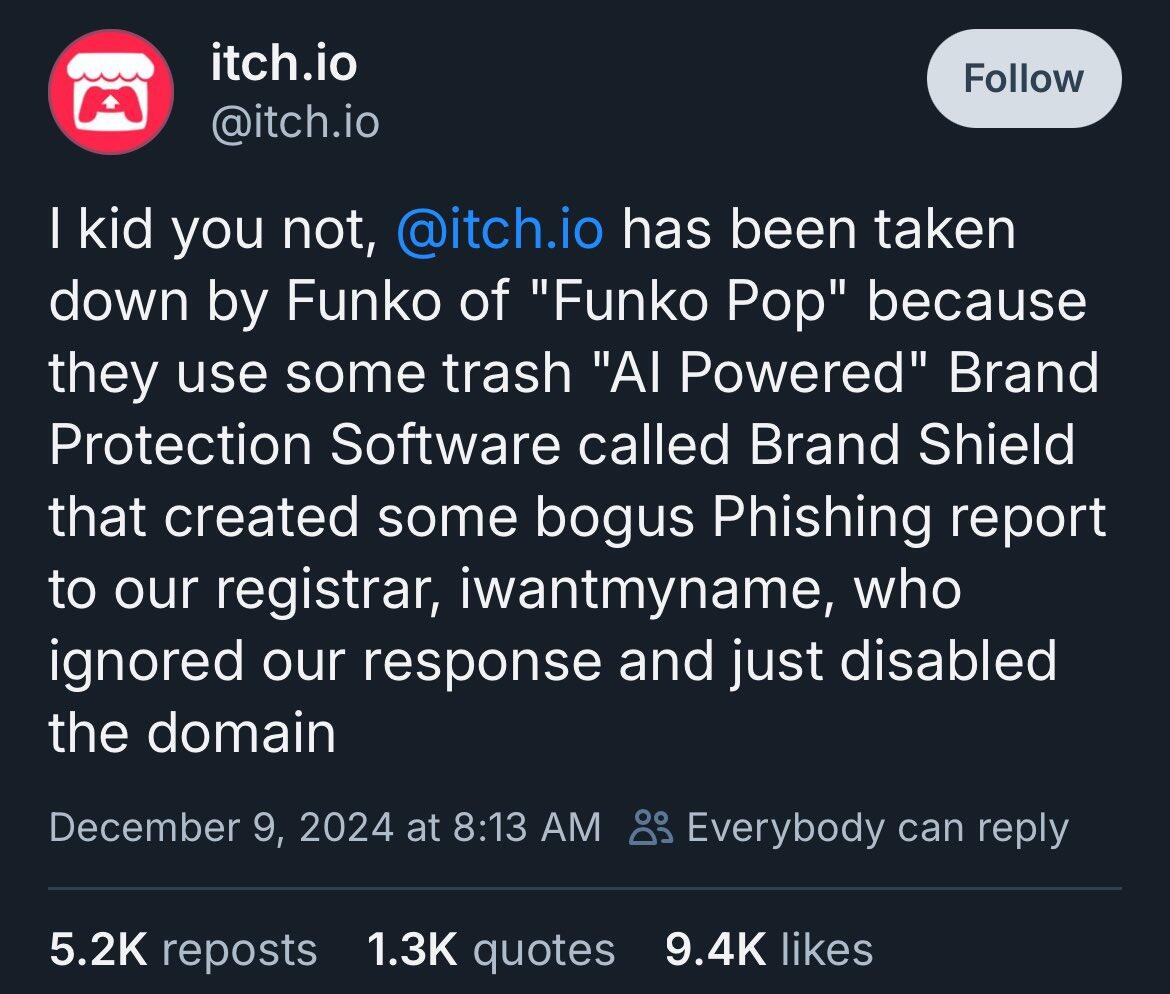
Another example of why DEG Mods will be on multiple different protocols/solutions (Tor, Nomen, Nostr nsite, etc) not just ICANN / their registrars. image
Love the chalk sketch of the logo <3 (Entertaining instructional video too x3) image Their video: Glad we managed to help them out when they needed it =)
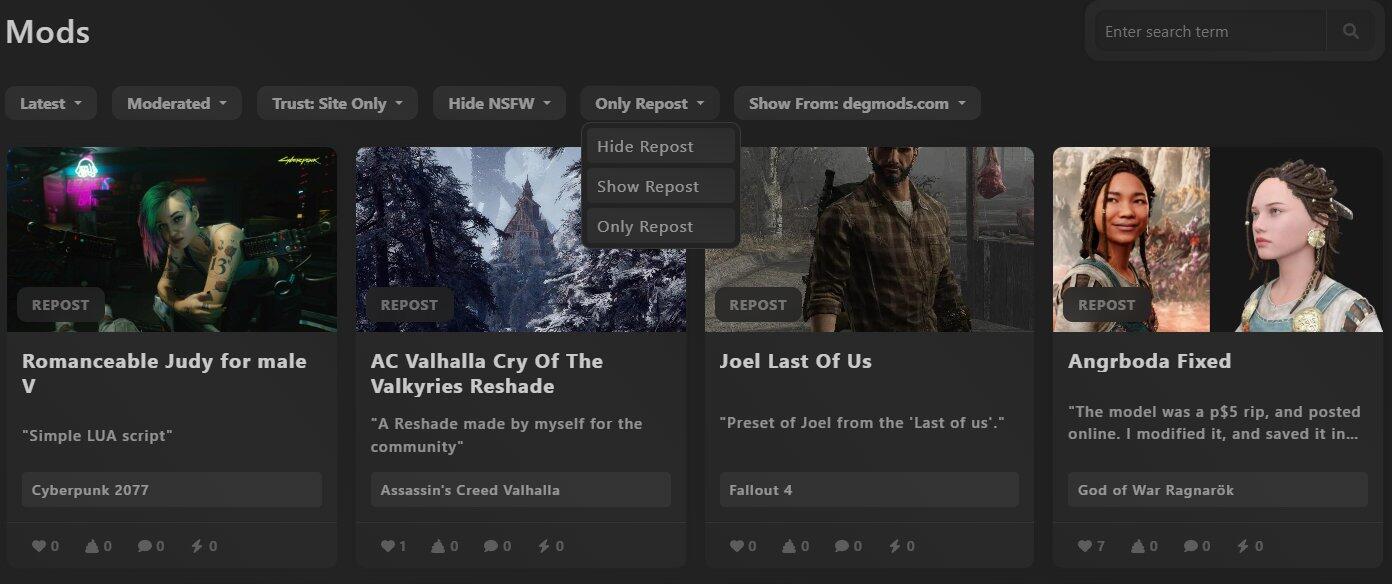

Site updated. New: Repost tagging system. Changes: (Technical) Refactored code for the mods and mod page. Design tweaks for the "view more" part of a Mod post's page. Design tweaks for blog posts. Games added: S.T.A.L.K.E.R. 2: Heart of Chornobyl
New update is up. New: - Web of Trust system Changes: - Minor design adjustments for blog posts Fixes: - Relay page in settings now loads for new users without saved relays.
New update up. New: - Blog system implemented (relevant pages and sections updated). Changes: - (technical) nPub user addresses now lead to a user's profile if added through the URL, which would be auto-converted to an nProfile type address. - Reaction (heart/poop) numbers now show a loading indication with 3 dot animation, and you'd only be able to react once loading is finished. - There's now a spinning loader animation for the comments of a post to make sure, as a user, if there are comments or not - There's now a comment loader button that you can press to load newly discovered comments for a mod or blog post Fixes: - Fixed ordering of latest mods - Profile links in comments, specifically from clicking the name or user address, lead to the correct profile page now - Reaction buttons now appear immediately on the page load That's about it for now. There'll also be another update going live relatively soon.
It took longer to fix this issue than it should have, but searching for profiles on the site now works 🤘 Aside from that, the source filter & some filters now appear in the URL (easier to share specific pages with friends), and filters are temporarily saved locally (better UX). Note: if some of these aren't appearing or working for you, then you need to completely clear the site's cache (ctr/alt f5 won't be enough, you need to go into your browser settings, find the site, and clear that).