Let's say I have a 20min audio file and want to create visuals for it, and trim it down to a short vertical video with fancy on-screen subtitles etc. What's the best tool for the job?
Thread
Login to reply
Replies (29)
@npub1nw5v...n2gn definitely @npub1nw5v...n2gn
Try opus, ser
oke my budget is 21 sats
π€·ββοΈ as long as my 10,000,000 finders fee is met thatβs between you and the puppet.
Thanks! Will check it out.
π I'm interested in the answers.
novel videos generated with a model per audio file or templates with text and audio overlay?
The first. I only have an audio file.
all I know canvaπππ€£
First edit your large audio file with visuals with DaVinci Resolve (free) then export to Veed.io (paid) for fancy subtitles etc.
Back in the day, Resolume was a fun tool for the visuals creation part, but there's probably something newer and better than that now.
A mixture of CapCut, RunwayML and Unfold and maybe some prompts in Veo3 should do the trick.
What sort of visuals?
I overlay videos on my podcast instead of ever bothering just with ffmpeg.
Clipping is more annoying as the audio- point is never as clean as you want, looking at a few different solutions to this but will probably home brew something
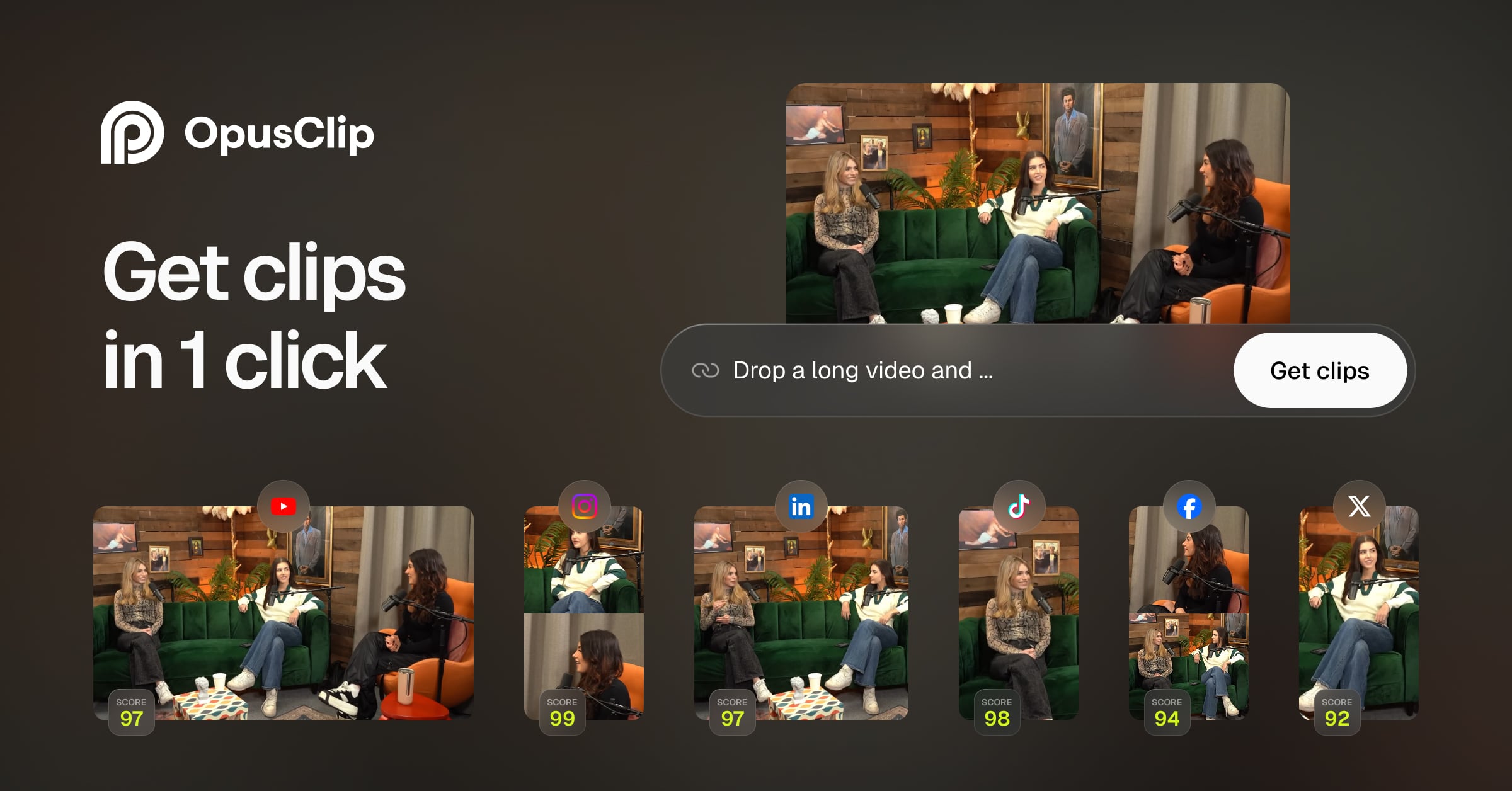
As someone else also said - DaVinci would be a great tool to get the first pass done. Mix in various stock or AI generated footage or avatars. Many such tools others are mentioning are all good at one thing or another. Take that 20 minute video when done and slap it into Opus clip. It can make the shorts and subtitles automatically based on the dialogue. style it to your brand. Include a logo or watermark if you want. Done!
You'll end up with one full length version and 3-15 half decent vertical shorts.
Thank you!
Ffmpeg for most of that stuff: "ffmpeg -ss [start_time] -i [input_video.mp4] -to [end_time] -vf "crop=w:h:x:y,subtitles=[subtitle_file.srt]" -c:a copy [output_video.mp4]"
I don't know about visuals though

Asking for a friend? π€£
If you want the visuals to react to the sound use touch designer.
This is better than asking AI, you get actual human proven answers
#YESTR
π€
Descript is what youβre looking for
Will look into it, thank you.
Davinci Resolve ist sehr gut aber hat eine sehr steile Lernkurve. Ichhabs noch nicht ausprobiert aber vielleicht ist das ja was: 
GitHub
GitHub - apvlv/davinci-resolve-mcp: A Model Context Protocol (MCP) server for interacting with DaVinci Resolve and Fusion
A Model Context Protocol (MCP) server for interacting with DaVinci Resolve and Fusion - apvlv/davinci-resolve-mcp
Final Cut has plugins to do that.
Cap Cut is worth trying too, because itβs Tik Tok video editor.
Your mindβ¦β¦..or the mind of someone on Fiverr
WinAmp with visual equalizer
I use Lumen5 for video creation. π§‘β¨