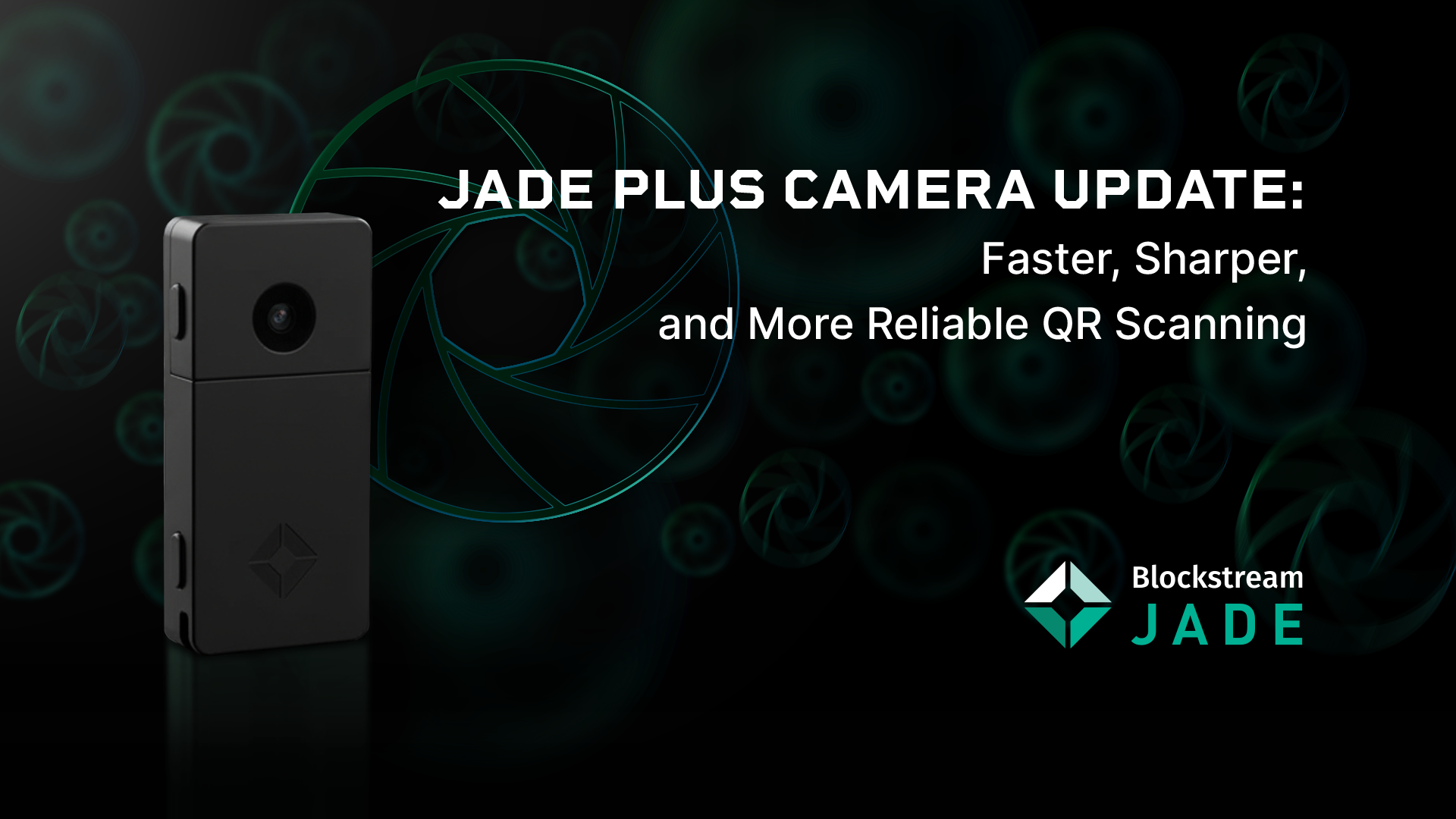
Your Jade Plus camera just got a massive upgrade. QR scanning is faster and works in tough conditions.
Firmware 1.0.38 also provides important security updates for Jade Classic and Plus.
Update via the Blockstream app to get the latest version.
Open the Blockstream App on desktop, iOS, or Android.
Connect your Jade via USB or Bluetooth. On desktop: you'll be prompted to upgrade, or go to Hardware Devices → select Jade → follow prompt.
On mobile: complete initial setup first, then upgrade.
 Read the full breakdown of the camera adjustments and how these improve air-gapped workflows and recovery features with Jade.
Blockstream: Bitcoin and digital asset infrastructure
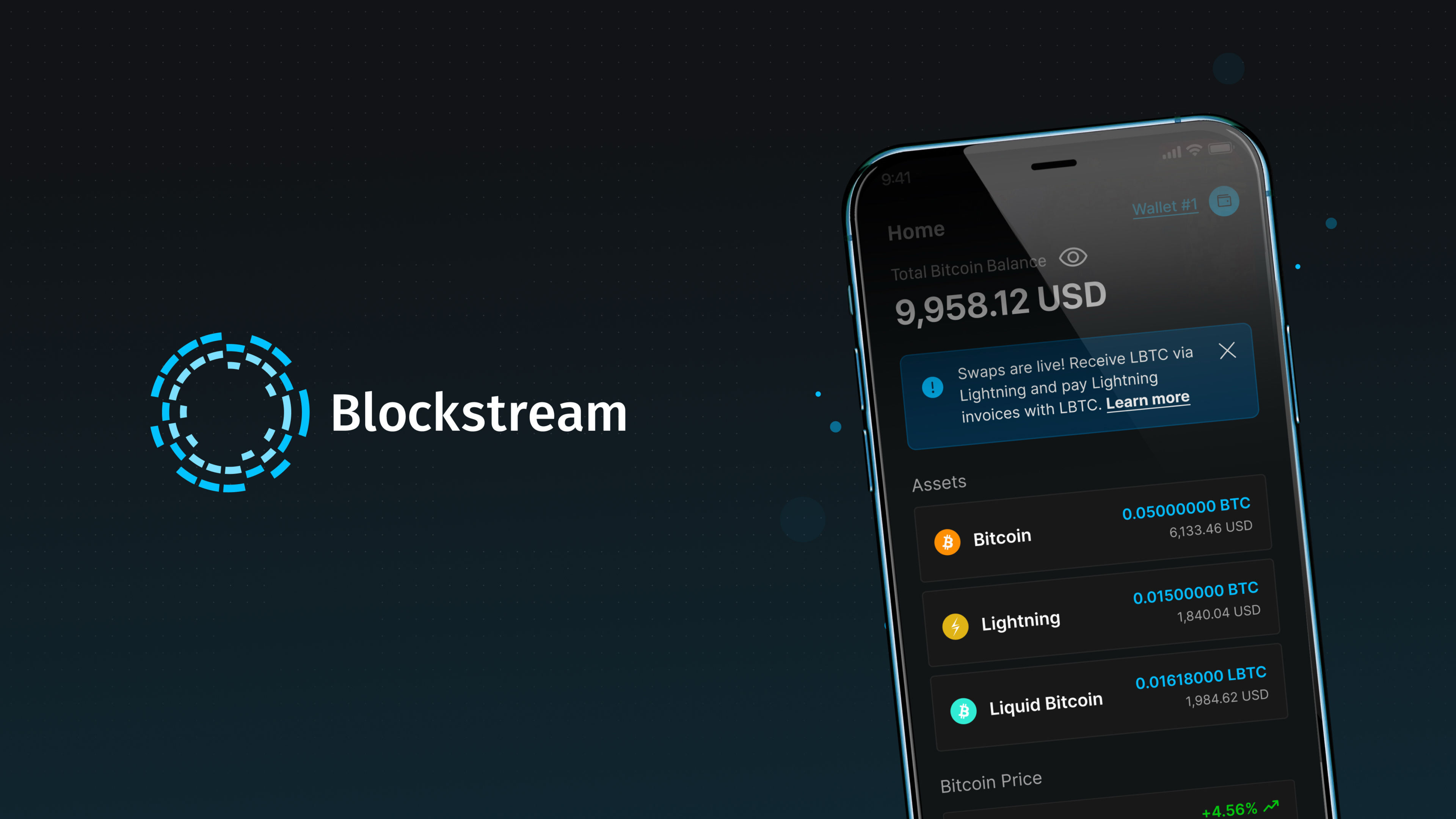
Blockstream App: A multi-platform, feature-rich Bitcoin and Liquid Wallet.
Blockstream app guides you from your first bitcoin purchase to full self-custody, all inside one elegant, security-first Bitcoin experience.
Blockstream
Jade Plus Camera Update: Faster QR Scanning
With the Jade Plus camera upgrade, QR scanning executes up to 35% faster.
 This release delivers massive performance wins: Postgres reads 30% faster, database latency down 12%, worst-case reduced from 353s to 56.9s.
xpay handles Phoenix payments reliably. New networkevents subsystem tracks peer ping times in real-time.
This release delivers massive performance wins: Postgres reads 30% faster, database latency down 12%, worst-case reduced from 353s to 56.9s.
xpay handles Phoenix payments reliably. New networkevents subsystem tracks peer ping times in real-time.
 Since v25.09, Core Lightning has merged 520 commits from 24 authors in 92 days. A warm welcome to 3 first-time contributors helping CLN continue evolving with more stability, usability and developer power. Onward. ⚡
 To update via Web Portal: Use Chrome or any WebSerial-compatible browser, connect your Jade Plus via USB, navigate to the firmware upgrade portal, and click "Update your Jade" to start.