From my WIP branch, CMYK channels in #GIMP !
Is anyone familiar with Meng+Scott Allen Burns upsampling? I'm working on implementing spectral/pigment blending for GIMP's MyPaint brushes (now that we've ported to the version 2 brushes). I'm trying to learn more about the theory behind the blending, and according to , they used a modified "Meng+Scott Allen Burns upsampling" algorithm. I assume there's some research paper that discusses it, but I haven't had much luck yet finding a specific one by Meng & Burns.
An early example of creating vector layers via Python scripting in #GIMP. In addition to giving access to plug-in developers, we'll eventually use this to load SVGs as vectors (and load vector layers from formats that support them like PSD and PSP)! There's still a lot of work to be done, both in the public API and internally, but progress continues.
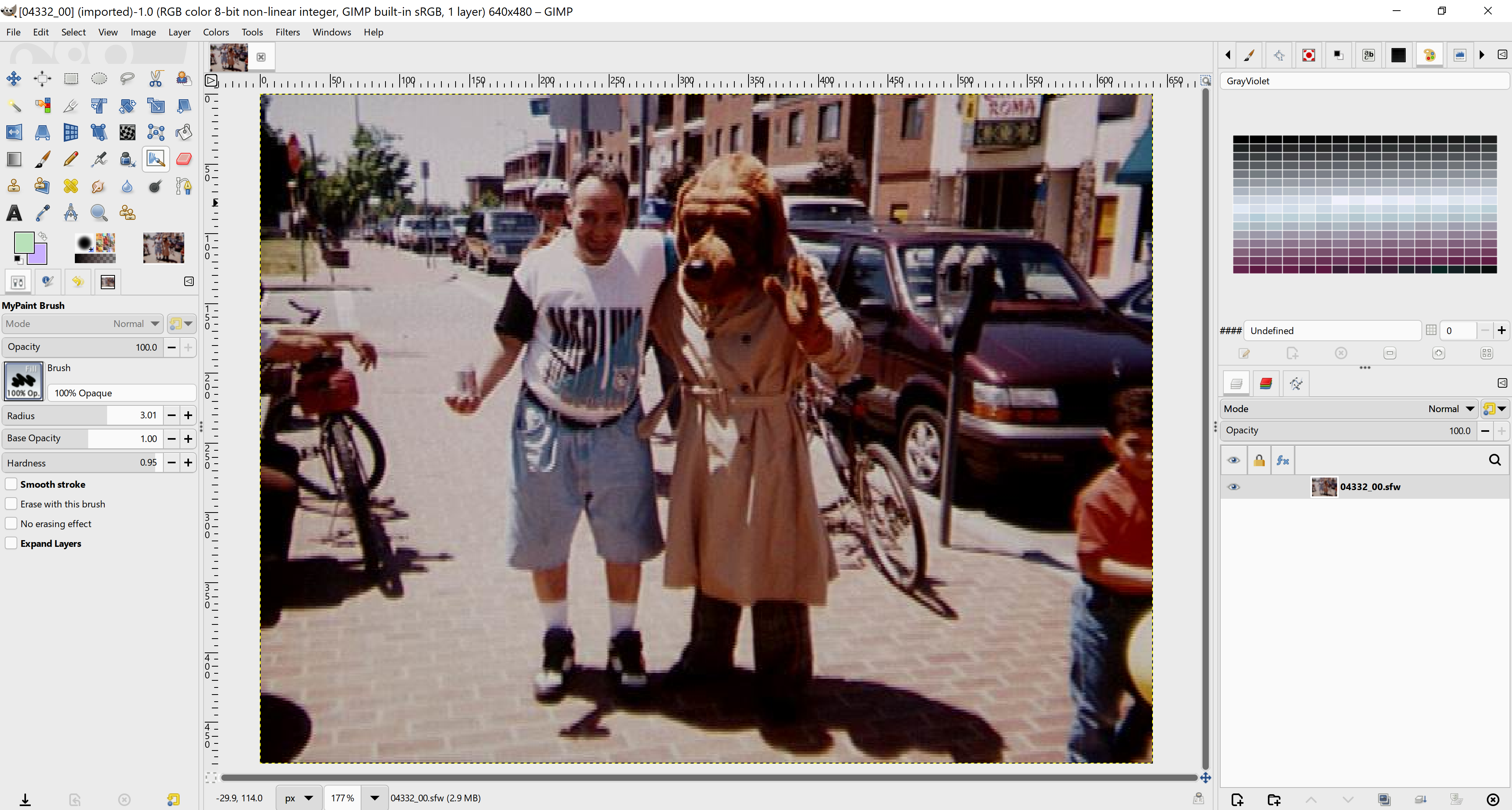
A small side project, creating a plug-in that loads Seattle Filmworks images. Seattle Filmworks was a film digitization company - you'd send them your film, and they'd send you back floppy disks with .sfw files and proprietary viewer. The images were mangled JPEGs, with increasingly complex changes as time went on. The in-progress plug-in supports the first two versions of the file format, which are the most common. image
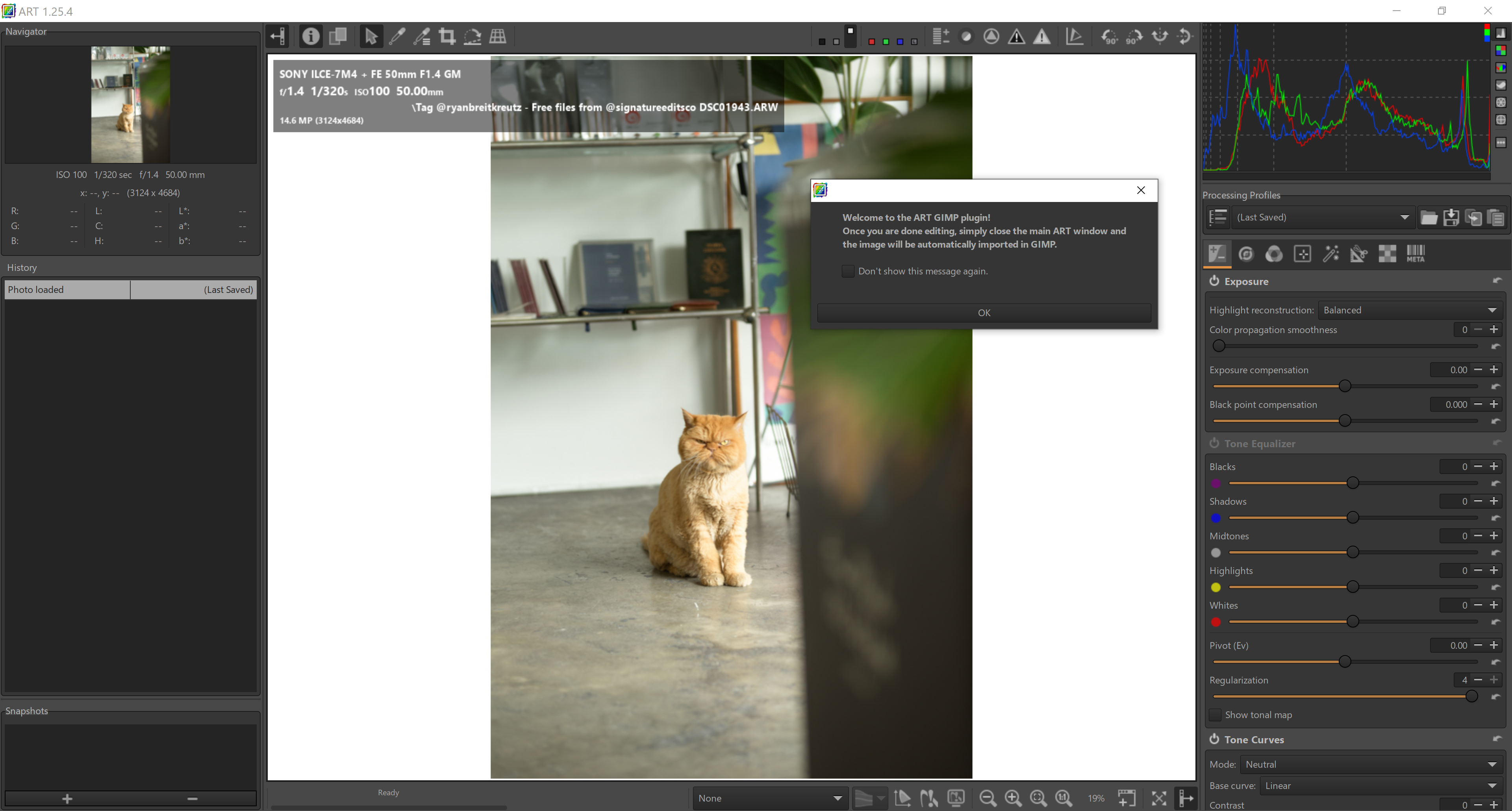
I've been using a modified #Rawtherapee plug-in to load Camera RAW images in #ART (#anotherrawtherapee) and then edit them in #GIMP for my photography class. I finally cleaned the code up and submitted it for the next development release. So hopefully soon, you'll be able to use ART in addition to the existing #darktable and RawTherapee RAW loaders! :) image
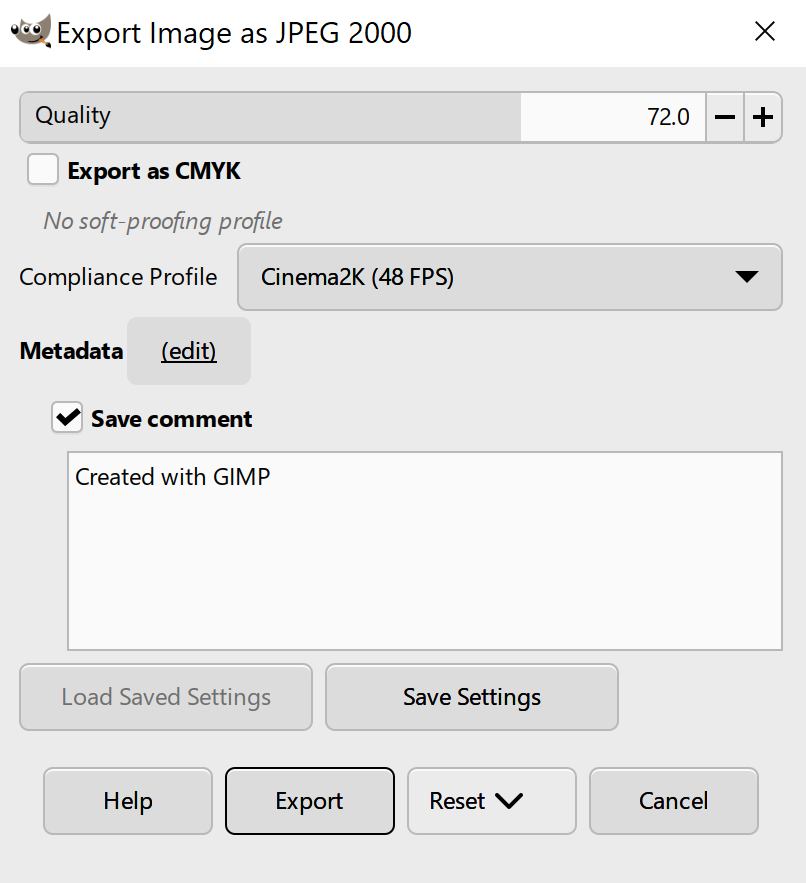
A while back, a developer named Steve Williams contributed a working draft for a JPEG 2000 export plug-in for #GIMP (it suited their needs, but needed some work to be more general) I took some time to finish polishing it, and now you can export 8 and 16bpc JPEG 2000 images, both as JP2 containers and J2K codestreams. However! I'm not sure what export options are relevant to include in the export dialogue. If you use JPEG 2000, I'd appreciate any suggestions of what controls to add! image