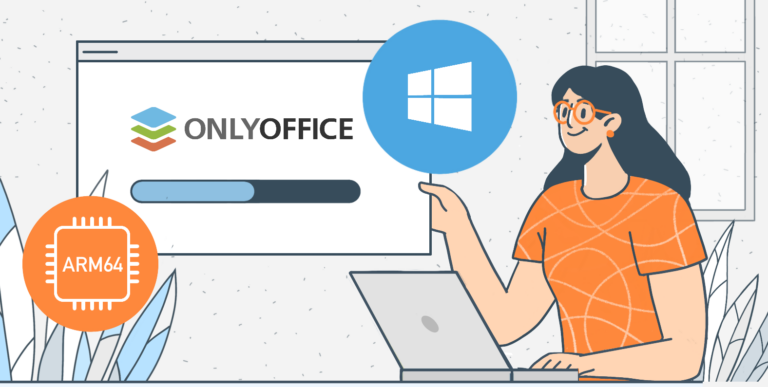
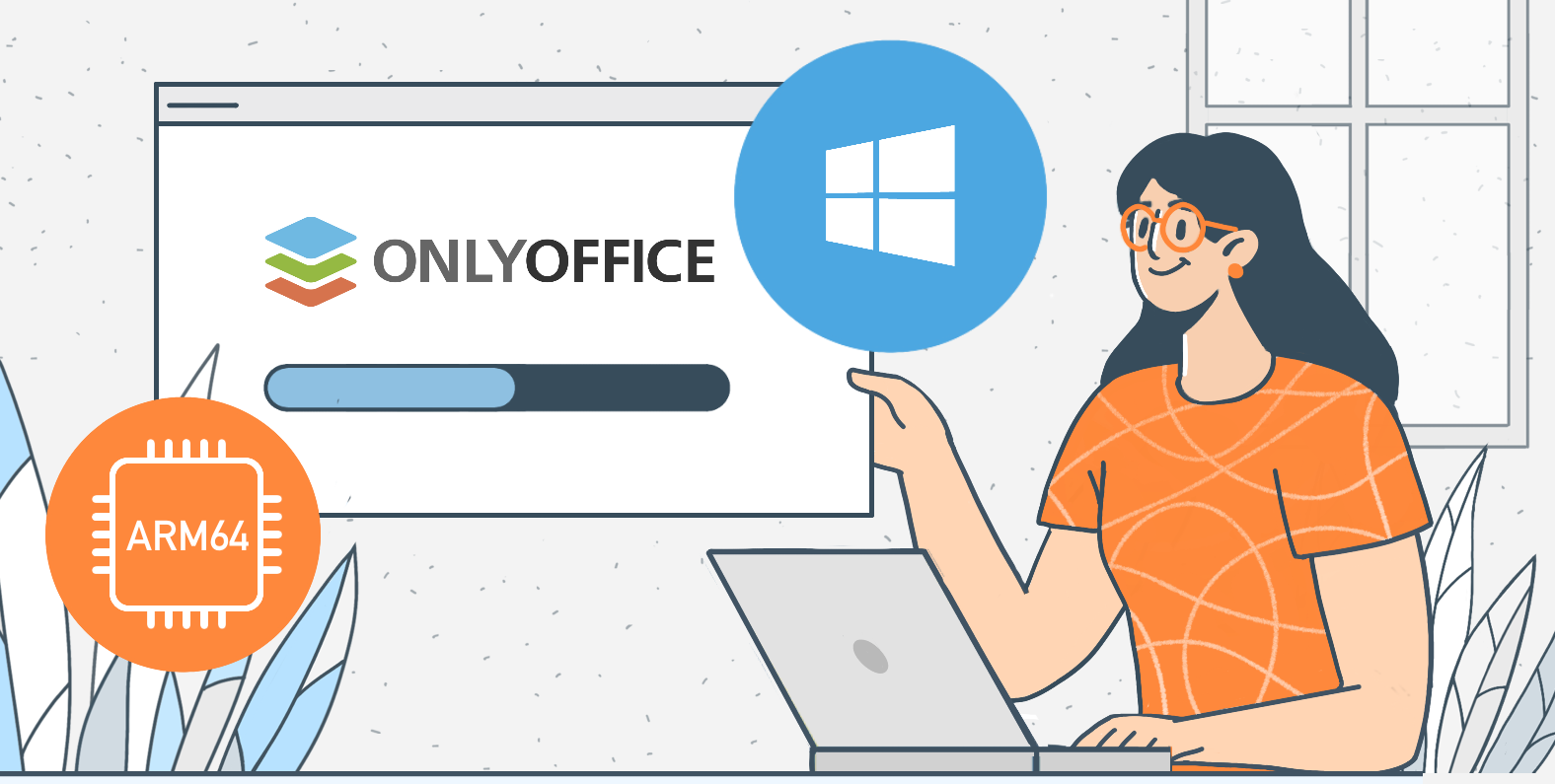
Great news for #Windows ARM64 users (e.g., Surface Pro X): #ONLYOFFICE Desktop Editors now natively supports #ARM64 starting with version 9.2! Why it matters: ✅ Faster performance ✅ Smoother editing ✅ Lower power usage ✅ No x64 emulation needed How to install: 1️⃣ Visit the download page. 2️⃣ Choose the ARM64 installer. 3️⃣ Download, run, and start editing! Learn more in our blog: image
Got questions about #ONLYOFFICE Docs 9.2 and other recent releases? Here's the FAQ breakdown 🔥 Here are some highlights: ✔️ Are customizable shortcuts are finally here? ✔️ Is #ONLYOFFICE compatible with MS Excel? ✔️ Can you host DocSpace on multiple devices with one license? ✔️ How to disable #AI features in self-hosted versions? ✔️ And other questions and our answers. For the full #FAQ and all the details, check out our blog post: image
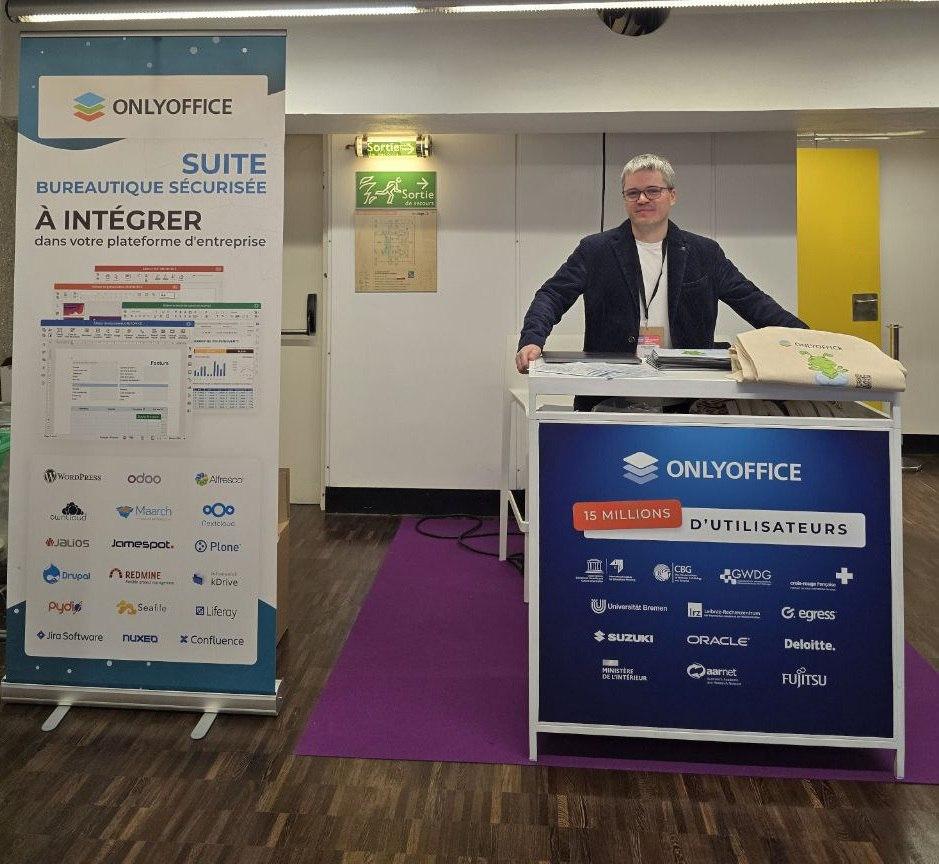
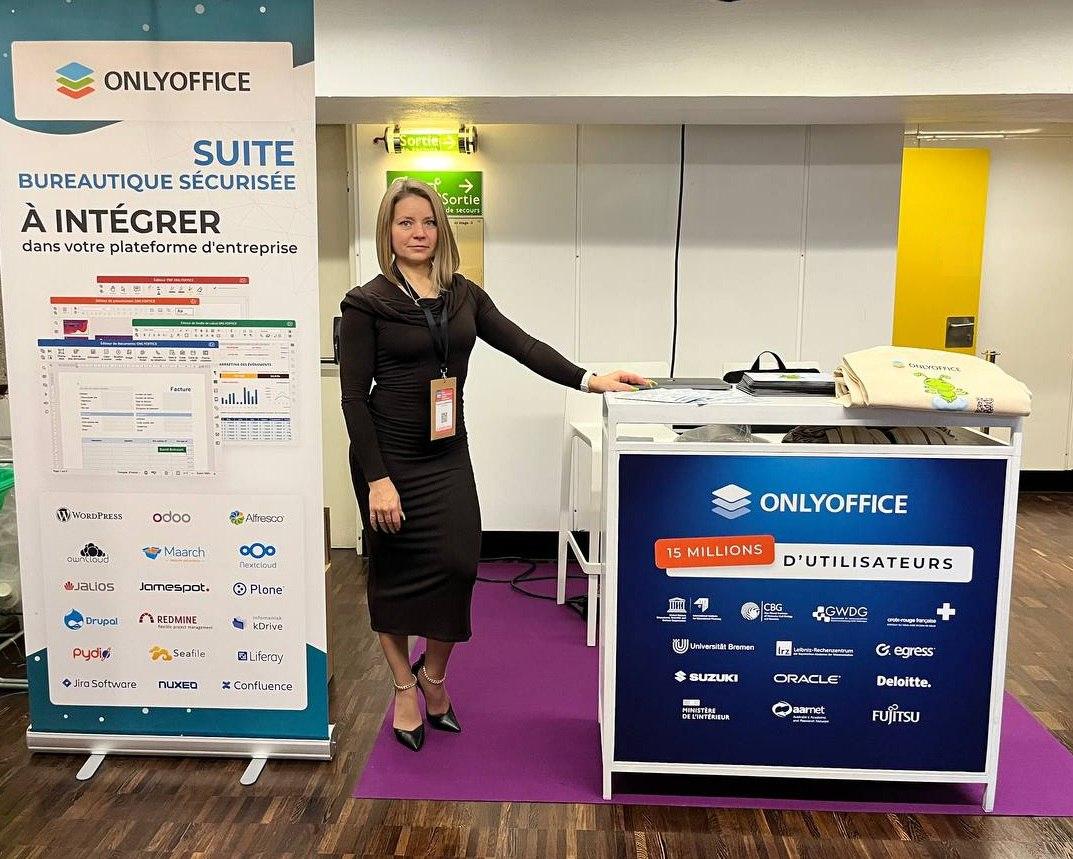
#ONLYOFFICE team at Open Source Experience 2025 Paris, France 🇫🇷 📆 December 10–11, 2025 📍 Paris, France Open Source Experience is a major European event focused on open-source technologies and their role in digital transformation. #ONLYOFFICE is taking part as an exhibitor. Visit us at booth 3D09 to explore our open-source solutions for secure document editing and real-time collaboration.
Have you checked out the #ONLYOFFICE New Year Puzzle yet? 🎅 Here’s what you can expect: ❓ Daily surprises: Answer 12 questions about #ONLYOFFICE products, and each correct answer will unlock one block. 🎁 Exclusive content: Piece by piece, you’ll watch the puzzle come to life, and along the way, enjoy generous discounts, giveaways, and gifts. To unlock each block, you must visit the New Year Puzzle daily and complete all the tasks. Jump in here: #NewYearwYear
Meet #ONLYOFFICE Documents v9.2 for #iOS and #Android, packed with updates to boost your productivity. 📱 iOS updates: ✅ Better DocSpace integration with Shared with Me, Favorites, and Recent sections ✅ Enhanced search ✅ @ mentions in comments ✅ Table formatting Blog: :android: Android updates: ✅ Quick access via DocSpace and its Shared with Me, Favorites, and Recent sections ✅ Login with LinkedIn, Apple ID, or Zoom. ✅ RTL support Blog: image
We’re excited to announce the release of #ONLYOFFICE Desktop Editors 9.2, packed with awesome new features: ✅ AI agent (optional): Automate tasks, analyze documents, and more. ✅ Customizable shortcuts: Tailor keyboard shortcuts to your workflow. ✅ Macro recording: Save time by automating repetitive actions. ✅ PDF redaction colors: Customize redaction colors for better control. ✅ #ARM64 support: Now available for Windows 11 on ARM devices. Learn more in our blog: image
#ONLYOFFICE Docs 9.2 is here: macro recording, customizable hotkeys, and more! 🔥 We’re excited to announce the release of #ONLYOFFICE Docs 9.2, packed with powerful new features and enhancements to make your document editing experience better. Here’s what’s new: ✅ AI-Powered grammar & spell check (optional) ✅ Customizable keyboard shortcuts ✅ Macro recording ✅ Enhanced PDF redaction ✅ Improved form creation Check out our blog to dive deeper into these features: image
#ONLYOFFICE DocSpace 3.6 is here: what's new 🔥 We’re excited to announce #ONLYOFFICE DocSpace 3.6, and here’s what’s new: ✅ AI agents: Analyze files, generate content, manage your DocSpace, and collaborate smarter. ✅ Enhanced tools: Redesigned data import and support for new formats (HML, TXT). Learn more about #ONLYOFFICE DocSpace 3.6 in our blog: Create a free DocSpace account to try all the new features in the cloud: image