Join the #ONLYOFFICE Black Friday giveaway on #Instagram 🔥 Participate in our biggest giveaway of the year and win one of these awesome prizes: ✅ One DocSpace Business annual license ✅ Two Amazon (or equivalent) vouchers worth €100 and €50 Learn more in this Instagram post: https://www.instagram.com/p/DRmWA6_iC4G/?igsh=MTBoZGNqazM2aGg5aw== image

Debugging #ONLYOFFICE plugins: practical tips for developers 🔥 Our new guide covers: âœ”ï¸ Plugin Structure – Key files like config.json and index.html. âœ”ï¸ Web Debugging – Use debugger with DevTools (F12). âœ”ï¸ Desktop Debugging – Run with –ascdesktop-support-debug-info for extra insights. âœ”ï¸ Managing Scopes – Pass data seamlessly with Asc.scope. âœ”ï¸ Troubleshooting – Solve common issues like CORS errors and ignored debugger commands. Read the full guide in our blog: image
Don’t miss our webinar: AI upgrades in #ONLYOFFICE Docs 9.2 and DocSpace 3.6🔥 Join us for a quick walkthrough of the latest AI features in ONLYOFFICE Docs 9.2 and DocSpace 3.6 coming soon! 📆 Dec 1, 2025, at 13:00 CET 🌠ONLYOFFICE #YouTube channel See live demos of AI agents, smart grammar correction and mobile AI integrations. Ask a question before the webinar and get 50% off #ONLYOFFICE Docs Home Server! More information in our blog: image
Codemirror plugin for #ONLYOFFICE DocSpace: view and edit code files âŒ¨ï¸ We’re excited to introduce the Codemirror plugin, a built-in code editor for #ONLYOFFICE DocSpace with the following features: ✅ Create, open and edit code files right in DocSpace, no need to switch tools. ✅ Syntax highlighting for easy, readable code. ✅ Support for many languages: C, C++, JavaScript, TypeScript, Python, PHP, HTML, CSS, SQL, YAML, JSON and more. Learn more in our blog: image
#ONLYOFFICE Desktop Editors is now the default office suite for Canaima GNU/Linux 🔥 Canaima, a Debian-based OS from Venezuela, promotes free and open-source tech, and this integration brings powerful tools to its users. With #ONLYOFFICE, Canaima users can: ✅ Edit Word, Excel, and PowerPoint files ✅ Annotate and redact PDFs ✅ Use #AI assistants ✅ Collaborate in real-time via integrations with DocSpace and more Learn more about this OS on our blog: #Linux image
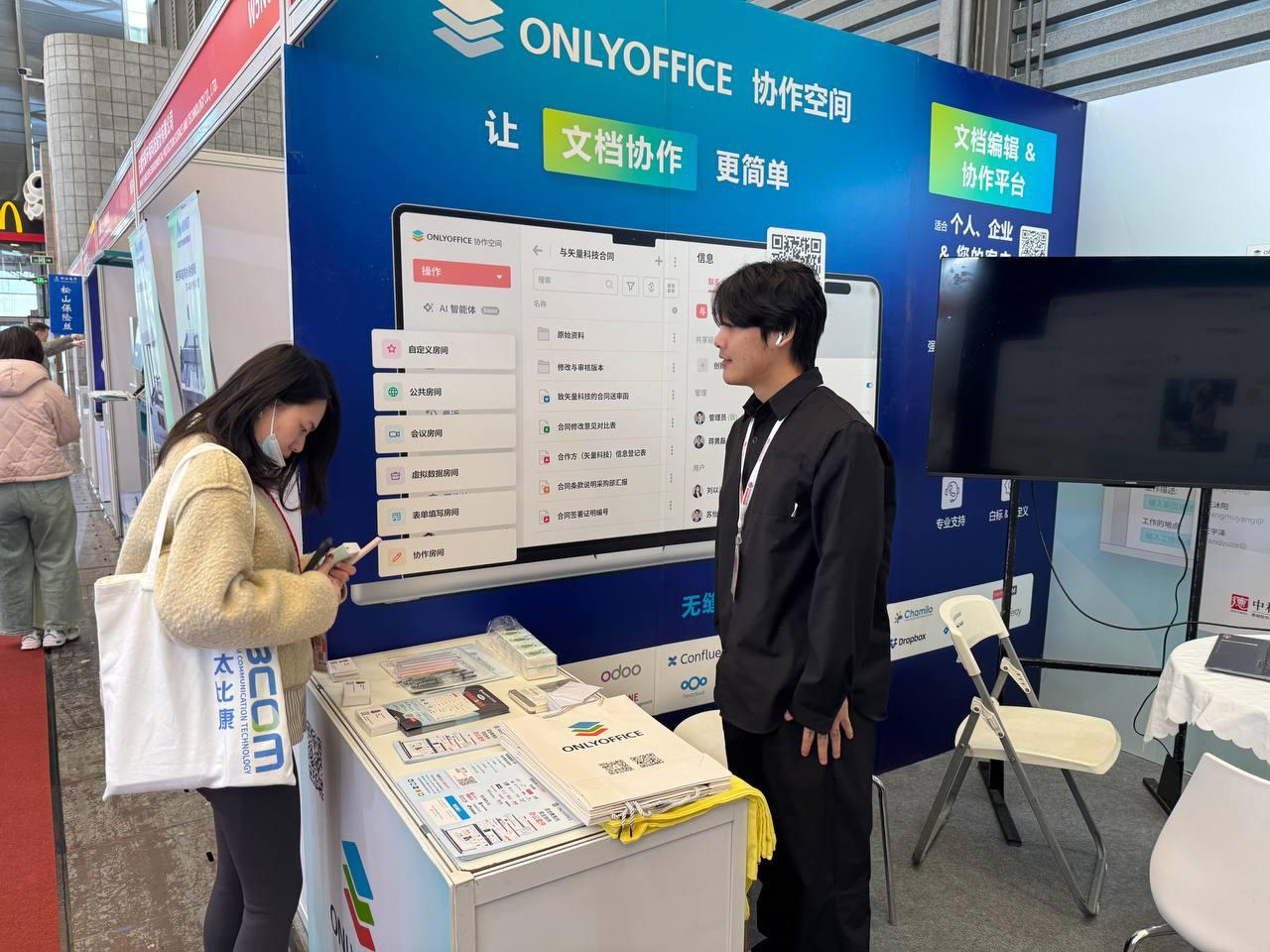
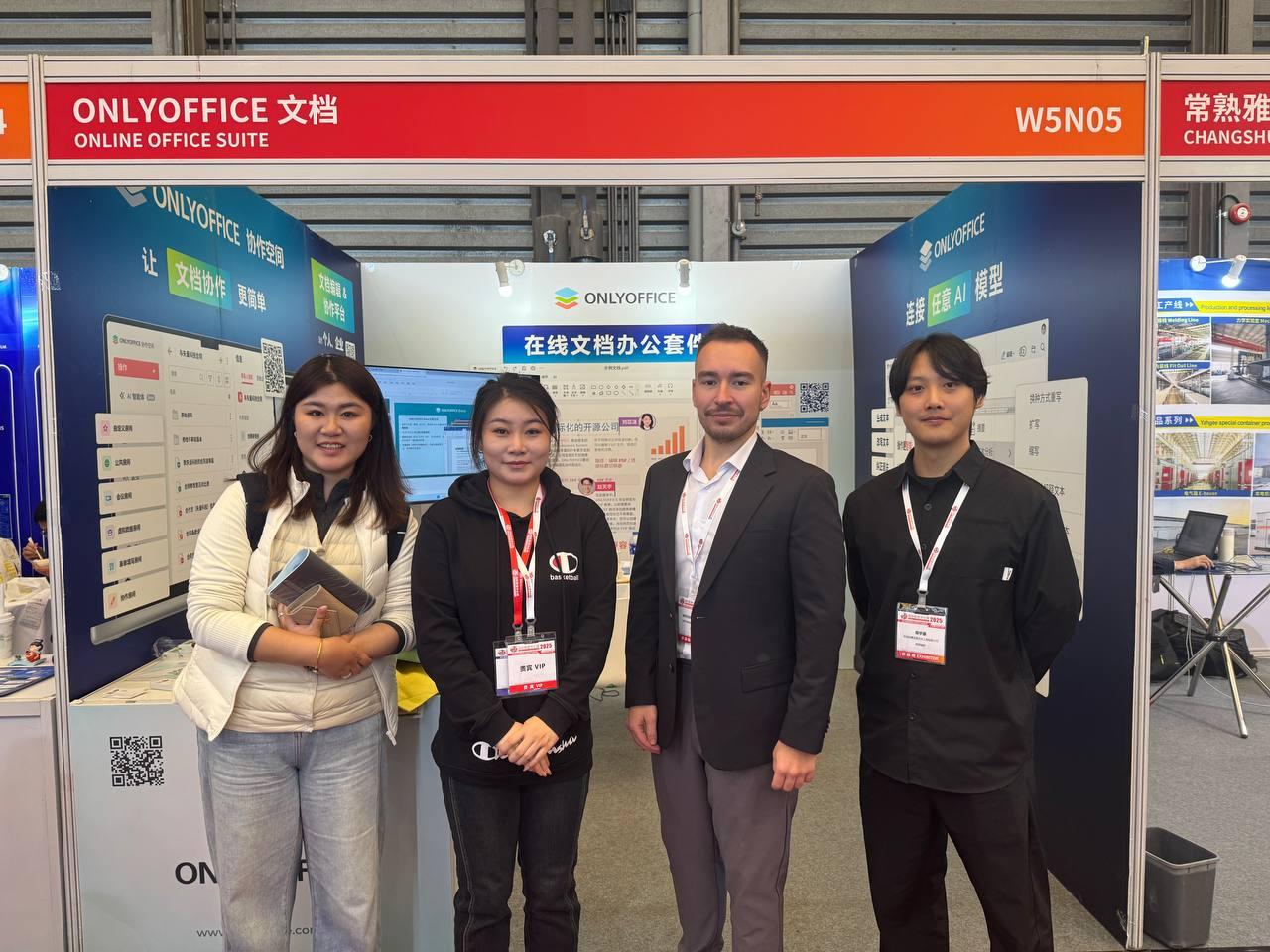
Meet the #ONLYOFFICE team at the China Data Center & Cloud Computing Industry Expo 2025 🇨🇳 📆 November 18–20, 2025 📠Shanghai, China 🌠The 2025 China Data Center Exhibition (CDCE) will bring together the latest innovations in data center infrastructure, computing power, ICT equipment, liquid cooling, cloud computing, AI, energy storage, and next-generation power systems. Meet the ONLYOFFICE team at booth W5 N05. #events
New ZipArchives plugin for #ONLYOFFICE DocSpace: open and extract ZIP files 🔥 The ZipArchives plugin is here, making it super easy to work with ZIP files directly in #ONLYOFFICE DocSpace. No extra software needed! Key features: ✅ Preview ZIPs: View contents without extracting. ✅ Selective extraction: Unzip only the files you need. ✅ Full extraction: Unpack everything into your chosen location. Learn more about this plugin on our blog: #Plugin #Release image
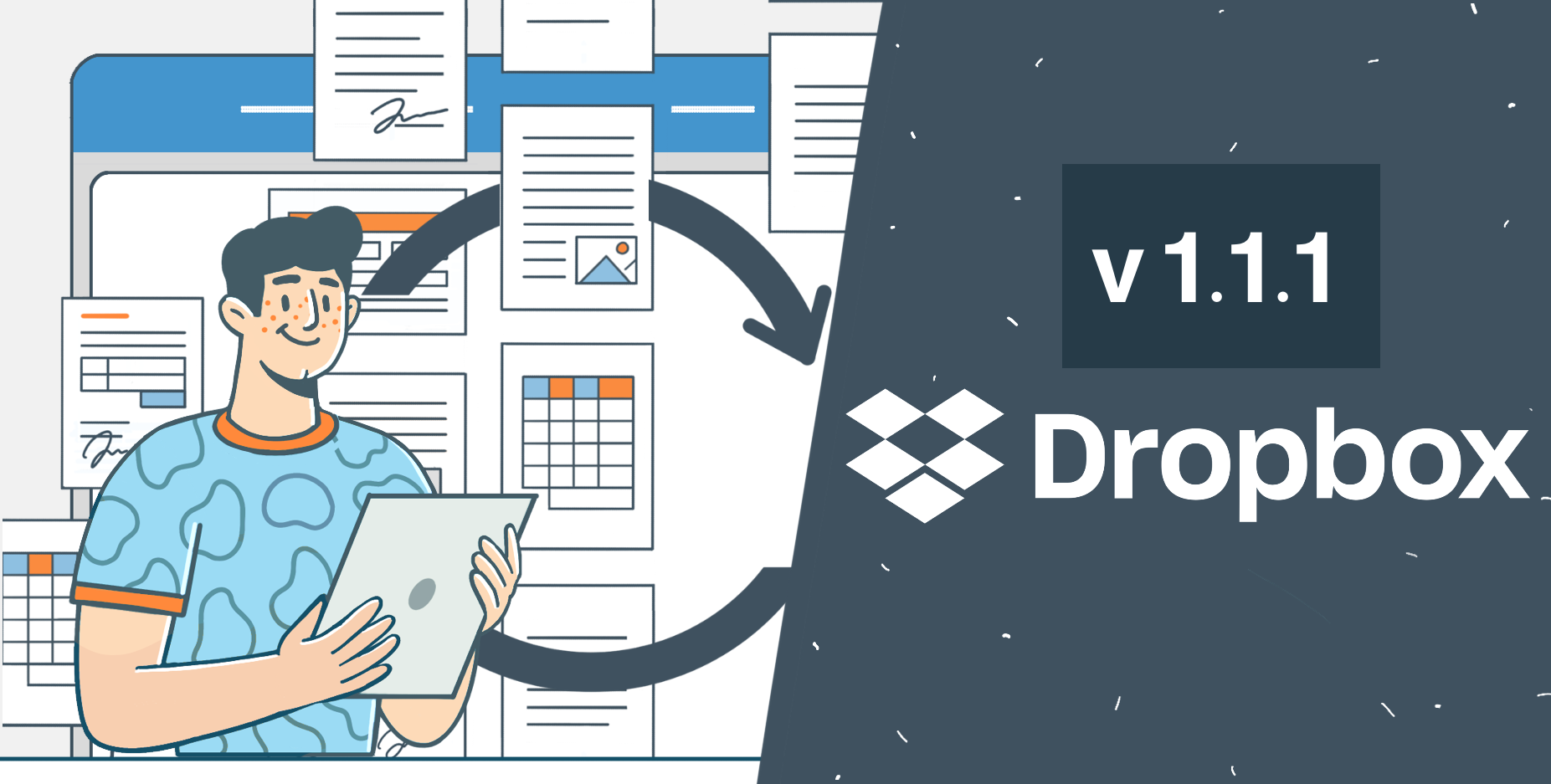
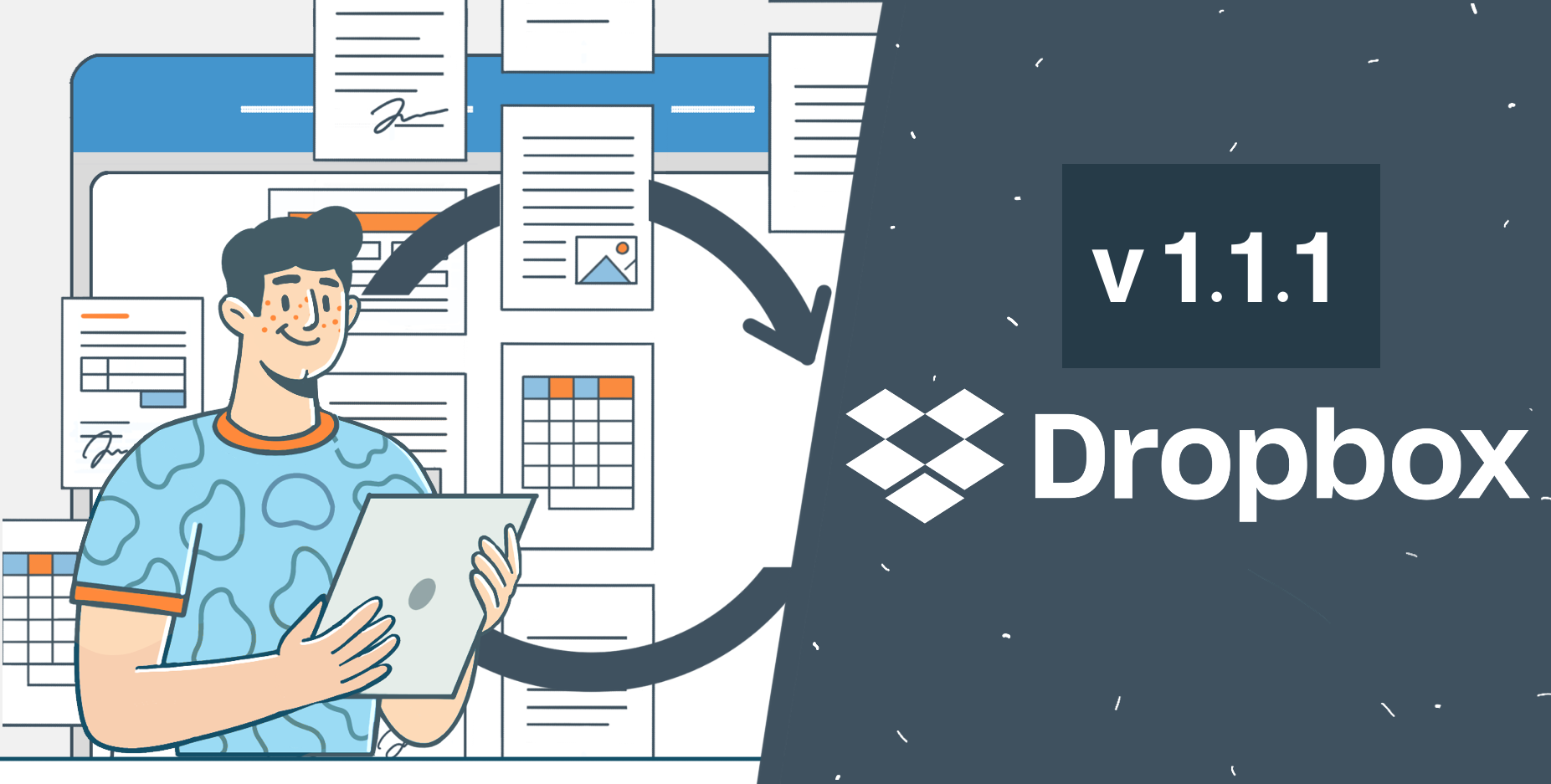
#ONLYOFFICE App 1.1.1 for #Dropbox is here: what's new🔥 Great news, #Dropbox users! The latest #ONLYOFFICE app update brings: ✅ New file formats: Edit/view Visio (.vsdx), Markdown (.md), iWork (Pages, Keynote, Numbers) and more! ✅ Team folder support: Collaborate seamlessly with your team on shared files. It’s free, easy to use, and requires no installation. Just right-click a file in Dropbox, select Open in ONLYOFFICE Docs and start editing! Learn more: image
#Zotero plugin update: Offline Mode, custom styles and more 🔥 The Zotero plugin for #ONLYOFFICE just got a great update. You can now use it offline in Desktop Editors, add your own custom citation styles (.csl files) and enjoy smoother citation management with various fixes and improvements. Update your plugin via the Plugin Manager to try it out! Learn more about this update in our blog: #Update #Zotero image
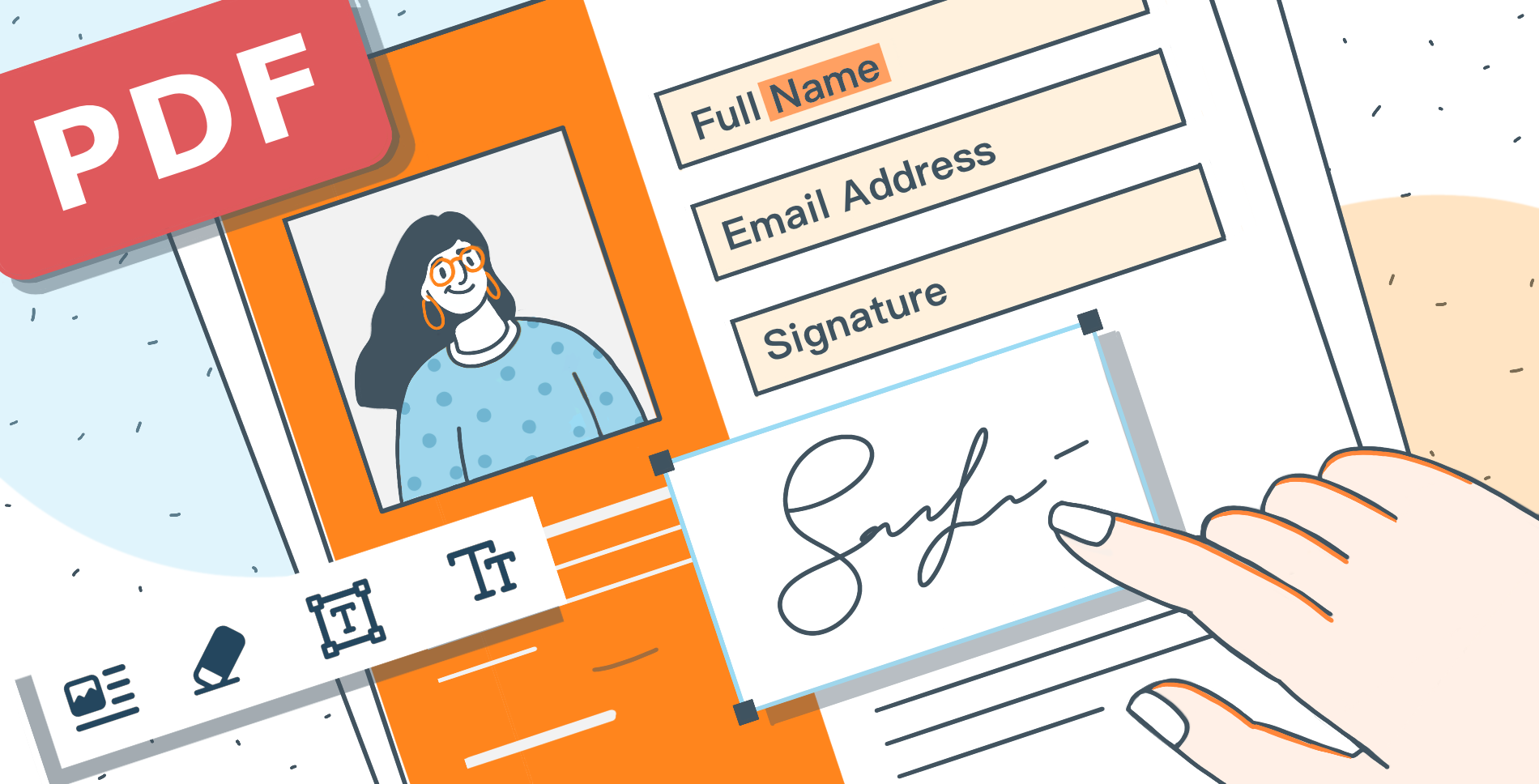
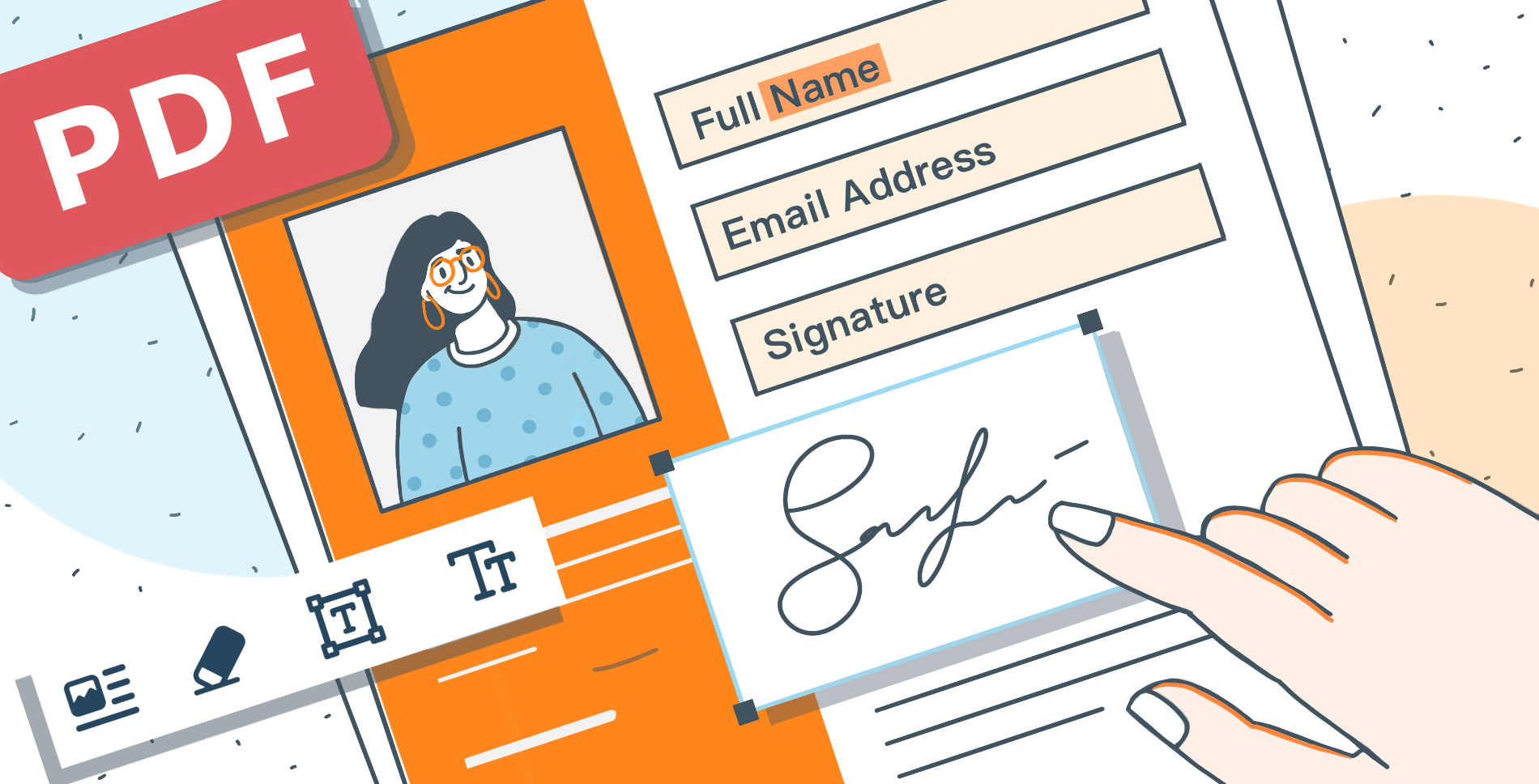
Do you need to redact a #PDF file? Try #ONLYOFFICE PDF Editor! With #ONLYOFFICE Docs 9.1, the PDF Editor now includes a Redact tool that makes it easy to permanently delete confidential content: 1ï¸âƒ£ Open your PDF in Editing mode. 2ï¸âƒ£ Switch to the Redact tab. 3ï¸âƒ£ Highlight what you want to remove. 4ï¸âƒ£ Use Find & Redact to search and mark content quickly. 5ï¸âƒ£ Apply the redaction to permanently erase the selected content. 6ï¸âƒ£ Save your document. Check out the full guide: image