Not your keys, not your coin.
Protecting private keys is the bedrock of Bitcoin security - without holding a private key, BTC isn’t truly owned. 🧵
A private key is a massive 256-bit number (up to 77 digits) that grants control over Bitcoin.
 Generating a private key on a device like Blockstream Jade involves multiple sources of randomness. This process ensures a unique, secure private key, created offline to avoid online exposure. The strength of the private key lies in this randomness.
A private key, when paired with a Bitcoin wallet, generates all Bitcoin addresses for receiving funds and signs transactions for sending BTC. It can be used across multiple wallets if needed, but it’s the ultimate access point to funds and must be kept secure.
Since securely storing a 256-bit number is impractical, Bitcoin wallets simplify it with a “seed phrase”—a list of 12-24 words representing the key.
Generating a private key on a device like Blockstream Jade involves multiple sources of randomness. This process ensures a unique, secure private key, created offline to avoid online exposure. The strength of the private key lies in this randomness.
A private key, when paired with a Bitcoin wallet, generates all Bitcoin addresses for receiving funds and signs transactions for sending BTC. It can be used across multiple wallets if needed, but it’s the ultimate access point to funds and must be kept secure.
Since securely storing a 256-bit number is impractical, Bitcoin wallets simplify it with a “seed phrase”—a list of 12-24 words representing the key.
 The seed phrase is critical: it’s the human-readable backup for the private key. When setting up a Bitcoin wallet, the device generates this phrase. Write it down carefully and in the exact order given. It is the sole recovery method if the device is lost or fails.
 Best practice? Record the seed phrase on something durable, like a metal plate. Physical storage on materials like Blockstream Metal protects against the failure of digital devices and guards against physical degradation.
https://store.blockstream.com/products/blockstream-metal-offline-backup
If significant funds are involved, avoid generating and storing private keys on internet-connected devices. Using a computer or smartphone risks exposure to malware or keyloggers. An open-source hardware wallet like Blockstream Jade Plus is the safest way to generate and handle private keys offline.
Best practice? Record the seed phrase on something durable, like a metal plate. Physical storage on materials like Blockstream Metal protects against the failure of digital devices and guards against physical degradation.
https://store.blockstream.com/products/blockstream-metal-offline-backup
If significant funds are involved, avoid generating and storing private keys on internet-connected devices. Using a computer or smartphone risks exposure to malware or keyloggers. An open-source hardware wallet like Blockstream Jade Plus is the safest way to generate and handle private keys offline.
 Bitcoin’s rising value makes it a target for attackers and a more valuable asset to safeguard.
Understanding, protecting, and backing up the private key is essential.
Bitcoin’s rising value makes it a target for attackers and a more valuable asset to safeguard.
Understanding, protecting, and backing up the private key is essential.
Generating a private key on a device like Blockstream Jade involves multiple sources of randomness. This process ensures a unique, secure private key, created offline to avoid online exposure. The strength of the private key lies in this randomness.
A private key, when paired with a Bitcoin wallet, generates all Bitcoin addresses for receiving funds and signs transactions for sending BTC. It can be used across multiple wallets if needed, but it’s the ultimate access point to funds and must be kept secure.
Since securely storing a 256-bit number is impractical, Bitcoin wallets simplify it with a “seed phrase”—a list of 12-24 words representing the key.
The seed phrase is critical: it’s the human-readable backup for the private key. When setting up a Bitcoin wallet, the device generates this phrase. Write it down carefully and in the exact order given. It is the sole recovery method if the device is lost or fails.
Best practice? Record the seed phrase on something durable, like a metal plate. Physical storage on materials like Blockstream Metal protects against the failure of digital devices and guards against physical degradation.
https://store.blockstream.com/products/blockstream-metal-offline-backup
If significant funds are involved, avoid generating and storing private keys on internet-connected devices. Using a computer or smartphone risks exposure to malware or keyloggers. An open-source hardware wallet like Blockstream Jade Plus is the safest way to generate and handle private keys offline.
Blockstream: Bitcoin and digital asset infrastructure
Blockstream Jade: A powerful hardware wallet for securing your Bitcoin.
Jade Plus
 Learn more about the new Jade Plus hardware wallet by Blockstream. ⬇️
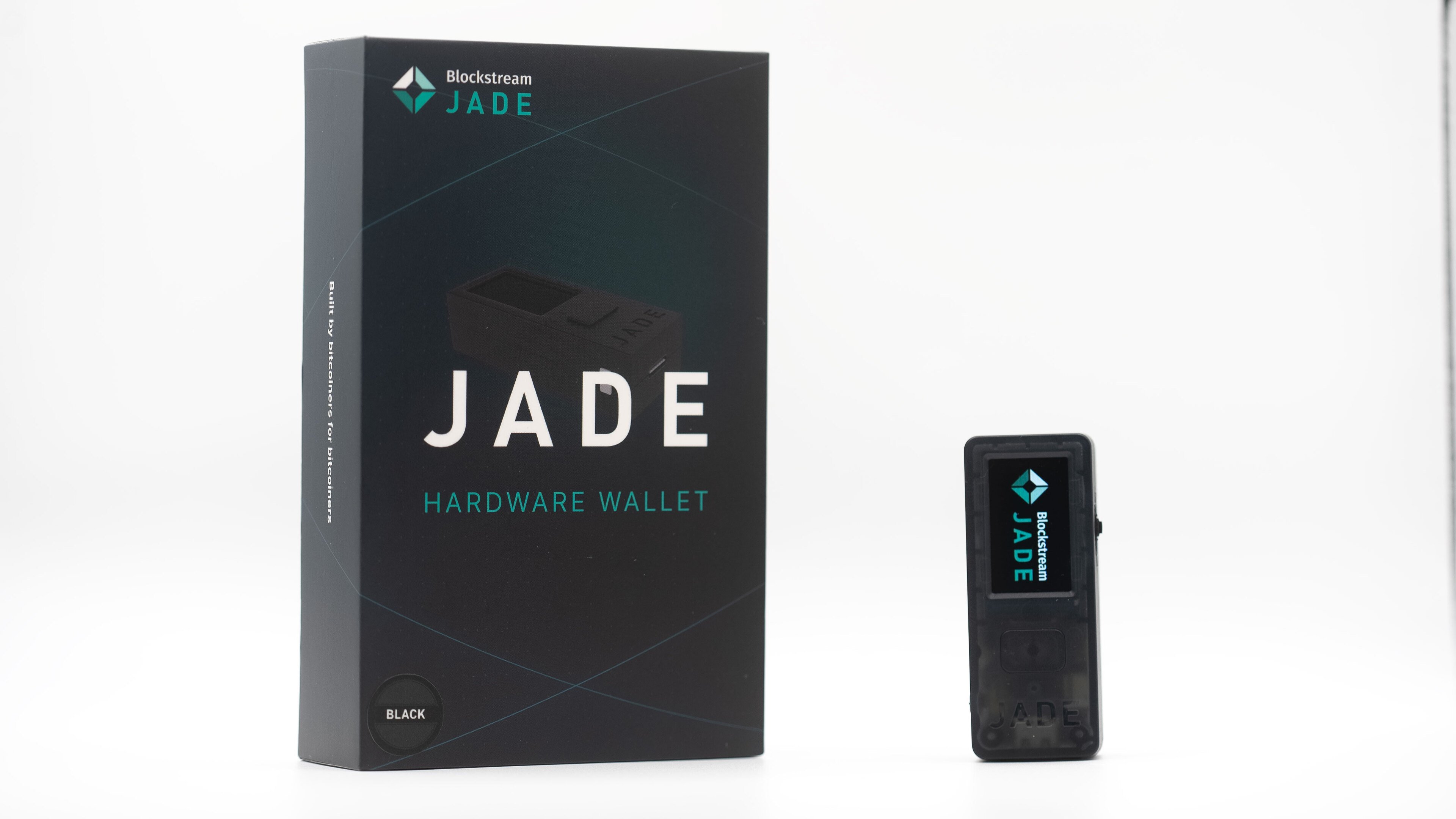
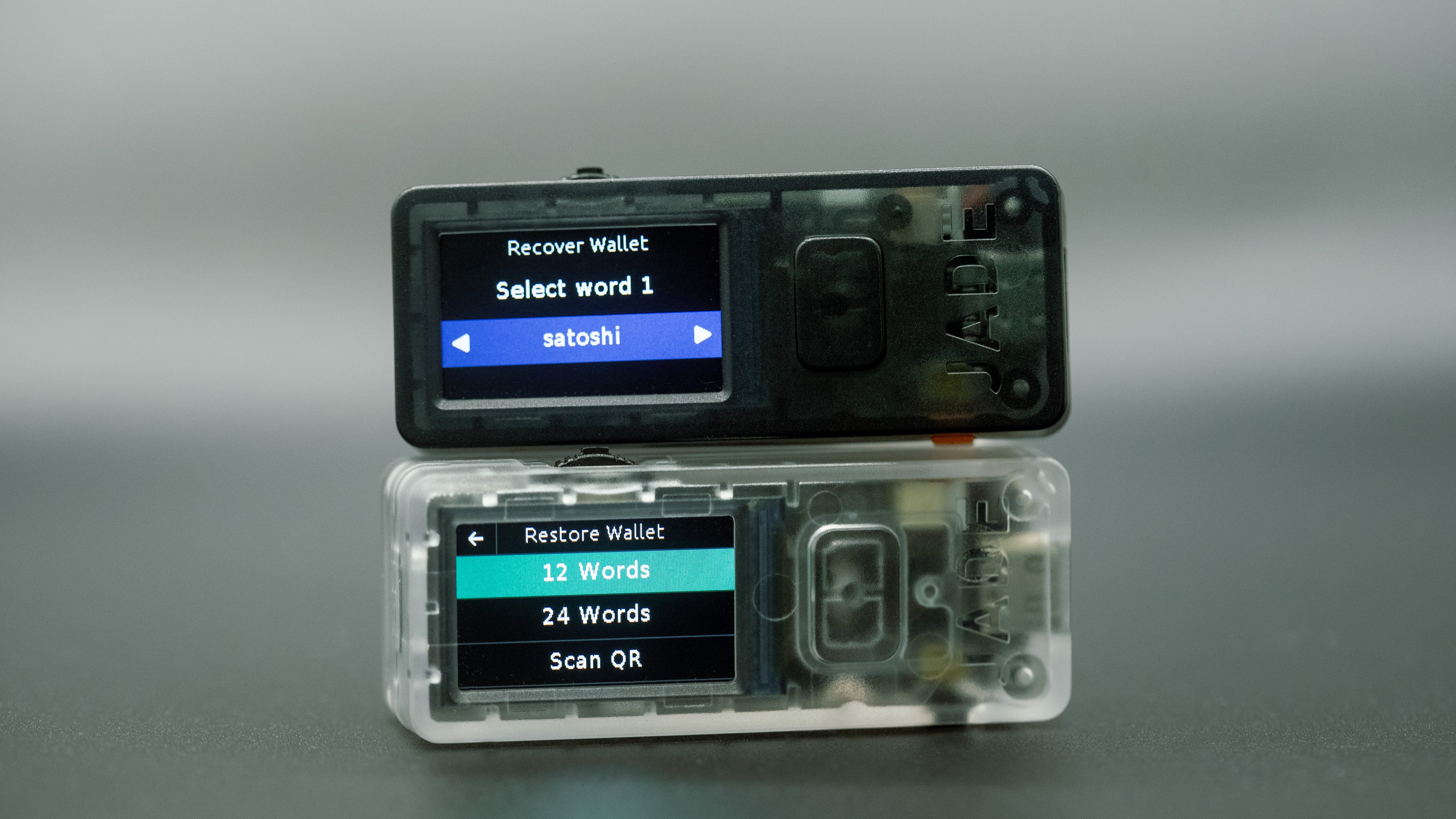 Using Jade’s Temporary Signer feature, you can log in with your recovery phrase without overwriting your wallet. Reboot Jade, select Options > Temporary Signer, input your recovery phrase, and confirm the wallet fingerprint matches your PIN-protected wallet. If they match, your backup is solid.
Help spread the word by sharing this post. We've got 3 Jades to give away, so follow and renote for a chance to win one.
Using Jade’s Temporary Signer feature, you can log in with your recovery phrase without overwriting your wallet. Reboot Jade, select Options > Temporary Signer, input your recovery phrase, and confirm the wallet fingerprint matches your PIN-protected wallet. If they match, your backup is solid.
Help spread the word by sharing this post. We've got 3 Jades to give away, so follow and renote for a chance to win one.