Profile

User's avatar
npub13hgj...g240
npub13hgj...g240
While reading the PSD specification, I saw that GIMP already has code to support importing several types of Adjustment Layers. I did a quick test with connecting the Threshold, Posterize, and Invert code to our PSD plug-in, and it seemed to work well! Hue/Saturation, Levels, and Curves should also be easy enough to add support for, since we already support PSD presets for those filters.
The concept of a "maskable adjustment layer" came up in conversation - where you can selectively mask an NDE filter on the layers below. I realized that after @npub1wvm3...5rdg 's work on making passthrough layer groups cover the full group render, we basically have this already. With a minor code tweak I'll be submitted soon, you can recreate maskable adjustment layers right in GIMP!
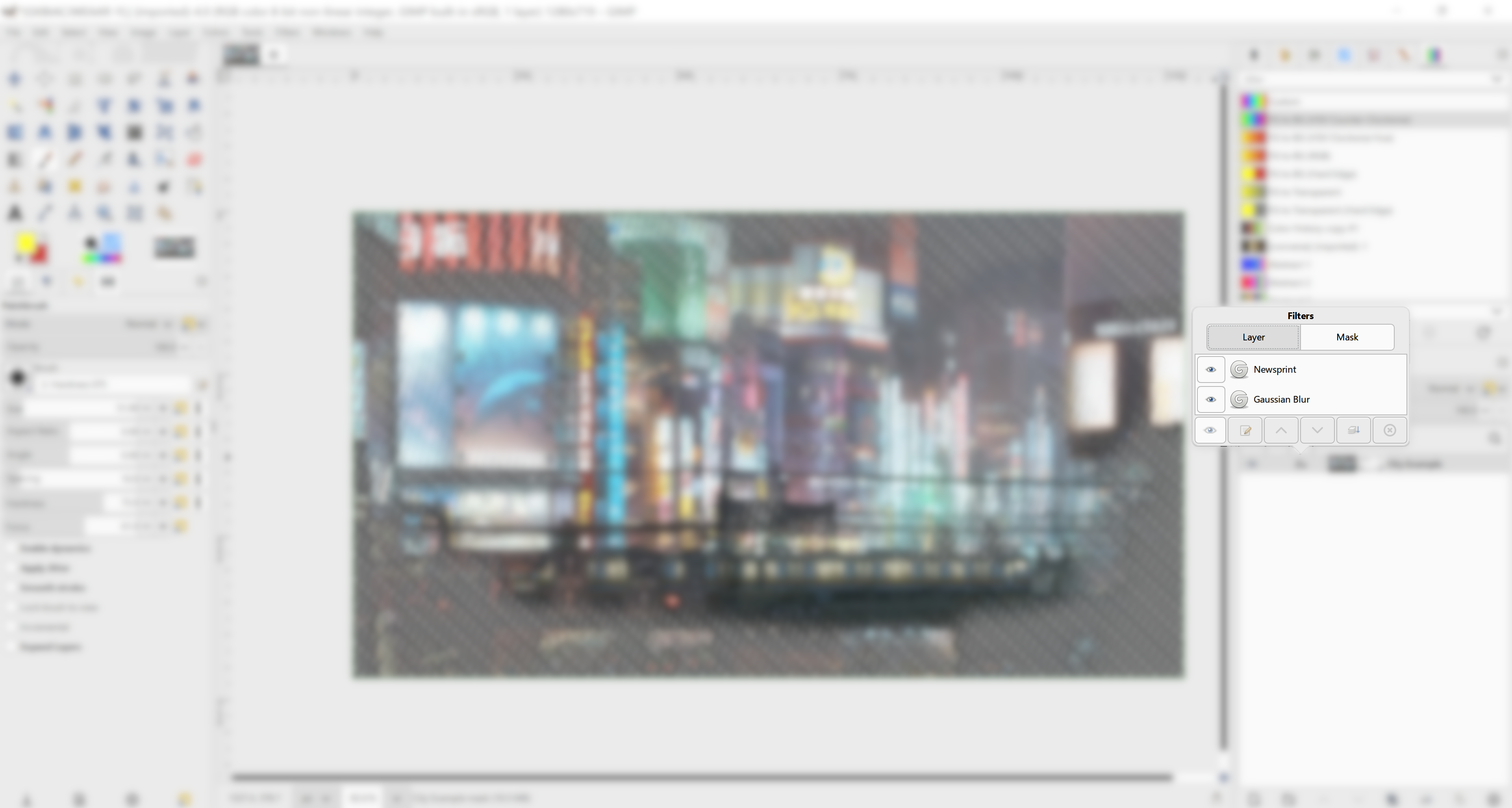
A WIP UI for non-destructive filters applied to layer masks. This is the tricky part - the actual implementation code was pretty simple. :) I'm not sure if the switcher should always appear, even if the mask (or layer) has no filters, or only if both the layer and mask have active filters. Feedback appreciated! image
A minor UX-related draft, based on and some discussions I've seen. This makes the image tab bar sensitive to drag-n-drop operations, and creates a new image when you drag one over on it. More testing needs to be done to make sure it doesn't cause conflicts elsewhere in GIMP, but it seems like a nice little quality of life update.
I've put together an AppImage with the latest version of the SVG export WIP. You're welcome to try it out and see what you think. You can get it by going to "View exposed Artifacts", clicking on "Linux Appimage", then following the links down until you get to the actual .appImage file.
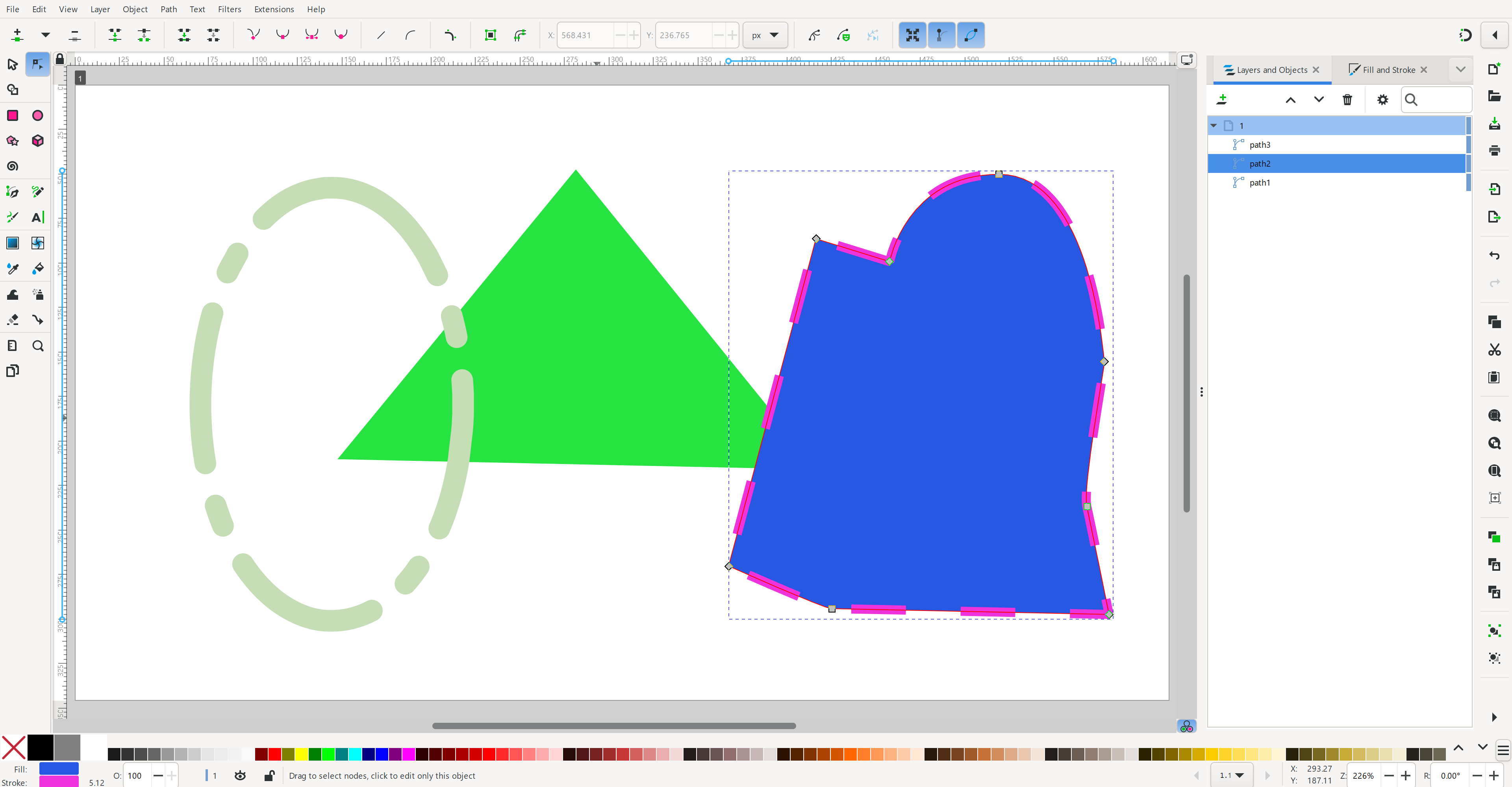
Progress continues on SVG export! Now it exports layer groups and some initial text layers (font-size only for now). I've got an initial GUI with options - next step is to enable saving raster layers as embedded base64 encoded images. I also want to give the option to link raster layers, but one step at a time. (My secondary goal is to make sure the SVG output is correct so I don't create new bug reports for @npub1wg8l...q6l7 in #Inkscape !) image