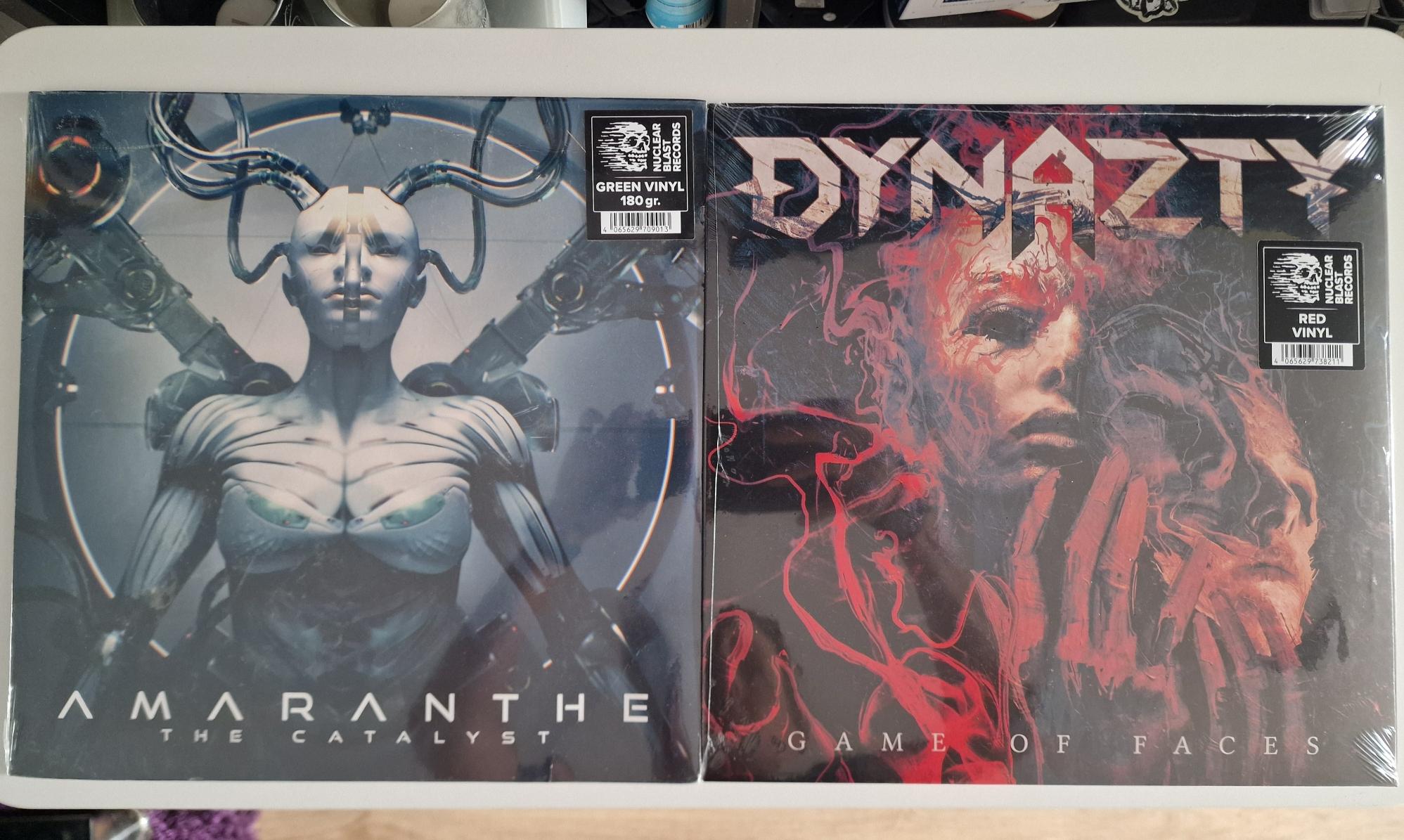
I got the records! 😁 Can't wait to give these vinyls a spin 🎶 #Vinyl #ShareYourMusic image
My monthly recap of #StatsFM is in, as May just started... I'll ask altbot to help with the alt, as I'm not good with text and numbers... I know Spotify isn't the best service, but it's what's available now, and easy to use... I do support artists when I can by buying their (vinyl) albums! (just used some early birthday money to order two records! :ablobcatheadphones:) #ShareYourMusic image
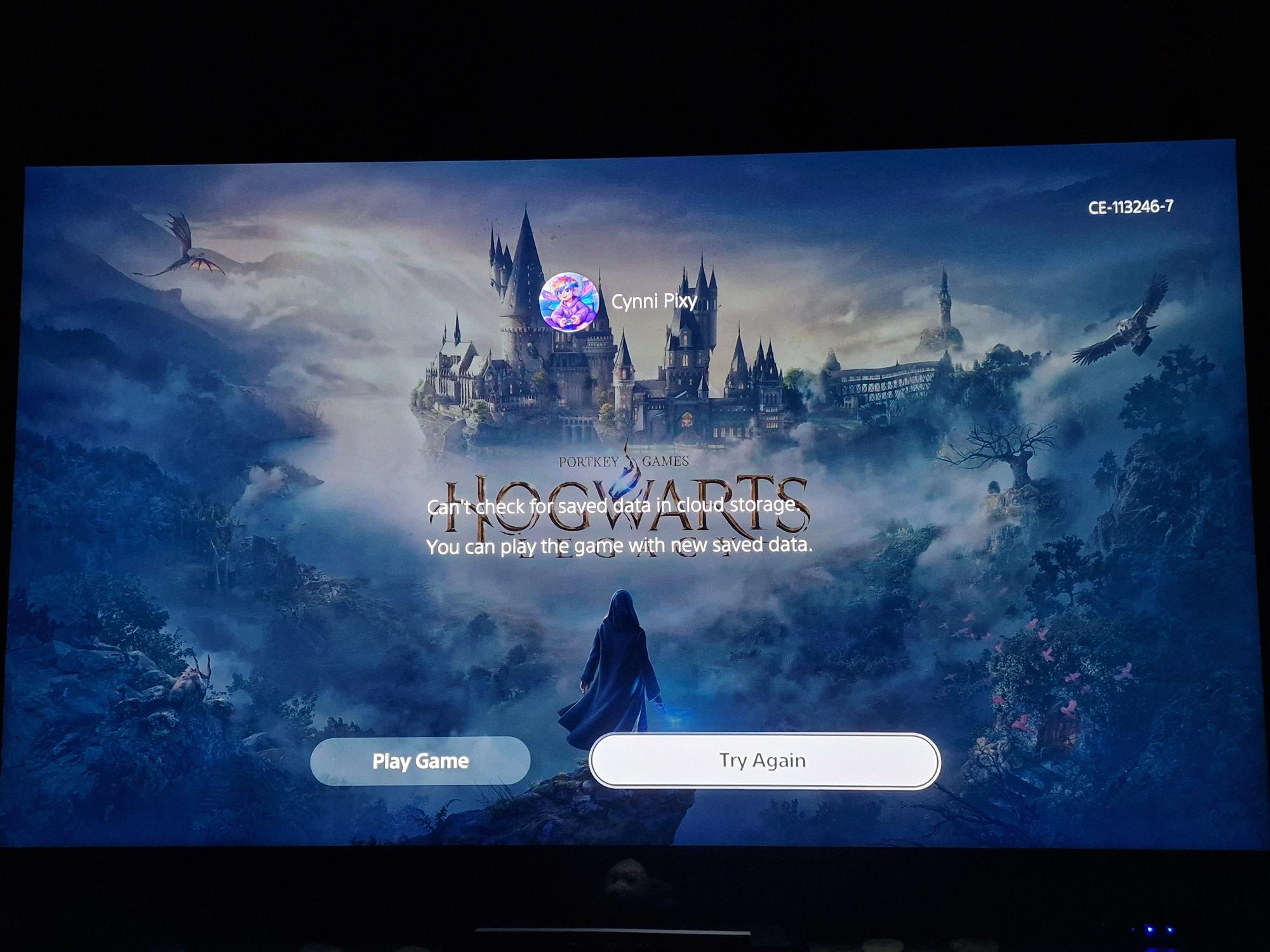
:blobcatgamer: Ello sweet gaming Friendos :purple_heart_sparkle: Owww slight change of plans... I know some may hate me over this... But I've always been interested in the Hogwarts Legacy game. I grew up (late teens though) with HP. I loved the books and movies. That was before I knew what a big asshat the writer would turn out to be. I didn't spend any more money on the franchise since that became known... But now... The game is on PS+, for which I pay every year. So now... I do want to give this game a go... It doesn't mean that I don't support and love the trans :kirby_flag_trans: community any less... And maybe I'll hate the game... Who knows... But please don't hate me when I share things of this game. I'll use a CW, as I know it can be triggering.... I've just been interested and I'd like to try it... That is, if PSN will let me stream it! I don't have enough SSD space... But lately it keeps giving me cloud storage errors when I try to stream games! Error code CE-113246-7 I found this about it: I checked all my settings and my connection, and PS tests all say all is good... But I keep getting the error! I'm currently moving a game to USB storage, so I don't need to reinstall everything when I want to play it again. Damn, this will take some time... And then I'll need to download the game... Guess I can watch some telly till then... If anyone knows how to successfully get rid of the cloud error, so let me know please! :playstation: 🧚🏼‍♀️ image
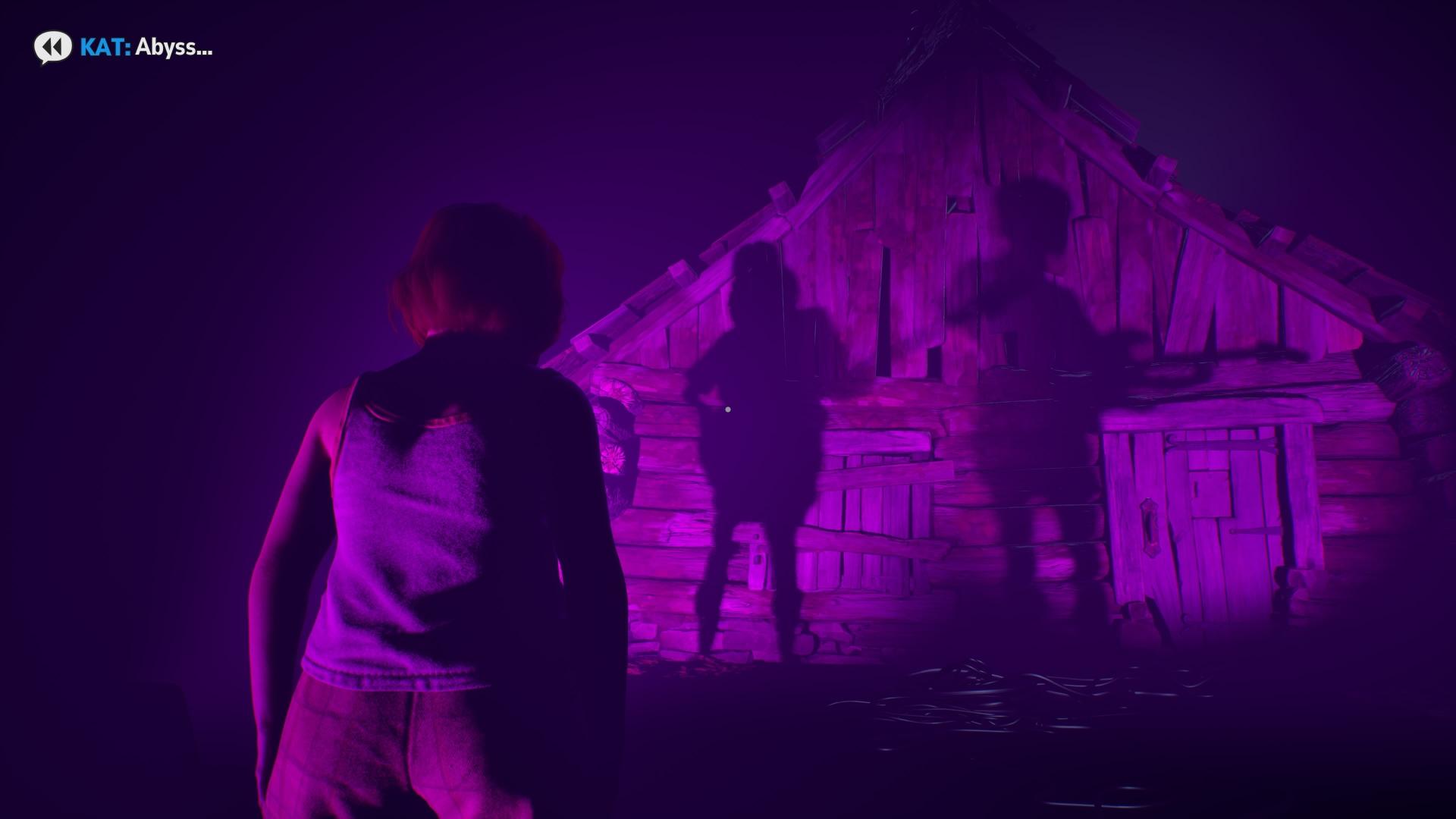
Sharing a screenshot of the start of "Lost Records: Bloom & Rage", Tape 2. Will CW so it won't be a spoiler. Tbf it doesn't reveal much, but still... :playstation: 🧚🏼‍♀️ #ShareYourGames #Gaming #PS5 #Playstation #LostRecords #ScreenShot image
PSN says all services are working. So maybe it's a bug for this game? I steam it as I don't have much free space on the SSD, and I really can't afford to get myself a bigger extra SSD at the moment... But my internet connection is good and usually stable, so streaming games has never been an issue... Including a snap I took of my TV with the error it gives me. But... The silly thing is... The "last save" it shows me, was indeed the last one I've played. So, it seems to be loading it well, even though it gives an error that it can't connect? 🤔 Weird.... :playstation: 🧚🏼‍♀️ #Playstation #PS5 #Gaming #PSNplus #LostRecords image
Dear @Fedilab Apps I've been using your app a LOT again since the recent bug fixes, thanks sooooo much for that! 😁 But... I've been using alt bot for my images. I share the toot, the bot replies with the alt, and I edit the Toot to add the text. It works well when I just have one image. But.... When I want to edit my Toot and add more than one Alt text, the Toot won't save them all.... It will save one of them, and the rest of the added alts don't get saved to the images. I don't know if it's not possible to add more than one alt edit at a time? But I used Tusky before, and it let's me add all the texts in one edit and then saves them. I first thought I had just forgotten the other Alt texts, but when it happened more than once, I guessed that it was a bug perhaps? Hopefully you'll find this message well and you'll be able to add an update/fix for this. Thanks for all the good work! :blobcatflower: I really appreciate it and I love the app!! 😁