#ONLYOFFICE updates: Docs 9.2, AI innovations, and new features in DocSpace🔥
Join our live breakdown of #ONLYOFFICE Docs 9.2 and DocSpace 3.6 on #YouTube:
Join the #ONLYOFFICE Black Friday giveaway on #Instagram 🔥
Participate in our biggest giveaway of the year and win one of these awesome prizes:
✅ One DocSpace Business annual license
✅ Two Amazon (or equivalent) vouchers worth €100 and €50
Learn more in this Instagram post: https://www.instagram.com/p/DRmWA6_iC4G/?igsh=MTBoZGNqazM2aGg5aw==
Debugging #ONLYOFFICE plugins: practical tips for developers 🔥
Our new guide covers:
✔️ Plugin Structure – Key files like config.json and index.html.
✔️ Web Debugging – Use debugger with DevTools (F12).
✔️ Desktop Debugging – Run with –ascdesktop-support-debug-info for extra insights.
✔️ Managing Scopes – Pass data seamlessly with Asc.scope.
✔️ Troubleshooting – Solve common issues like CORS errors and ignored debugger commands.
Read the full guide in our blog:
Don’t miss our webinar: AI upgrades in #ONLYOFFICE Docs 9.2 and DocSpace 3.6🔥
Join us for a quick walkthrough of the latest AI features in ONLYOFFICE Docs 9.2 and DocSpace 3.6 coming soon!
📆 Dec 1, 2025, at 13:00 CET
🌐 ONLYOFFICE #YouTube channel
See live demos of AI agents, smart grammar correction and mobile AI integrations.
Ask a question before the webinar and get 50% off #ONLYOFFICE Docs Home Server!
More information in our blog:
Codemirror plugin for #ONLYOFFICE DocSpace: view and edit code files ⌨️
We’re excited to introduce the Codemirror plugin, a built-in code editor for #ONLYOFFICE DocSpace with the following features:
✅ Create, open and edit code files right in DocSpace, no need to switch tools.
✅ Syntax highlighting for easy, readable code.
✅ Support for many languages: C, C++, JavaScript, TypeScript, Python, PHP, HTML, CSS, SQL, YAML, JSON and more.
Learn more in our blog:
#ONLYOFFICE Desktop Editors is now the default office suite for Canaima GNU/Linux 🔥
Canaima, a Debian-based OS from Venezuela, promotes free and open-source tech, and this integration brings powerful tools to its users.
With #ONLYOFFICE, Canaima users can:
✅ Edit Word, Excel, and PowerPoint files
✅ Annotate and redact PDFs
✅ Use #AI assistants
✅ Collaborate in real-time via integrations with DocSpace and more
Learn more about this OS on our blog:
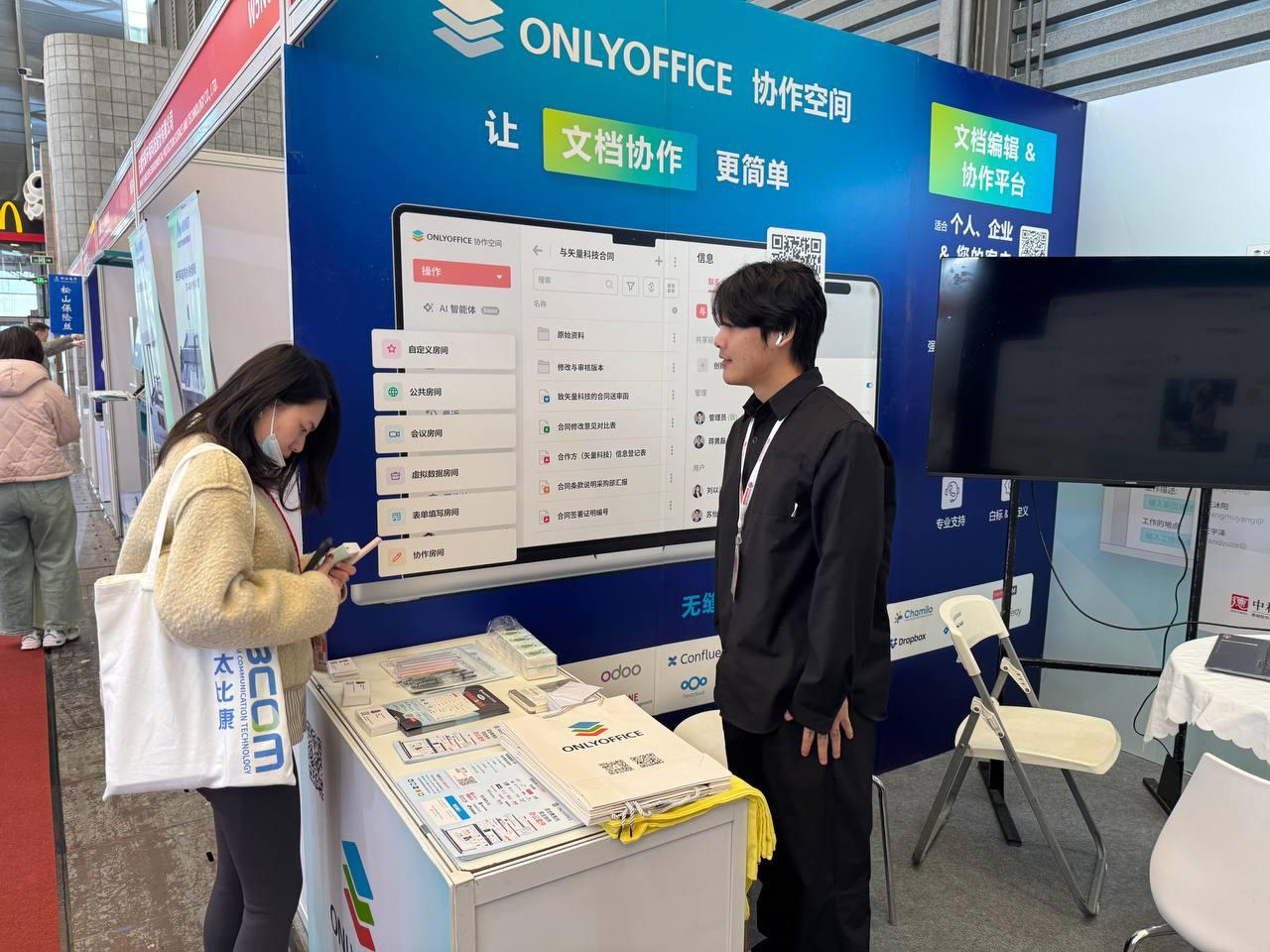
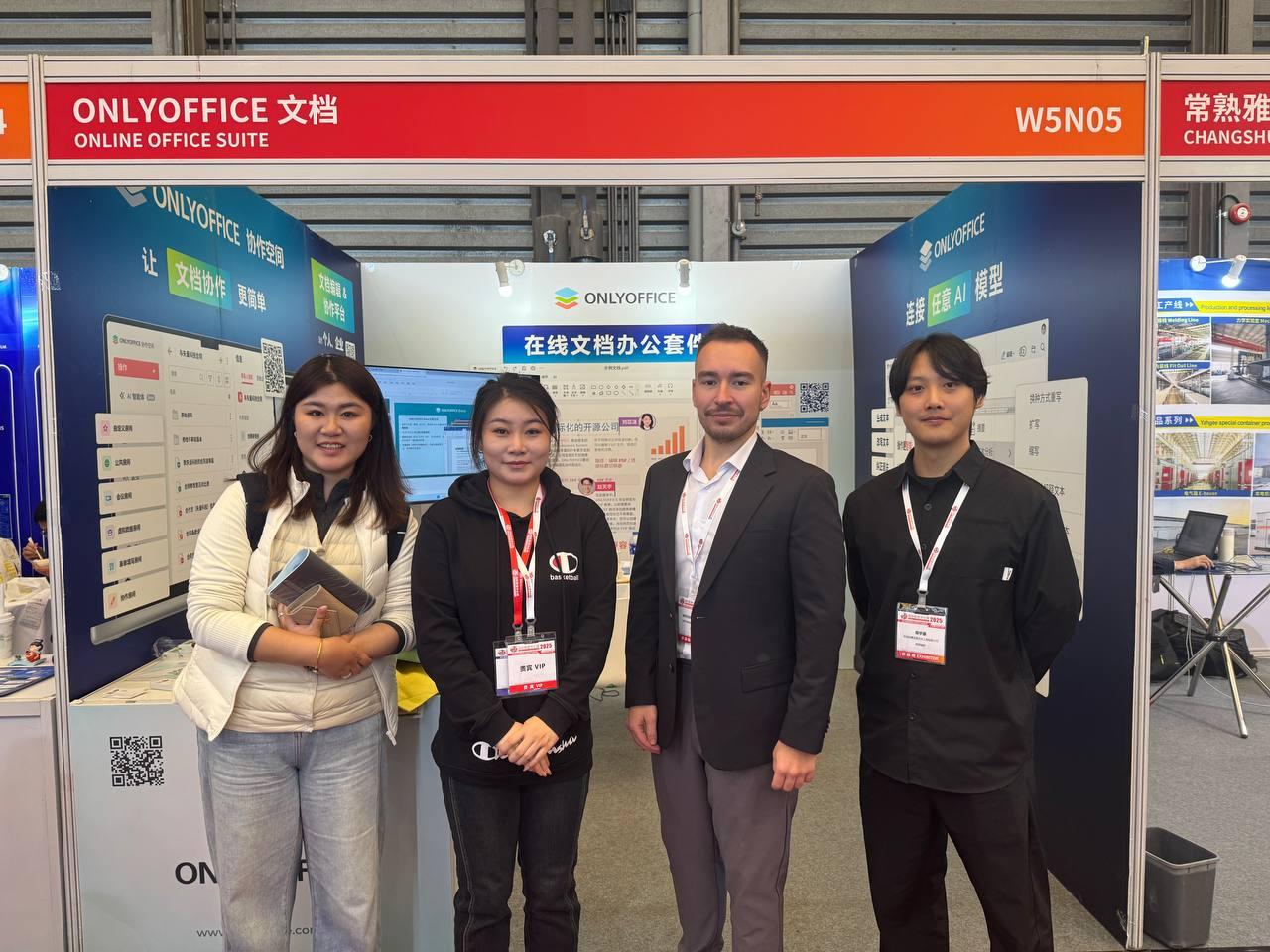
The 2025 China Data Center Exhibition (CDCE) will bring together the latest innovations in data center infrastructure, computing power, ICT equipment, liquid cooling, cloud computing, AI, energy storage, and next-generation power systems.
Meet the ONLYOFFICE team at booth W5 N05.
#events
New ZipArchives plugin for #ONLYOFFICE DocSpace: open and extract ZIP files 🔥
The ZipArchives plugin is here, making it super easy to work with ZIP files directly in #ONLYOFFICE DocSpace. No extra software needed!
Key features:
✅ Preview ZIPs: View contents without extracting.
✅ Selective extraction: Unzip only the files you need.
✅ Full extraction: Unpack everything into your chosen location.
Learn more about this plugin on our blog:
#ONLYOFFICE App 1.1.1 for #Dropbox is here: what's new🔥
Great news, #Dropbox users! The latest #ONLYOFFICE app update brings:
✅ New file formats: Edit/view Visio (.vsdx), Markdown (.md), iWork (Pages, Keynote, Numbers) and more!
✅ Team folder support: Collaborate seamlessly with your team on shared files.
It’s free, easy to use, and requires no installation. Just right-click a file in Dropbox, select Open in ONLYOFFICE Docs and start editing!
Learn more: