#ONLYOFFICE App 1.1.1 for #Dropbox is here: what's new🔥 Great news, #Dropbox users! The latest #ONLYOFFICE app update brings: ✅ New file formats: Edit/view Visio (.vsdx), Markdown (.md), iWork (Pages, Keynote, Numbers) and more! ✅ Team folder support: Collaborate seamlessly with your team on shared files. It’s free, easy to use, and requires no installation. Just right-click a file in Dropbox, select Open in ONLYOFFICE Docs and start editing! Learn more: image

#Zotero plugin update: Offline Mode, custom styles and more 🔥 The Zotero plugin for #ONLYOFFICE just got a great update. You can now use it offline in Desktop Editors, add your own custom citation styles (.csl files) and enjoy smoother citation management with various fixes and improvements. Update your plugin via the Plugin Manager to try it out! Learn more about this update in our blog: #Update #Zotero image
Do you need to redact a #PDF file? Try #ONLYOFFICE PDF Editor! With #ONLYOFFICE Docs 9.1, the PDF Editor now includes a Redact tool that makes it easy to permanently delete confidential content: 1️⃣ Open your PDF in Editing mode. 2️⃣ Switch to the Redact tab. 3️⃣ Highlight what you want to remove. 4️⃣ Use Find & Redact to search and mark content quickly. 5️⃣ Apply the redaction to permanently erase the selected content. 6️⃣ Save your document. Check out the full guide: image
A developer's guide to #ONLYOFFICE style and color APIs 🔥 If you're diving into plugin development for #ONLYOFFICE, you won't want to miss our comprehensive guide on using the style and color APIs. Here’s a sneak peek of what you’ll learn: ✔️ Customizing text styles ✔️ Color management ✔️ Paragraph styling ✔️ Pro tips Check out the full guide on our blog: #Guide #API image
Exciting news for Liferay users: #ONLYOFFICE connector v3.1.0 is here! This update brings a host of new features and improvements to make your document editing experience even better: ✅ Advanced editing features in #PDF files, documents, spreadsheets and presentations; ✅ Diagram Viewer for Visio files; ✅ Expanded file format support. The updated connector is free and available on #GitHub. For more details, check out the full release post on our blog: image
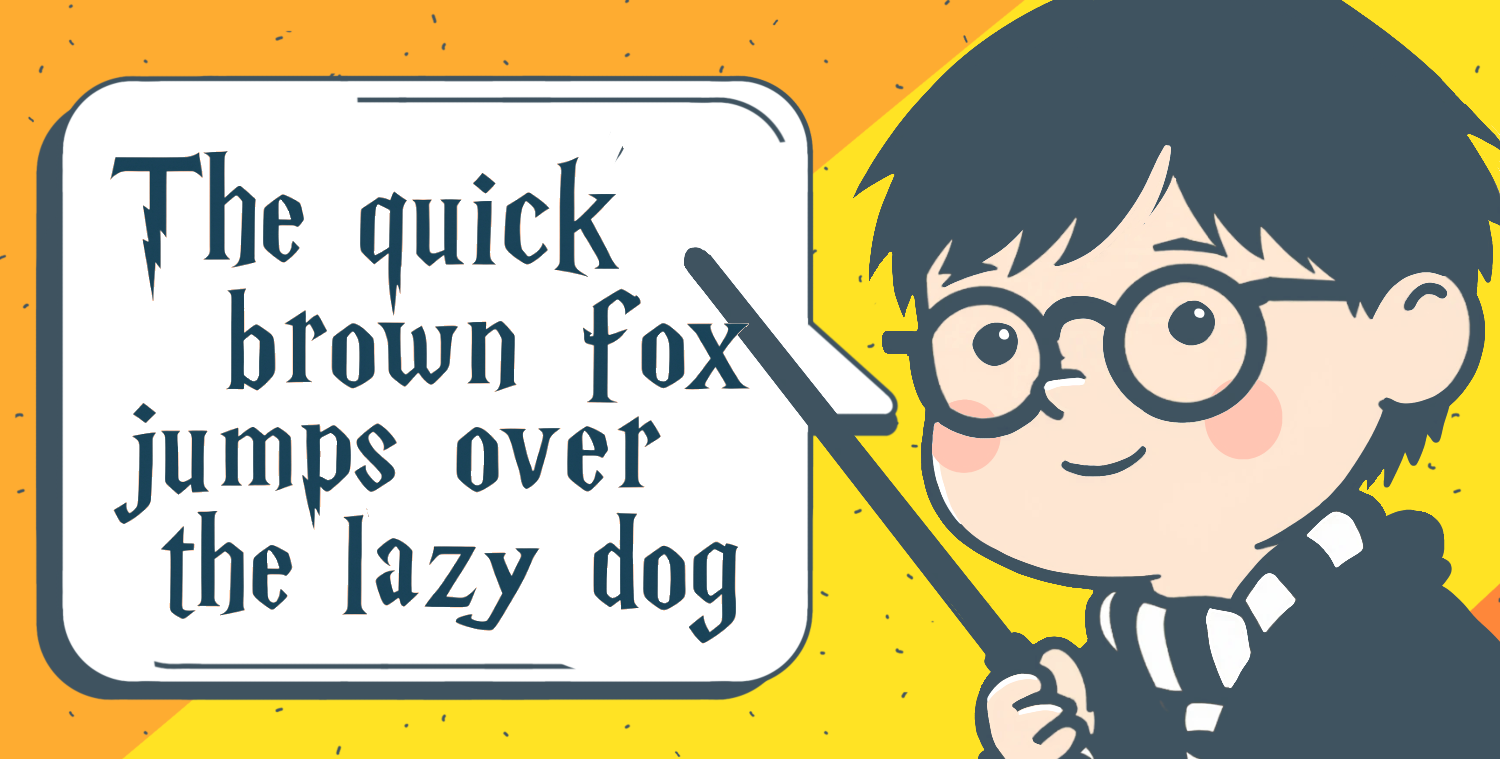
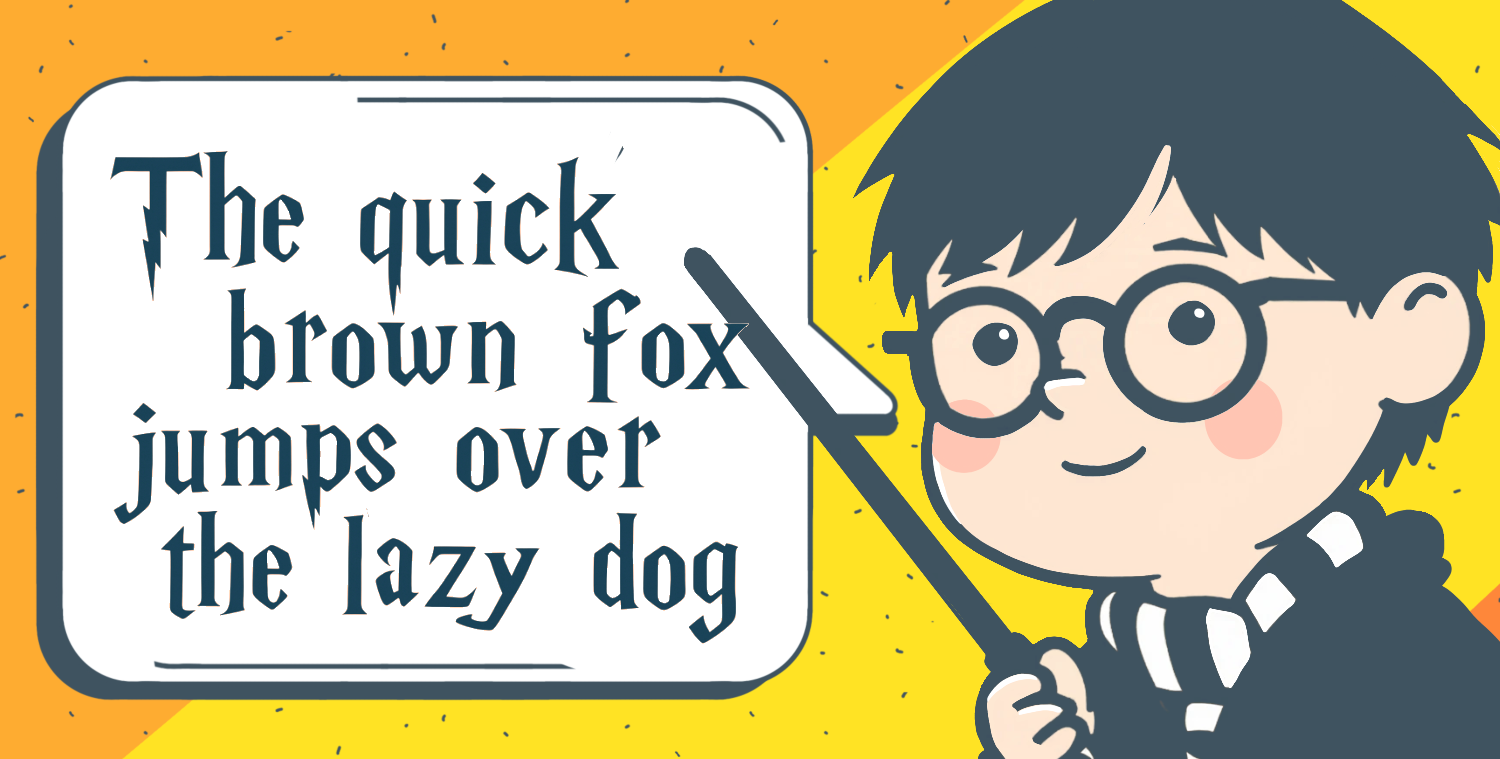
How to add a touch of magic to your documents with the Harry Potter font🪄 Ever wanted to bring a bit of Hogwarts magic to your documents? Our blog post has you covered: ✔️ The story behind the Harry Potter font. ✔️ A list of the best Harry Potter-inspired fonts. ✔️ Where to safely download these fonts. ✔️ Step-by-step instructions on how to install and use these fonts in #ONLYOFFICE Desktop Editors for Windows, Linux and macOS. Check out the full blog post: image
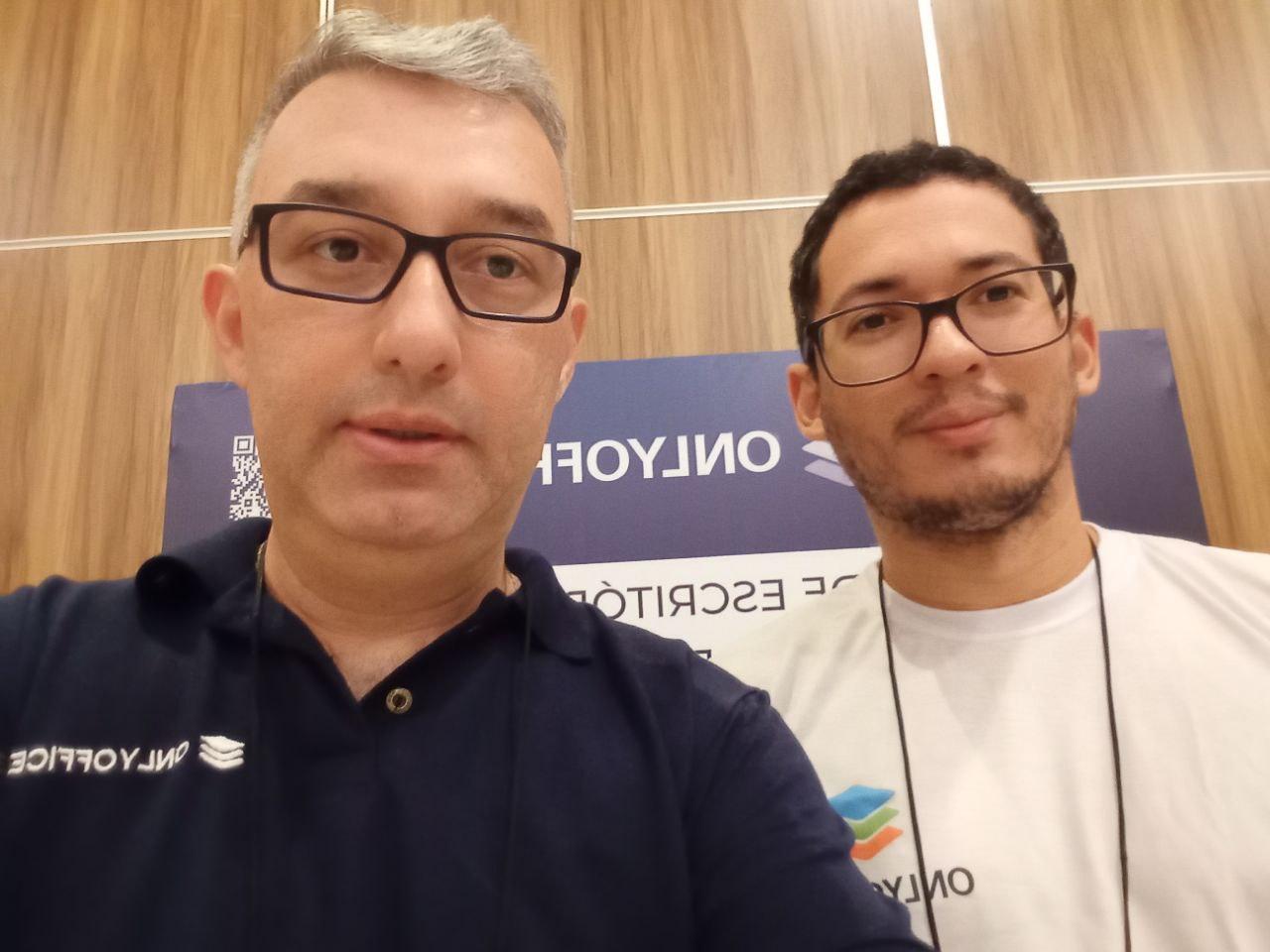
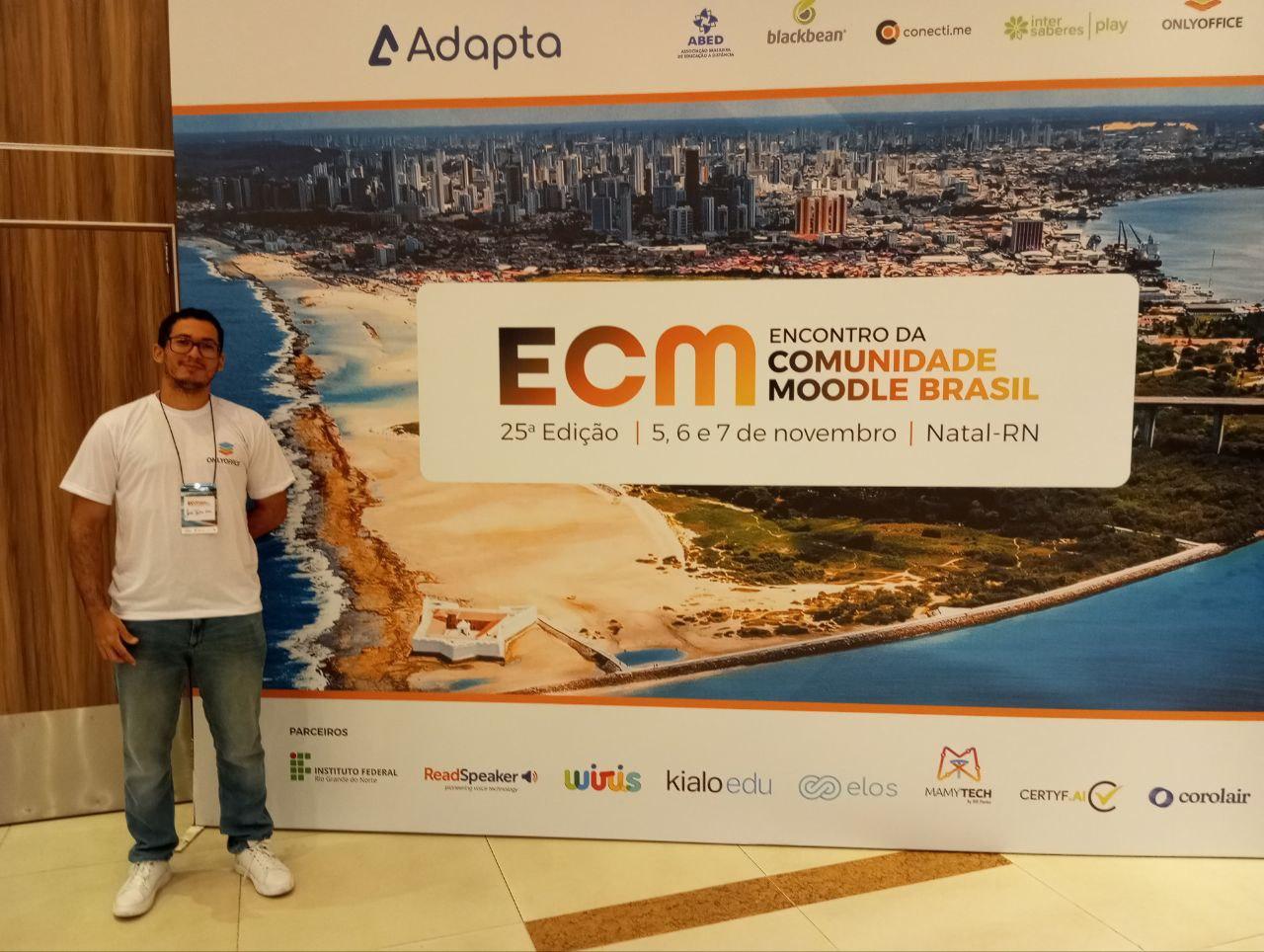
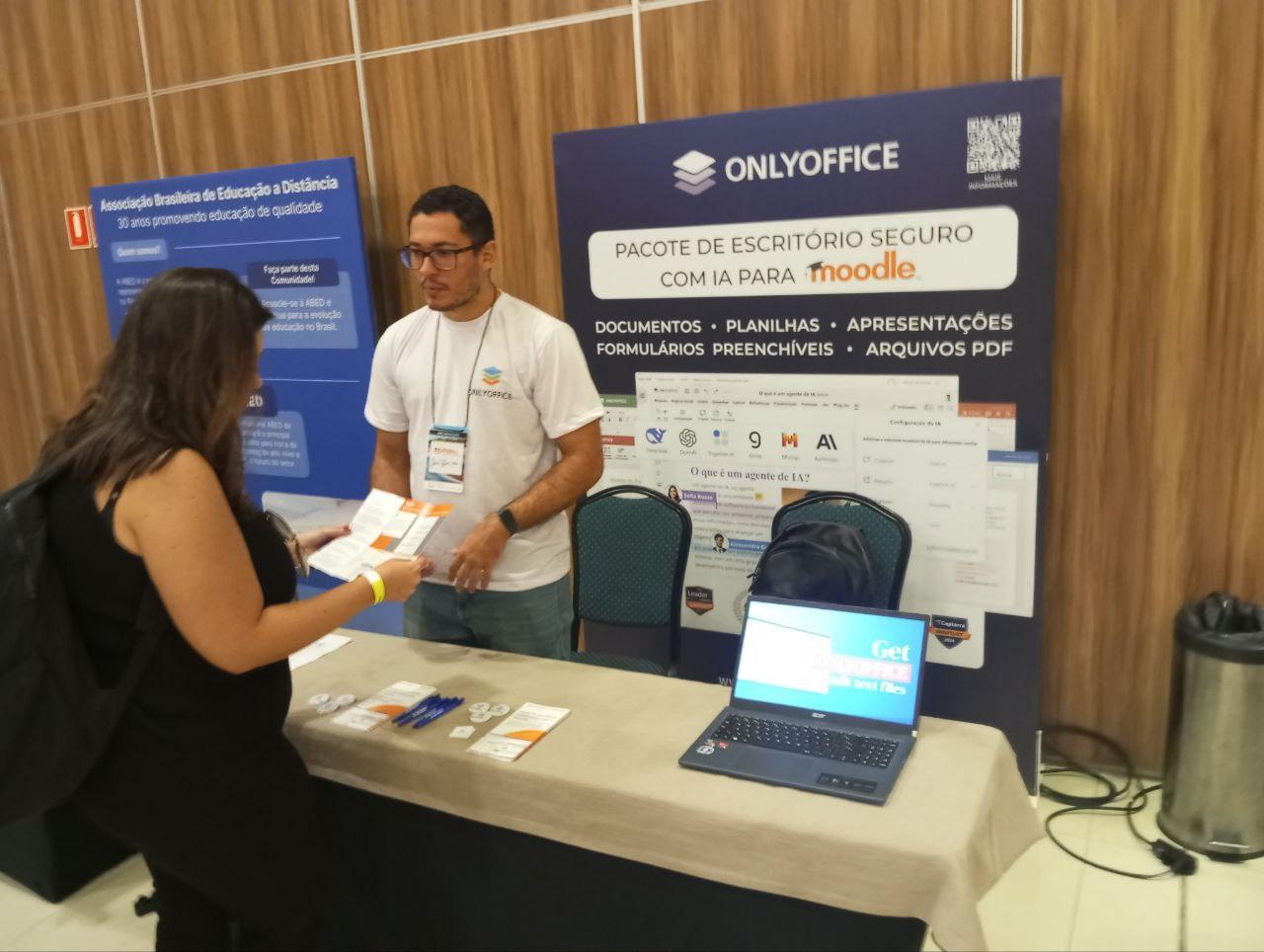
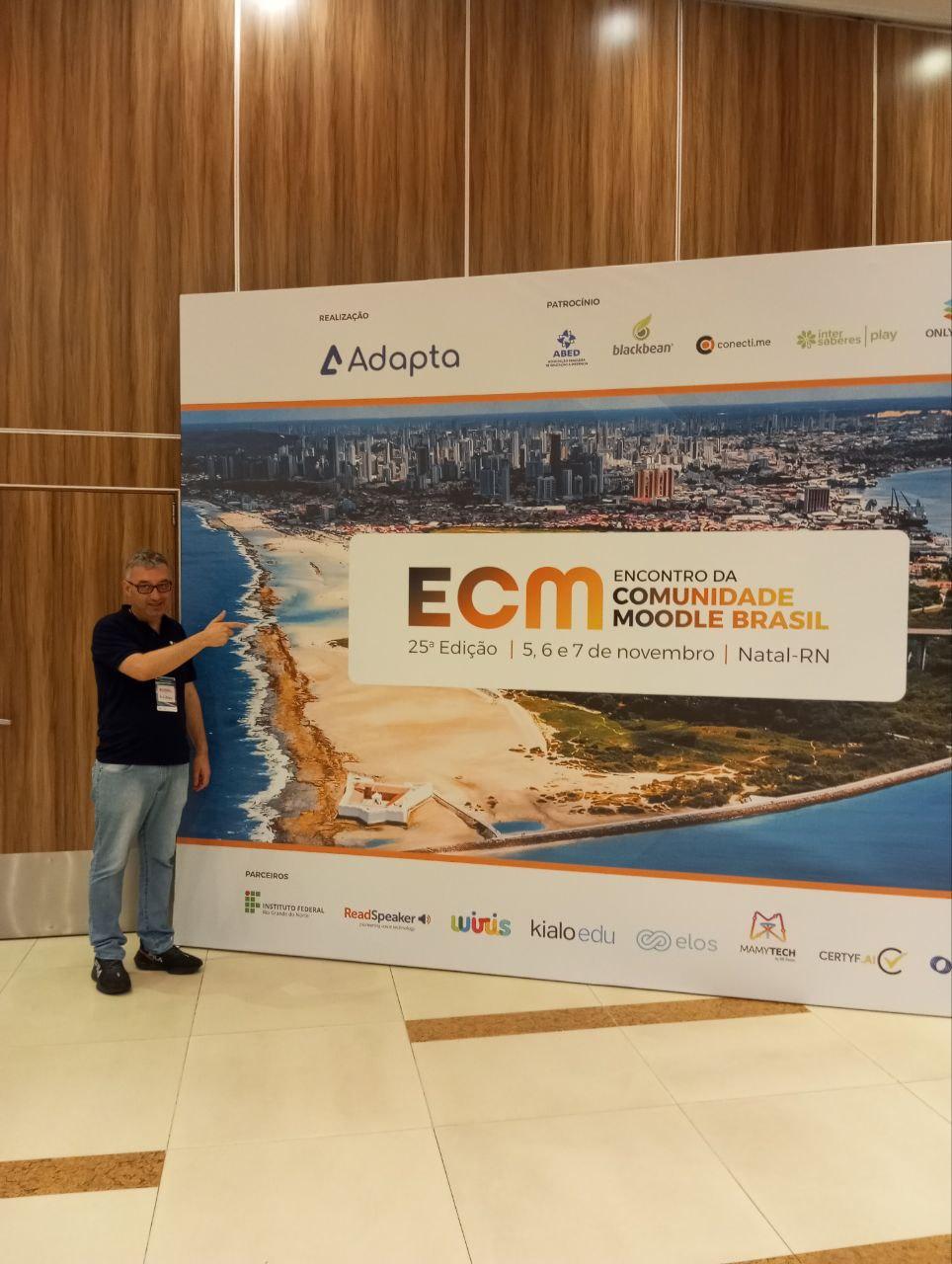
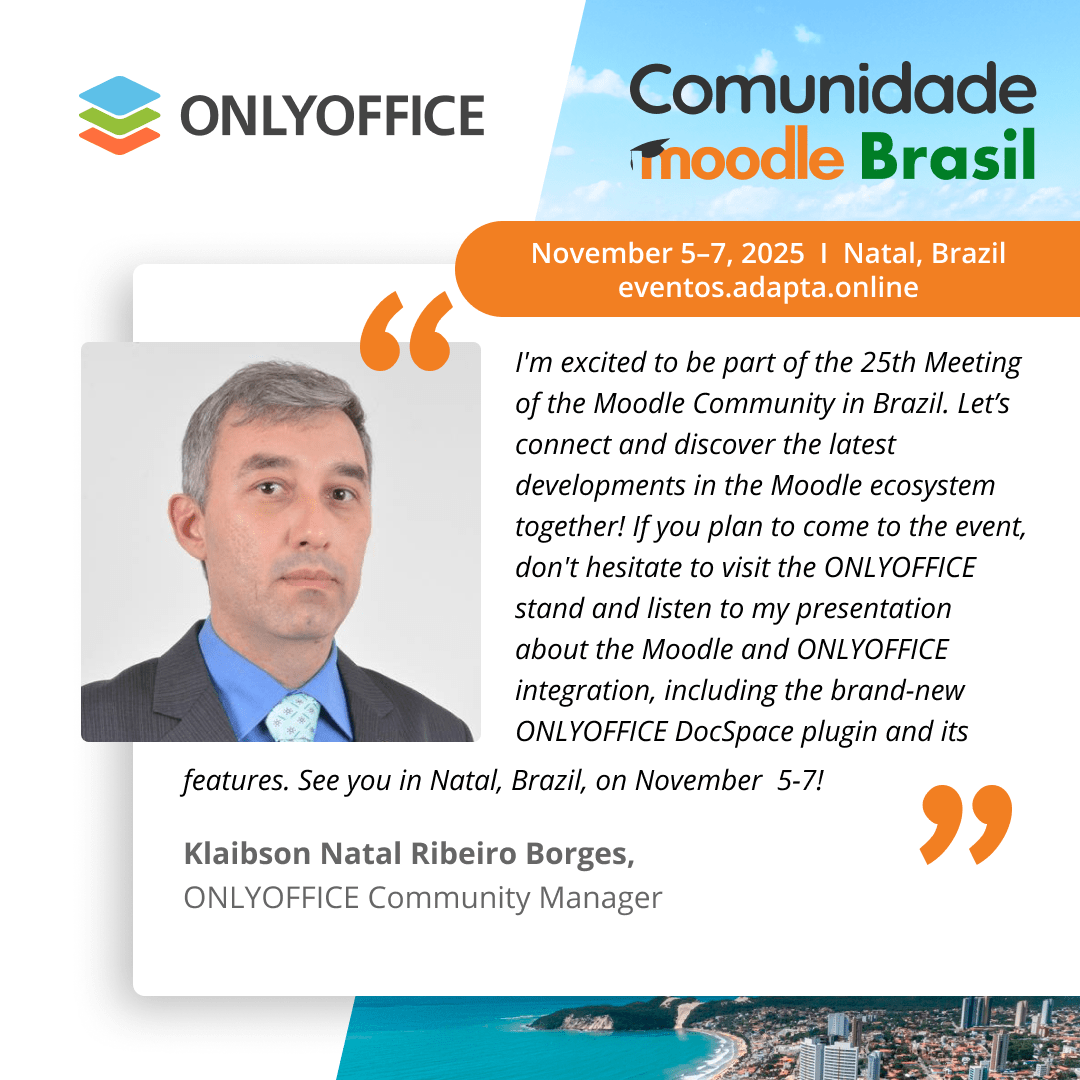
#ONLYOFFICE team at 25th Meeting of the Moodle Community in Brazil 🇧🇷 📆 November 5-7, 2025 📍 Natal, Brazil 🌐
Meet #ONLYOFFICE at 25th Meeting of the Moodle Community in Brazil 🇧🇷 📆 November 5-7, 2025 📍 Natal, Brazil 🌐 The Meeting of the Moodle Community in Brazil is the 25th annual meeting for all Moodle professionals and enthusiasts from Brazil. The 3-day agenda will be full of in-person presentations and workshops. As a silver sponsor of the event, ONLYOFFICE will have a dedicated space and give a presentation about the ONLYOFFFICE and Moodle integration. #Moodle image
#ONLYOFFICE Documents 9.1 for Android is here :android: The latest update of #ONLYOFFICE Documents for #Android brings powerful new features to boost your productivity on the go: ✅ Built-in AI assistant; ✅ Role-based form-filling when connected to #ONLYOFFICE DocSpace; ✅ Customizable table of contents; ✅ Other updates, such as improved Grid view, fonts preview and quick comment navigation. Try it out and share your thoughts below! More information: #Android image
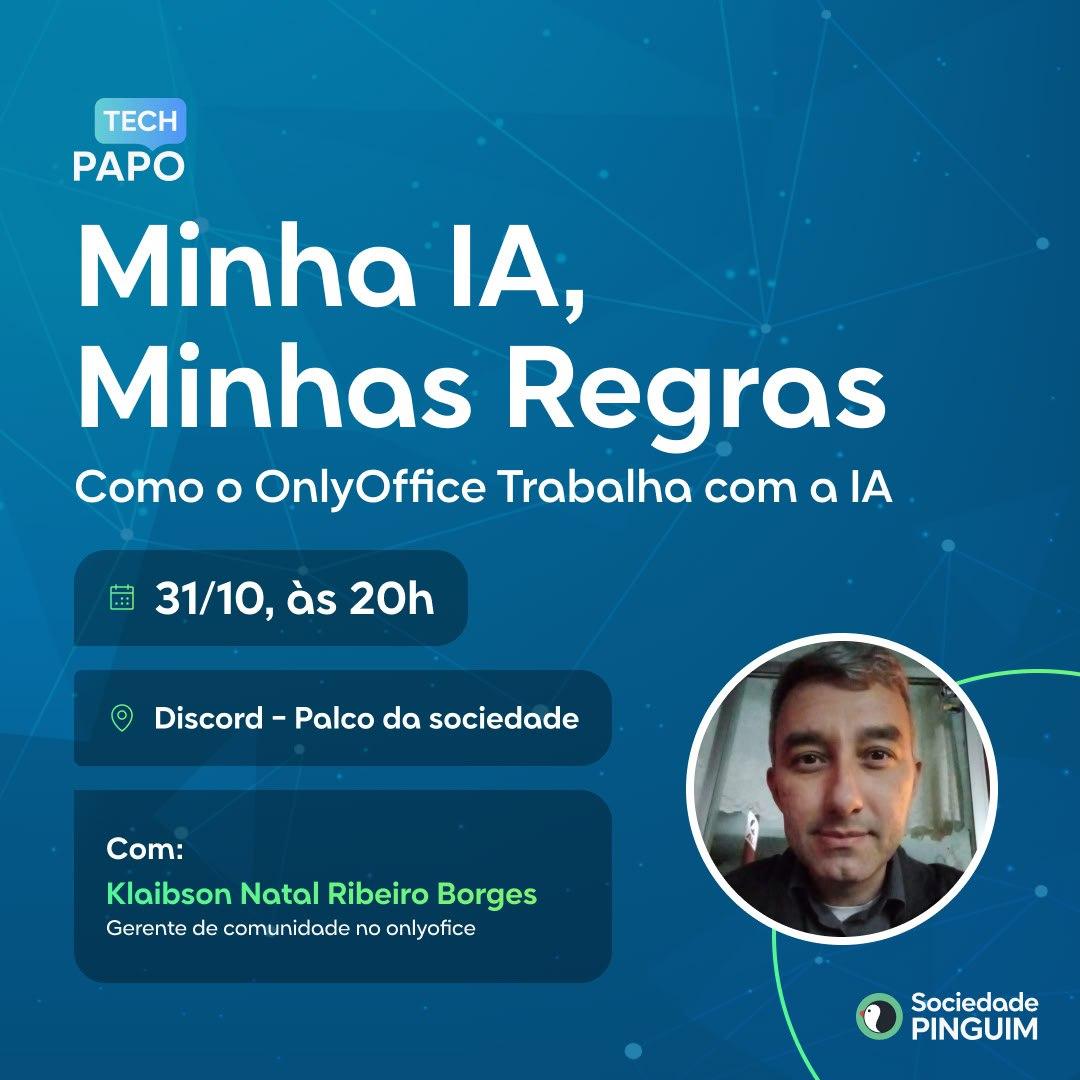
Join the Sociedade Pinguim Discord server and watch our online presentation on how to use #AI in #ONLYOFFICE on October 31! This Friday, October 31, Klaibson Natal Ribeiro Borges, our community manager from Brazil, will give a presentation in Portuguese about the ONLYOFFICE editors and AI integration for members of the Sociedade Pinguim Discord server. Save the date and join the Sociedade Pinguim Discord server: #Webinar #AI image