Top 5 #accessibility improvements in #GNOME Calendar 49:
1. Focus indicators were added in various places
2. Events are focusable with a keyboard
3. Year/month spin buttons are navigable with arrow keys
4. Calendar grids are skippable with Tab, and cells are wrapped via keyboard focus
5. Calendar list box now behaves like a check box
For screen readers: events and year/month spin buttons have proper semantics!
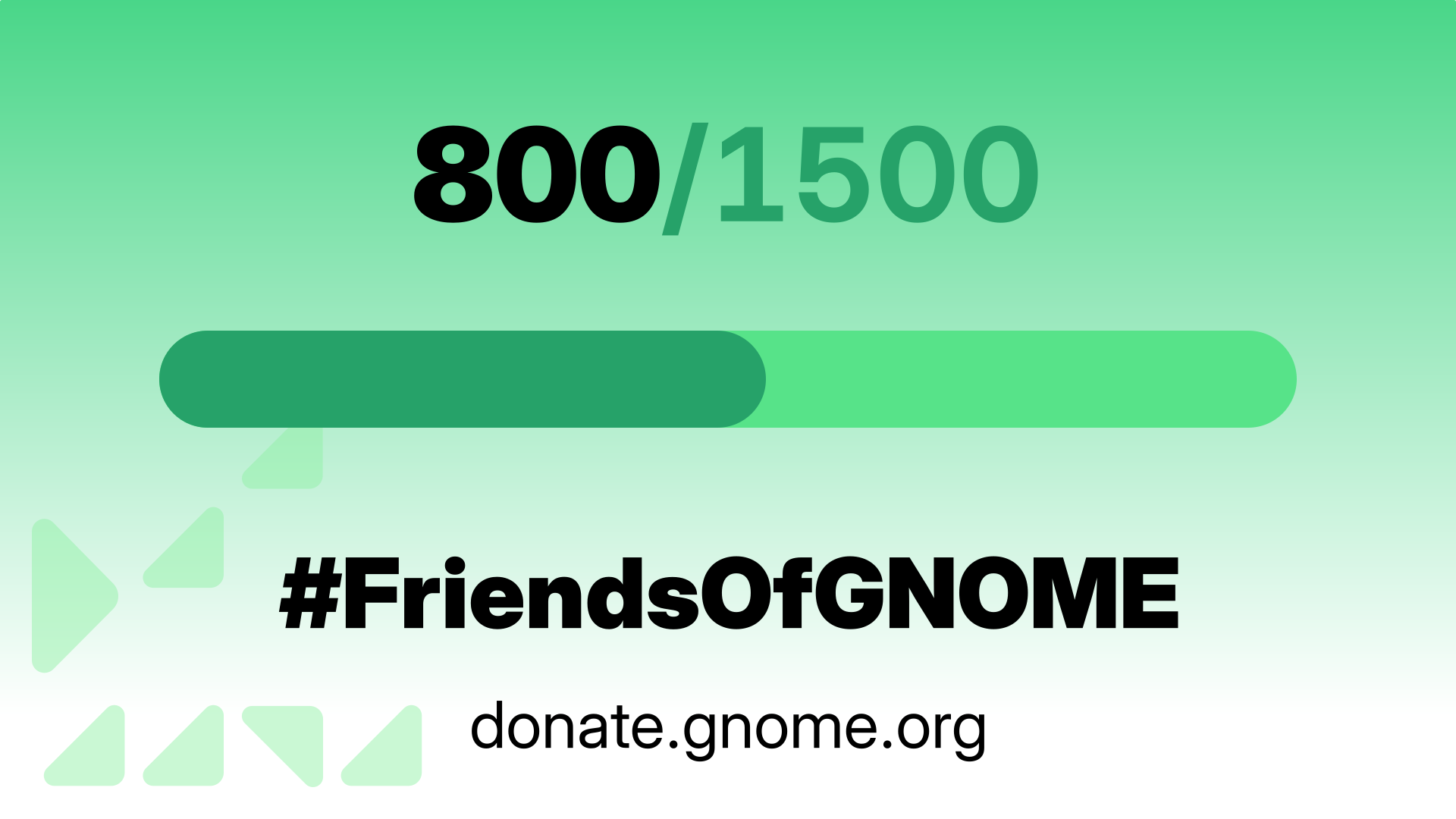
One week after we kicked off our year-end fundraiser, we’ve reached 800 #FriendsOfGNOME!
Our goal is a bit more ambitious, though: 1,500 by December 31. Help us out by joining today: