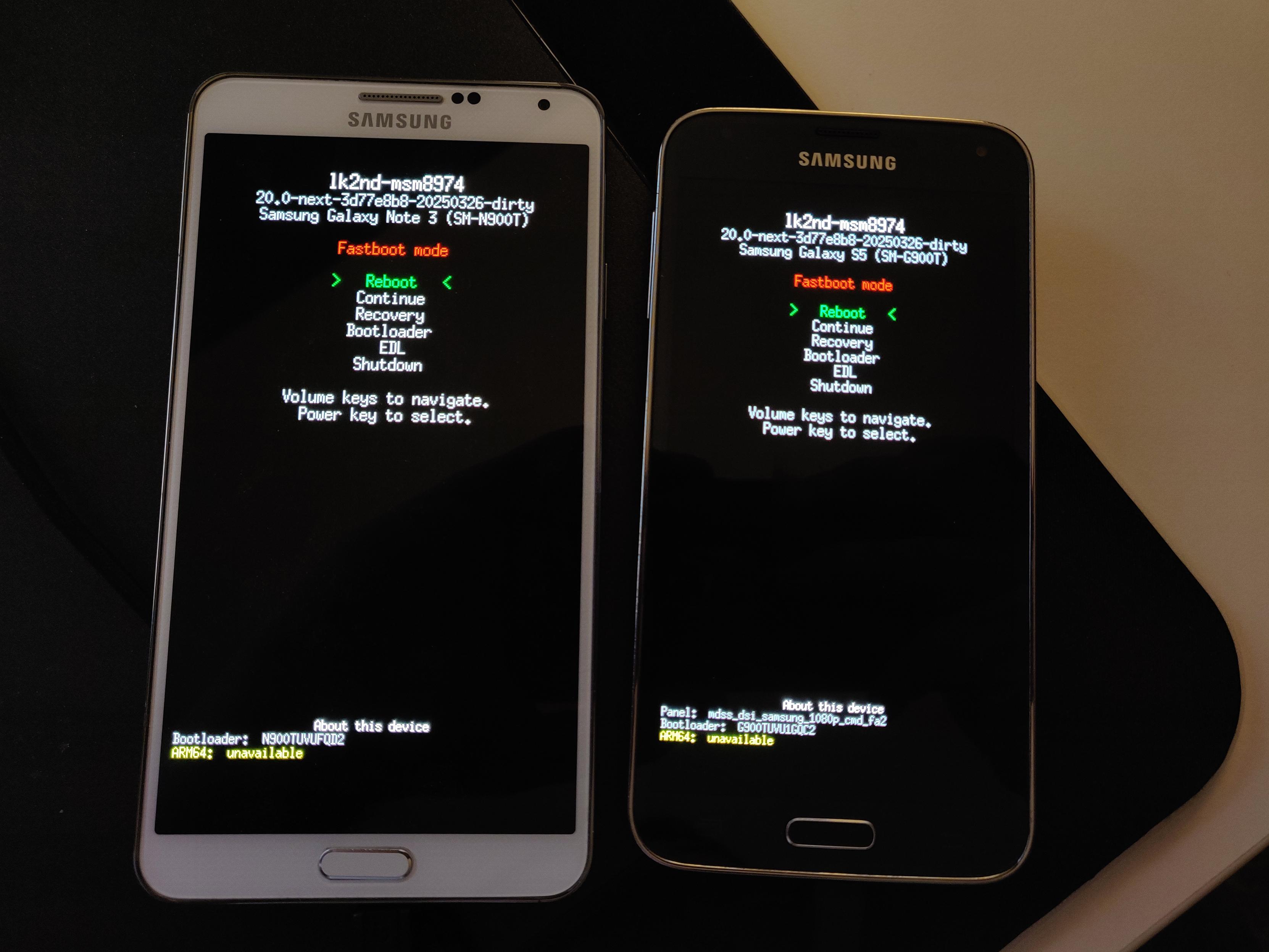
Trying to get #postmarketOS up and running on my old Samsung phones now, using lk2nd, but the T variants weren't supported. Added and submitted an lk2nd merge request! Unfortunately, there may be a regression preventing file system boot. The version shipped by pmOS works on my Nexus 5 but I flashed this new build and it too won't boot from the rootfs now. image
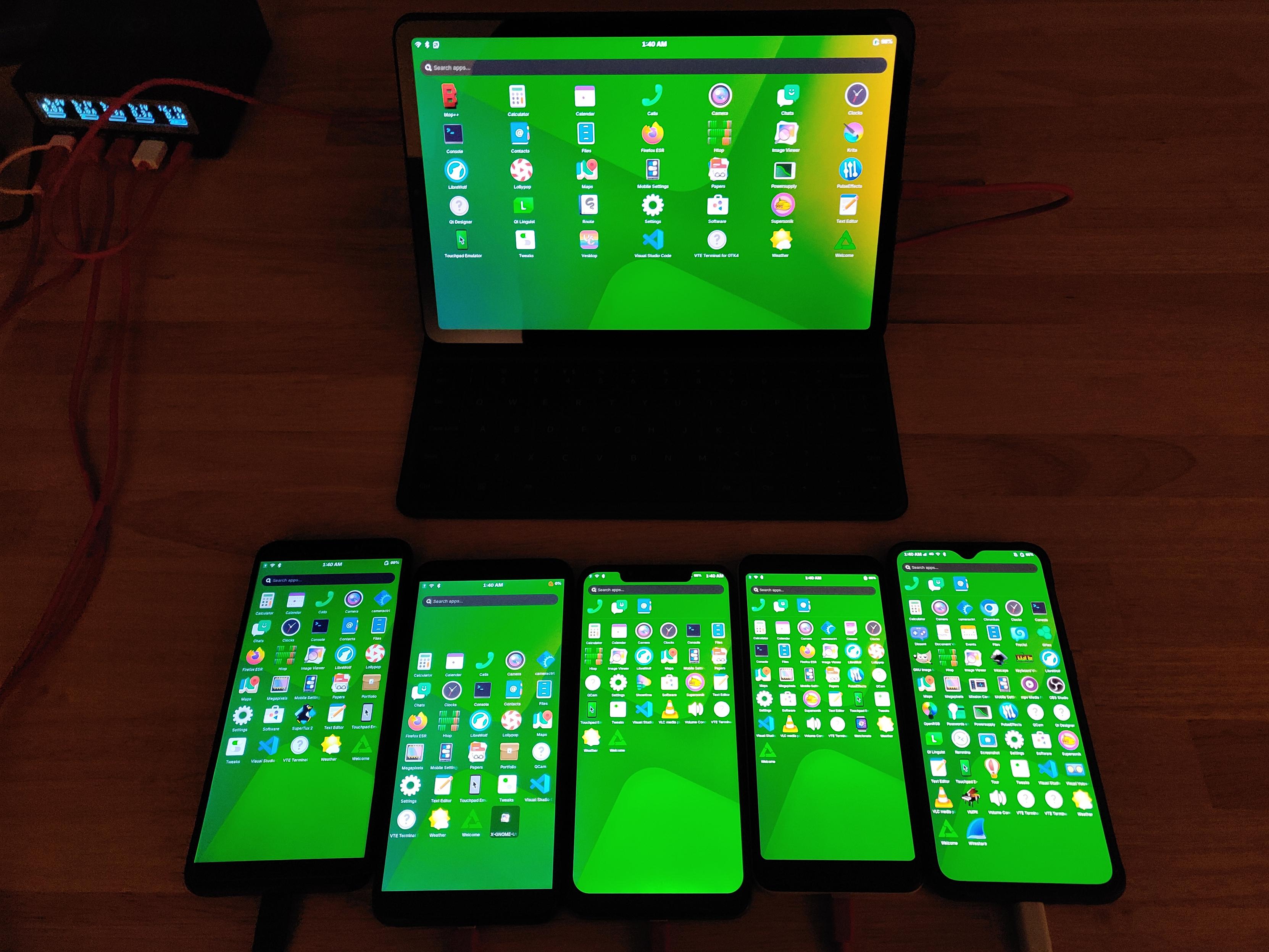
#postmarketOS family photo! I need to reimage my Nexus 5 apparently, it didn't make the photo because it's stuck at lk2nd. Also my Galaxy S5 and Note 3 I should revisit. image
I submitted a merge request to #AlpineLinux aports to get #TouchpadEmulator added. This program allows touchscreen devices to control a mouse cursor for easier use with desktop-oriented user interfaces. Merge request here: https://gitlab.alpinelinux.org/alpine/aports/-/merge_requests/82061 Testers on #postmarketOS welcome, you can test with: sudo mrtest add -a 82061 also add yourself to input group to avoid the password prompt. You can also set it to autostart with LaunchTouchpadEmulator.sh --autostart
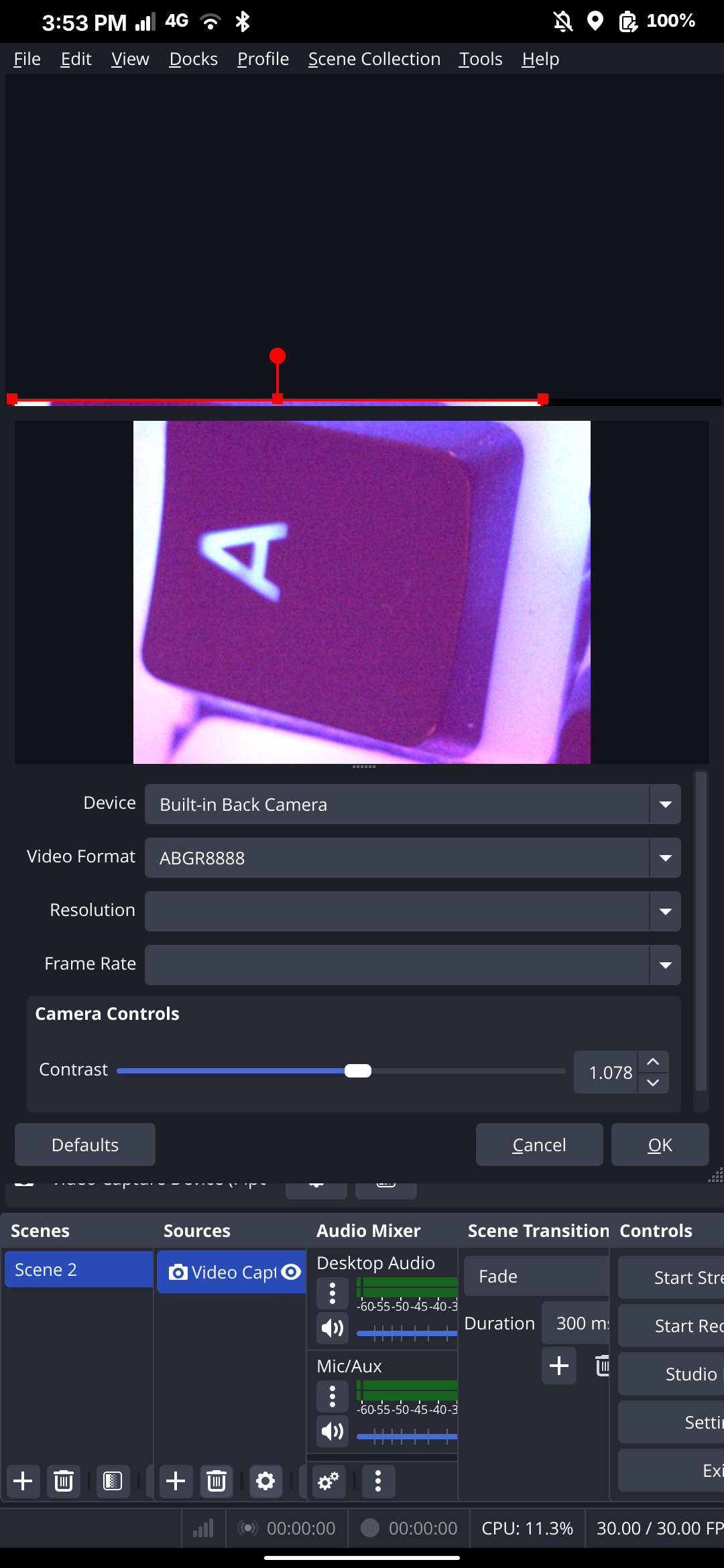
Tried the #OnePlus 6T camera in #OBS and it works! Cannot select resolution and the default is pretty small and zoomed in, but frame rate is smooth. Might be another way to record video with #postmarketOS! Front camera is still very purple. Unfortunately, having two Pipewire sources active simultaneously (to see both cameras at once) does not seem to work. They both just freeze. image
Just pushed an update to my Touchpad Emulator for Linux phones running #postmarketOS. Added a udev rule and modules-load file to set up the needed devices for the `input` group. Add your user to that group and you no longer need to enter your password. This also makes it seamless to have #TouchpadEmulator autostart on login! The program allows the touchscreen surface to be used as a laptop-style touchpad mouse, making desktop apps easier to use on small screens.
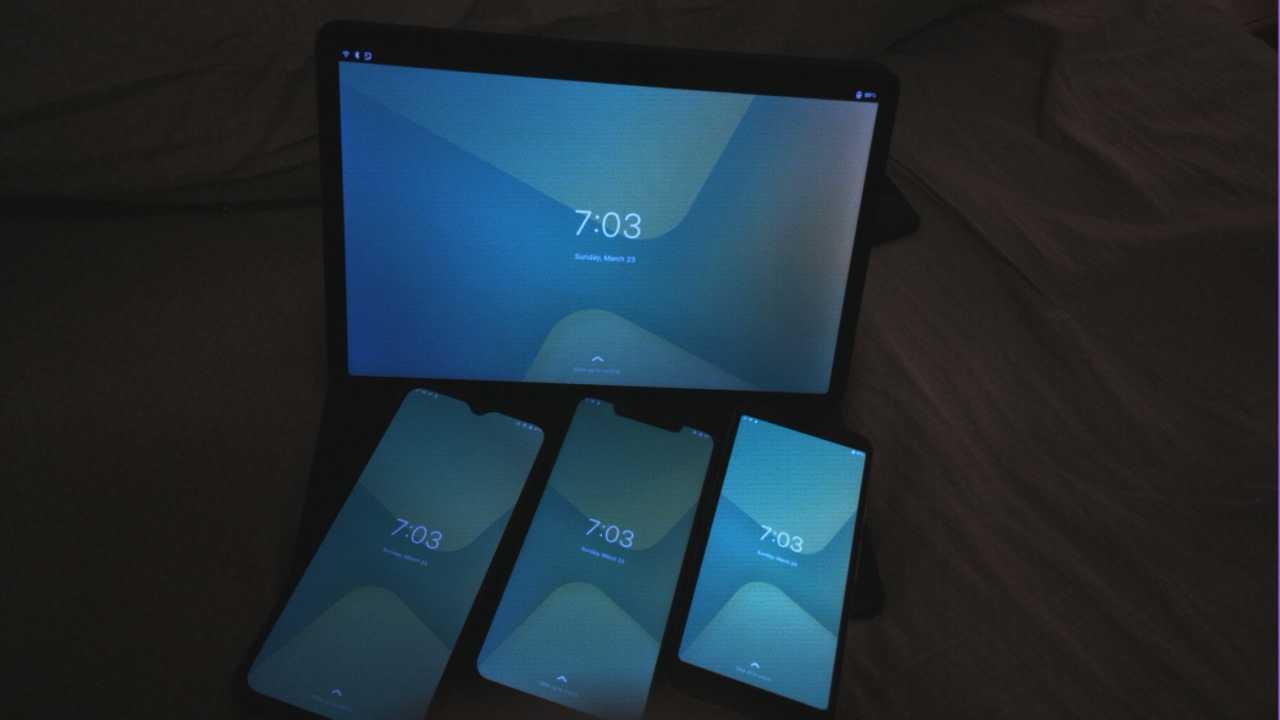
Tested the latest #GNOME #Snapshot on #postmarketOS on my #PINE64 #PinePhonePro! It's been a while since I revisited the PinePhonePro but with cameras and camera utilities coming a long way on newer devices I wanted to revisit #libcamera on the PinePhones. I installed @npub1f27w...g56p's cameractrl and it successfully controls focus, but the PPP camera seems to have autoexposure that reduces the utility of cameractrl's exposure slider. Anyways, here's a picture of some other postmarketOS devices. image
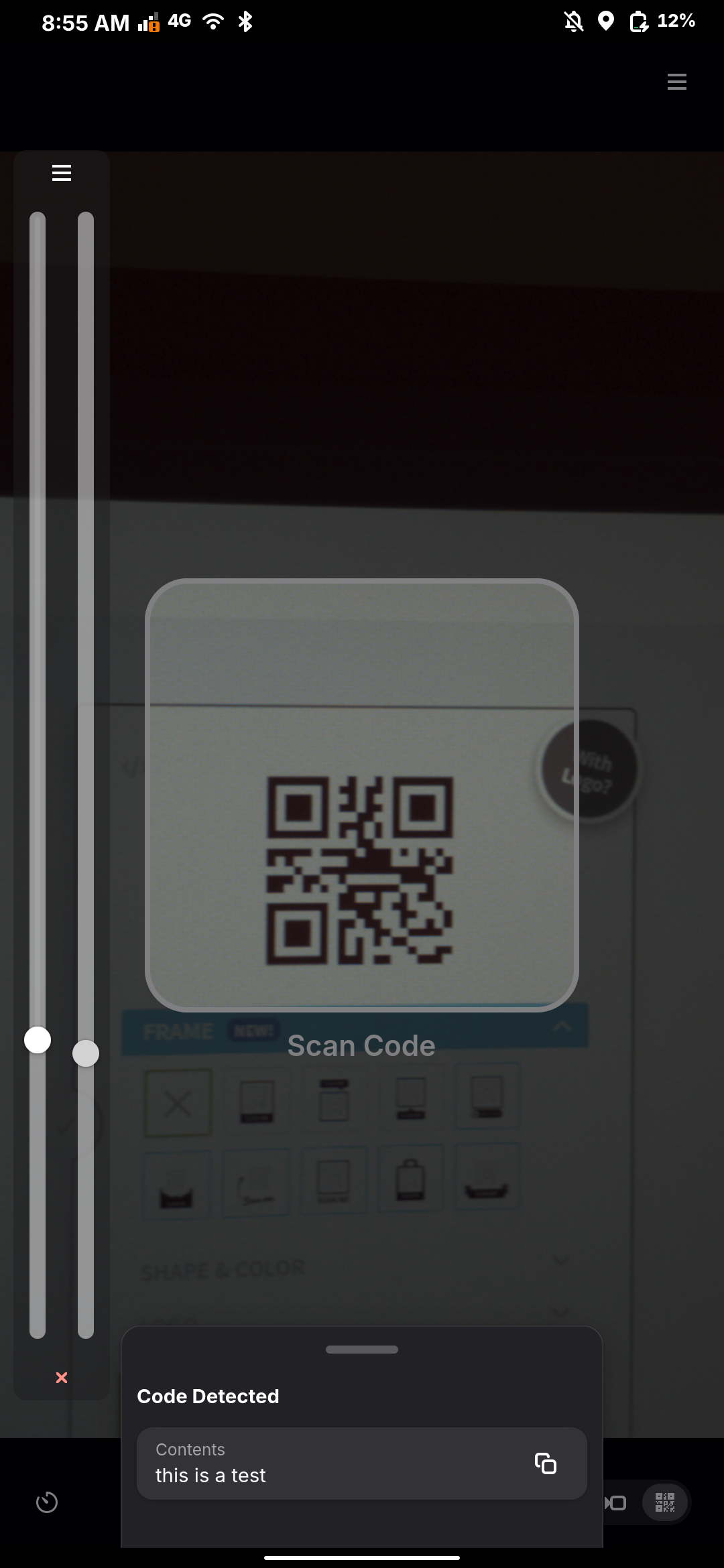
I'm impressed with the #GNOME #Snapshot app. Built in QR code scanner is fast and detected even blurry codes. The stock #OnePlus 6/6T camera app on Android doesn't scan codes at all. This was a big lacking area in #LinuxMobile as QR codes are everywhere and everyone expects you to be able to scan them but #postmarketOS was unable to do so until the recent camera bringup, at least for the OnePlus 6T. image
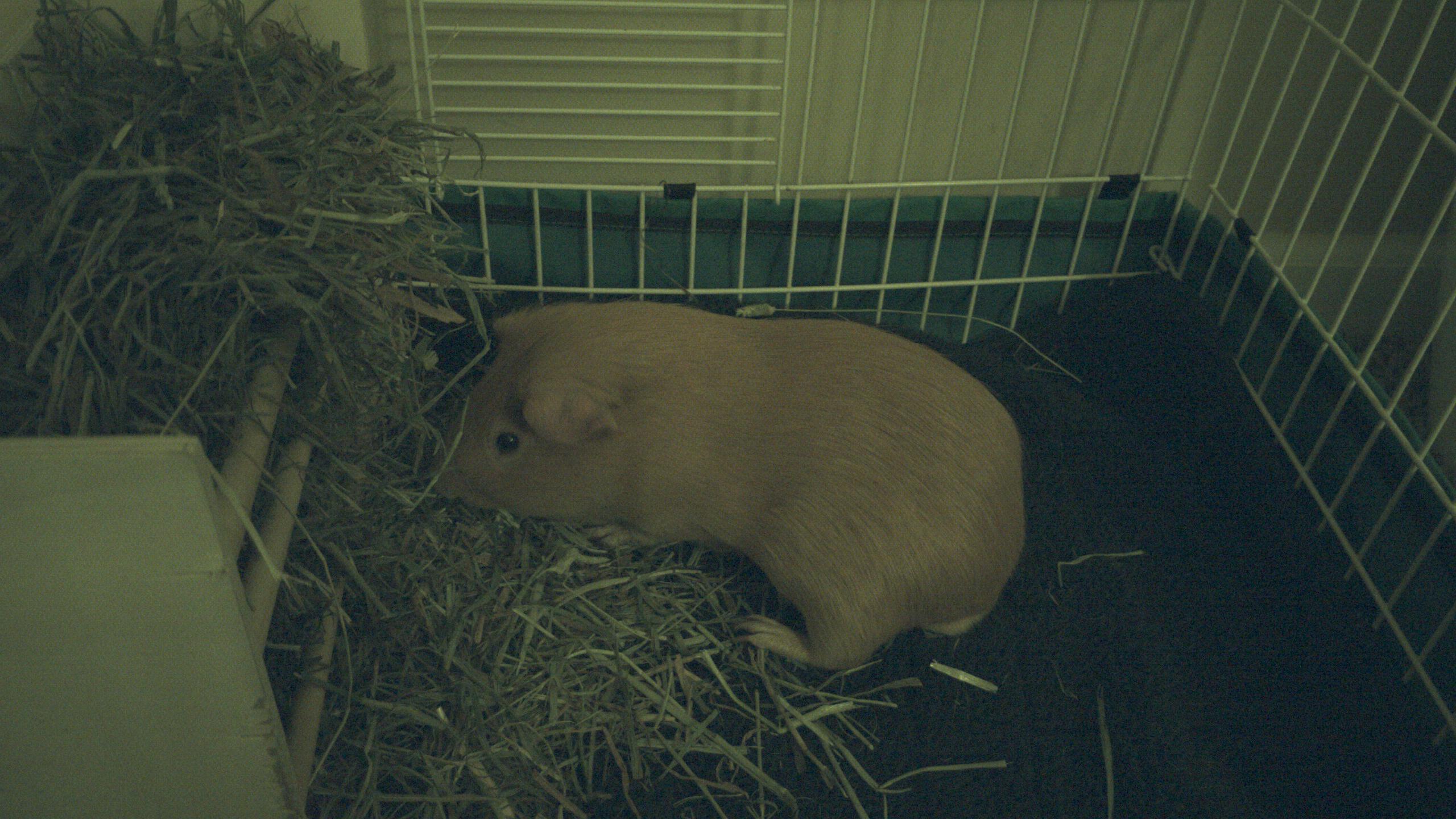
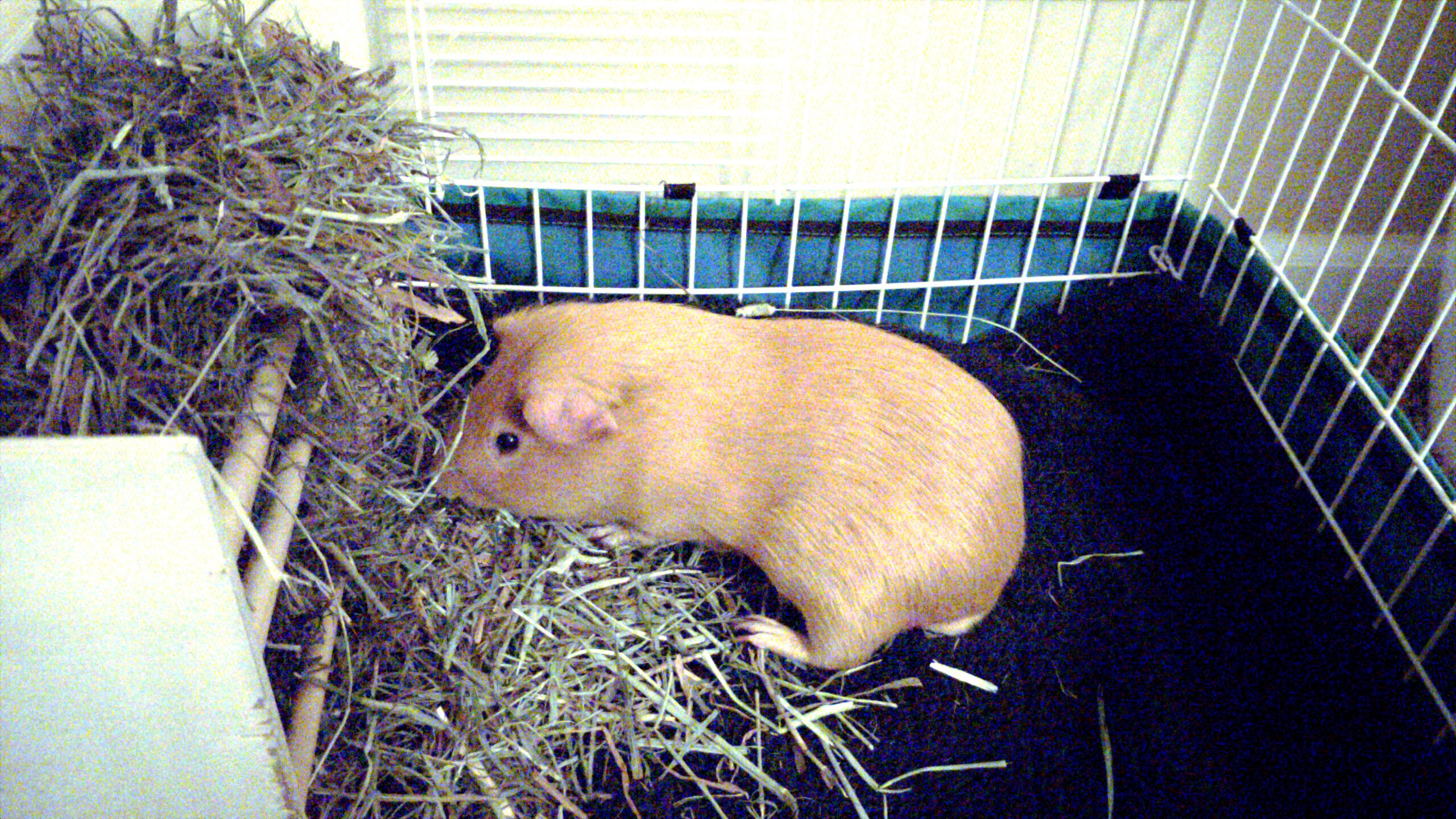
Photo cleanup in GIMP. I am pretty happy with the results! Taken with #OnePlus 6T with #postmarketOS and cameractrl for exposure and focus. Edited on device with #GIMP.
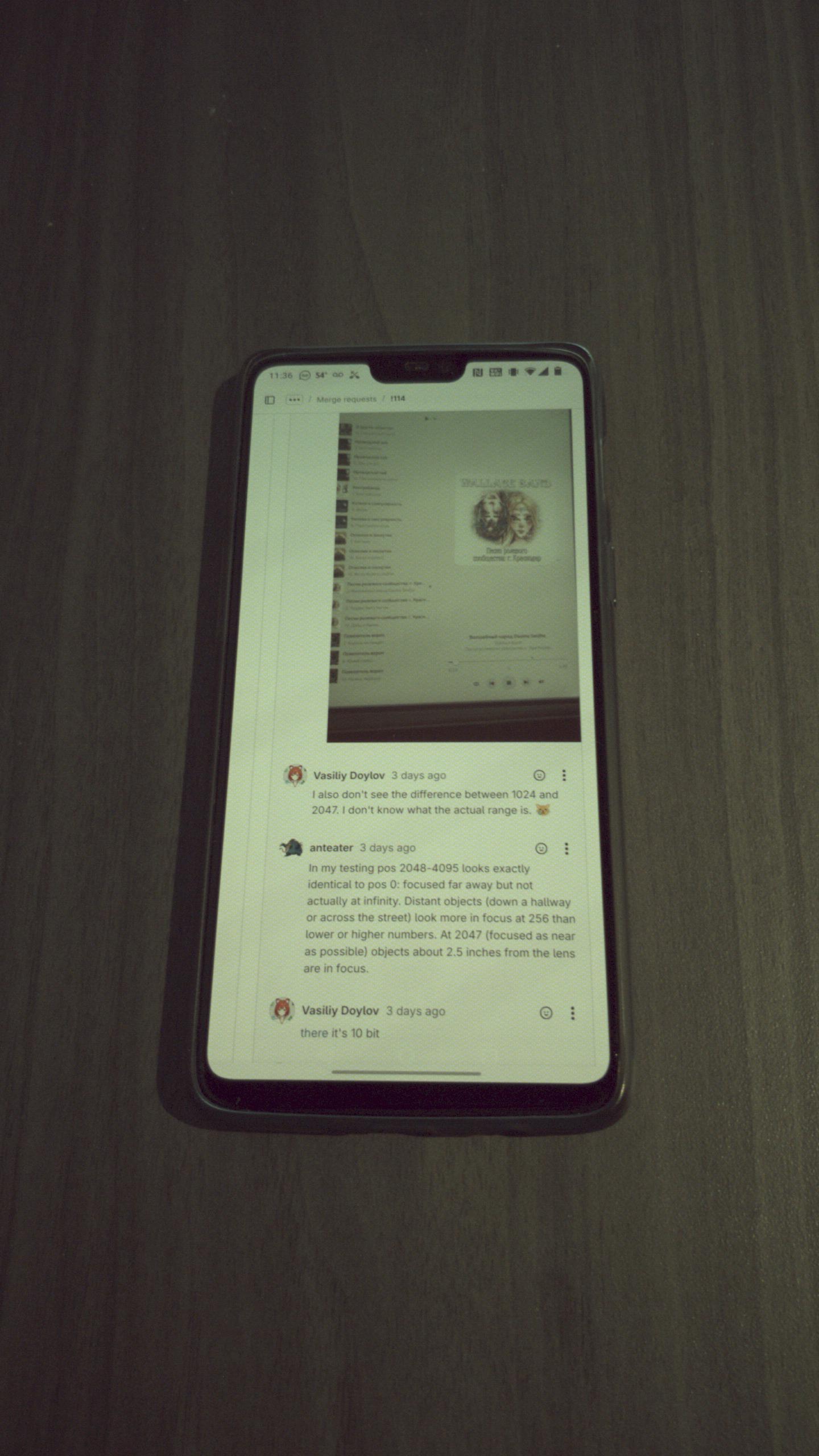
Got the camera actuator on my #OnePlus 6T to focus with the help of @npub1f27w...g56p and poking i2c registers with i2cset. It looks like the actuator on my camera needs an enable register set. This is at focus 1700: #postmarketOS image
Just found out #LibreWolf is packaged in #AlpineLinux now! This includes #postmarketOS! I just migrated from the Flatpak version by copying the contents of .var/app/io.gitlab.librewolf-community/.librewolf to .librewolf and .var/app/io.gitlab.librewolf-community/config/librewolf to .config/librewolf then going into about:profiles in native LibreWolf and selecting the correct profile. Also turned on media.webrtc.camera.allow-pipewire in about:config and now cameras work on #OnePlus 6T!