Lessons from open source in the Mexican government “The adoption of open-source software in governments has had its ups and downs. While open source seems like a “no-brainer”, it turns out that governments can be surprisingly resistant to using FOSS for a variety of reasons. Federico González Waite spoke in the Open Government track at SCALE 22x in Pasadena, California to recount his experiences working with and for the Mexican government. He led multiple projects to switch away from proprietary, often predatory, software companies with some success—and failure.” More open source progress, although it also faced its challenges. The lessons learnt are especially interesting. The first lesson mentioned is especially true: The regulations around open source helped a lot, "because it gave a legal framework to explain to people why we were doing stuff", but it was not enough. South Africa's own open source project had similar Cabinet level policy signed off, but the entire project floundered in the late 2000s. What is worrying is that Mexico may face a similar challenge, as they've also had a change of administration. In South Africa's case, and a number of key political leaders changed, and suddenly the focus was elsewhere. Our lesson learnt was you need to progress as quickly as possible to secure your ground before changes come. Don't ever assume you've gained the high ground. Unfortunately in government, a change of leadership, often means no continuity in projects as the change wants to prove their own new visions, and are not keen to make a previous leaderships projects a success. That, and Big Tech will apply pressure at a political level, and not at an IT level, where they will typically meet their match. So far, BRIC of the BRICS countries have all made very good progress on their own open source projects, but S has sadly lagged behind. I'm still hoping the success of these projects will rub off on S too, one day. See #technology #opensource #Mexico #government
OxiCloud is an open source lightweight alternative to NextCloud NextCloud is great, but it tends to be heavyweight and packs a ton of extra functionality in. OxiCloud may be worth considering if you are looking for something a lot lighter and faster. OxiCloud requires a minimum of 512 MB RAM, and I see it has a Docker installation too. Its focus though is very much on performance and speed. Just note some features are still on the roadmap (which NextCloud already has) such as WebDAV support for desktop integration, basic file versioning, simple file sharing with links, etc. It has three contributors and the code has been updated in this last week, so it is being actively developed. The project has been around for only a month, so it is also quite new, hence why those features are still to be added. See #technology #opensource #storage
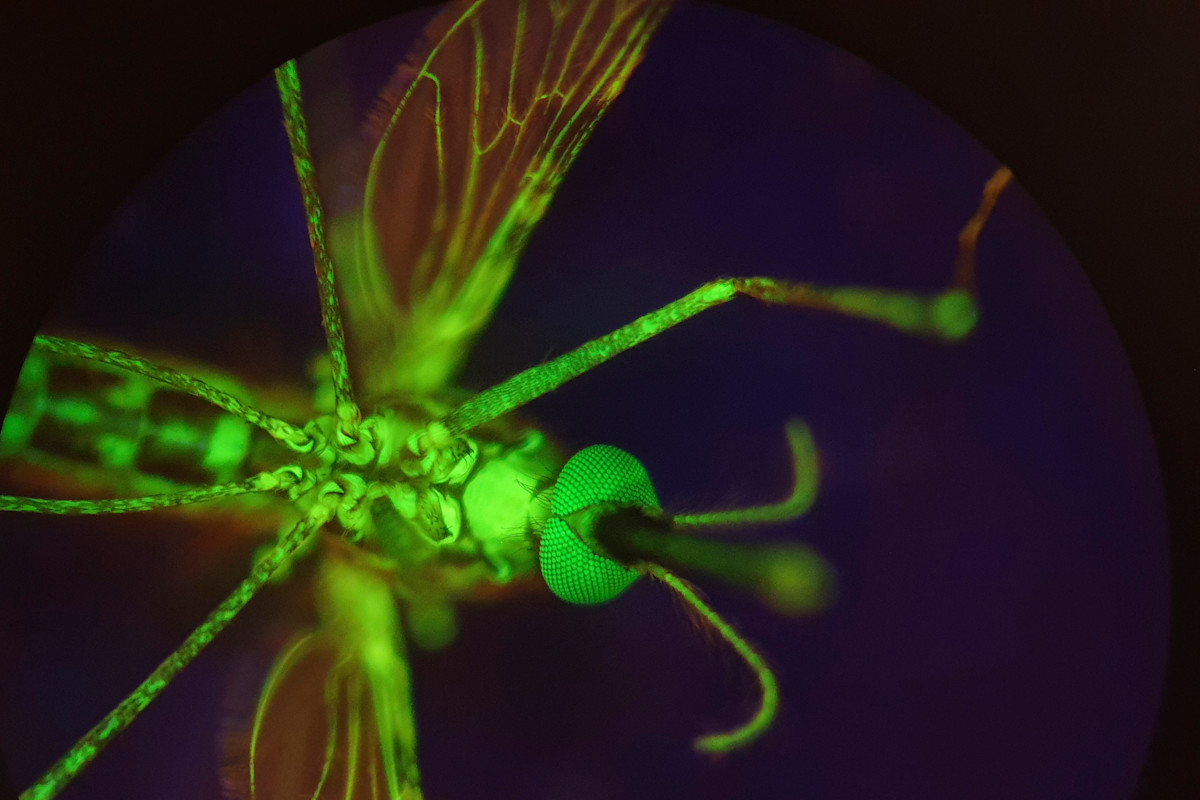
Nitisinone Could Make Human Blood Deadly to Mosquitos, Combatting Malaria “Mosquitoes are more than pests. They’re also a mortal threat, contributing to millions of cases of malaria a year. Fortunately for humans, however, a team of researchers has recently identified a medication that could curb mosquito populations, controlling their spread of malaria. Revealing their results in a paper published in Science Translational Medicine, the researchers report that the medication nitisinone makes human blood deadly to mosquitoes.” This is quite interesting in that it has no effect on the environment at all. Malaria affects 100's of millions of people worldwide, so this could help a lot of people. Scientists still have to determine what dosages will work, and I suppose how long it will last in the blood. I wonder if this also why mosquitoes like some people's blood, but not others. The difference with nitisinone though is that it is deadly to them. See #health #malaria
Mini rolling robot takes virtual biopsies — And it's all in the shape “The team, led by engineers from the University of Leeds, say this is the first time it has been possible to generate high-resolution three-dimensional ultrasound images taken from a probe deep inside the gastrointestinal tract, or gut. It paves the way to a transformation of the diagnosis and treatment of several forms of cancer by enabling ‘virtual biopsies’ — non-invasive scans that provide immediate diagnostic data, allowing doctors to detect, stage, and potentially treat lesions in a single procedure: eliminating the need for physical biopsies.” Very interestingly, the big innovation seems to be around changing the shape (the oloid shape) so that the device can manoeuvre far better. The important outcomes of all of this is that immediate results can be obtained for determining colorectal cancer, and the process may be more comfortable for patients. See #technology #health #cancer
Wow, this is a 25-year-old Palm Pilot still being used in 2025 “They were the original distraction-free technology before we even needed such a thing. You didn’t spend the money on a Palm Pilot to play games or scroll social media. You spent the extra money on a Palm PDA because you had a job to do. Palm Pilots were the original productivity monsters, keeping us on schedule and connected through lightweight email programs and RSS feeds.” I don't think many of the youth today could visualise a really distraction-free and advert-free piece of technology. Today notifications keep popping up, adverts clutter pages, as well as pop-up cookie notices. I remember using a Palm Pilot myself, and I used to sync my notes, e-mails, etc with my desktop PC. A Palm Pilot was one of the really early productivity devices, being able to run all sorts of 3rd party downloadable apps. I remember, too, the early database apps, I think mine was called HandyDB. This is PURE productivity at its best. Technically, with the Pebble watches making a comeback, there is no real reason why Palm Pilots could not also do so. Big Tech would of course hate this as they still want to sell newer flashier devices to you, that can pop up all sorts of messages and disclaimers. And look at this: “Surprisingly, the 25-year-old rechargeable battery still works well, holding a charge for over a month.” See #technology #retro #PalmPilot
These 5 Companies Make Linux-First PCs Many probably take this for granted, but I remember well the painful years about 3 to 4 decades ago where Microsoft would have prohibited us having this choice at all. Yes, back then any OEM wanting to get the discounted price of having Microsoft Windows pre-installed on their desktops or laptops, was only allowed to sell Windows desktops and laptops. So all that a buyer would find to buy, would be PCs with Windows on. Many ended up buying a Windows PC (including paying for that Windows license) and then formatting it to put Linux or a different OS on. This was how Windows became so dominant today. Today it does not matter much to Microsoft as they are firstly not interested really in selling to the end user, and secondly they have entrenched themselves into schools to ensure the youth are exposed to their OS and apps early on. It is great that today at least buyers can choose freely what they want to buy, and if they buy a Linux laptop, they won't be paying for a Windows license. So, if you are intending to run Linux on your PC or laptop, and want to buy a ready to use device, then try to support these PC makers. The PC makers mentioned are: * Kubuntu Focus * Laptop With Linux * Star Labs * System76 * Tuxedo Computers * Dell (still offers this, but not exclusively) See
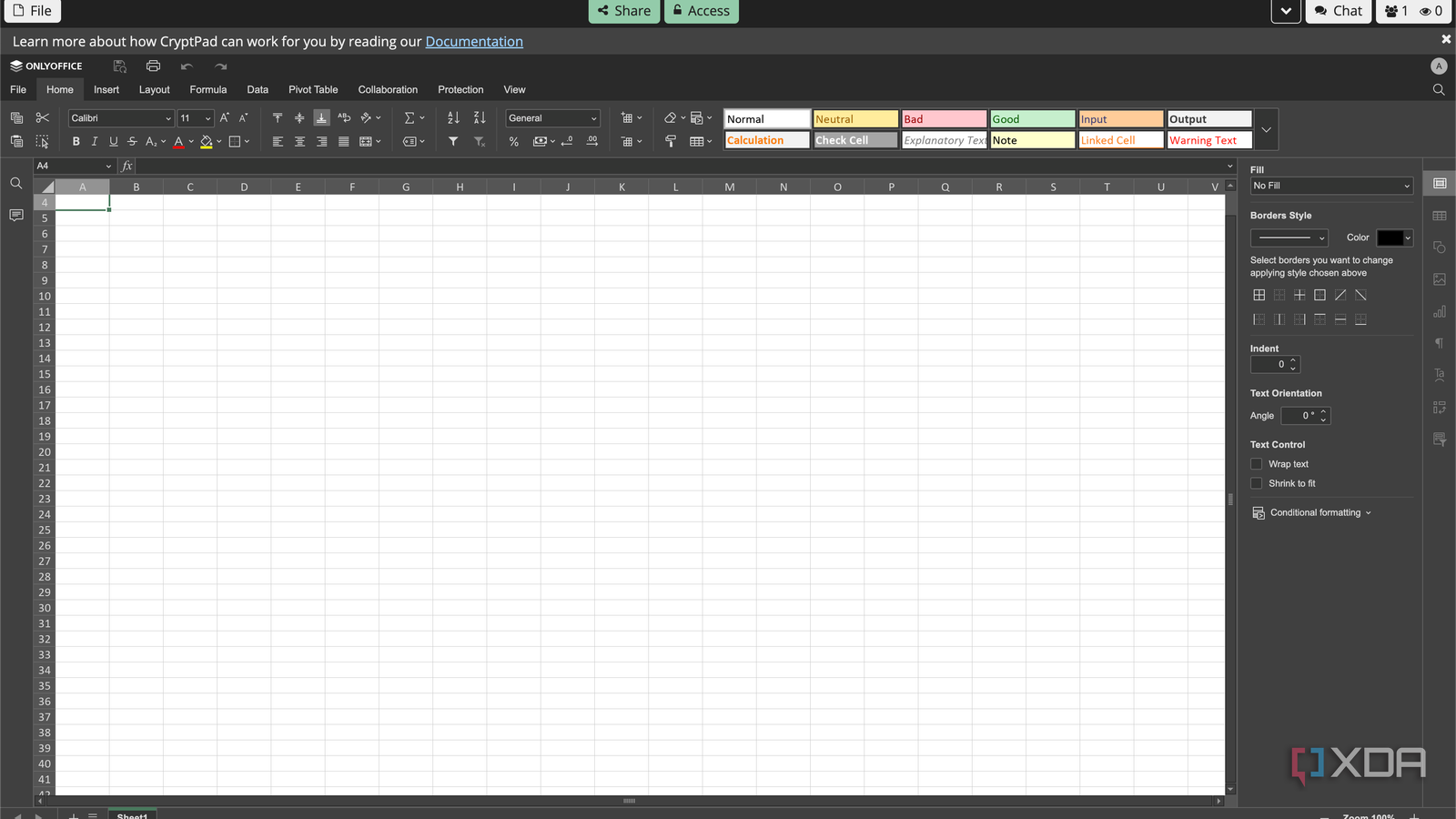
4 reasons CryptPad is the best privacy-focused alternative to Google Drive, Docs, and Sheets “There are a lot of self-hosted Google Drive alternatives out there, one of the biggest being Nextcloud. Complete with Nextcloud Office which aims to replace Google's entire suite of document software, enthusiasts are spoiled for choice these days. However, one little-known alternative that I personally see as the best replacement for Google's overall suite of services (if you care about privacy more than anything else, that is) is CryptPad. It's a privacy-focused open-source end-to-end encrypted online collaboration application, and the myriad of options it has match and even surpass some of Google's own offerings.” I use CryptPad myself, mostly for sharing various spreadsheets in public posts. It provides a very private (to me) way of sharing like this. CryptPad is to Google Docs or MS Office like SimpleX, Session, etc is to WhatsApp, Signal, and Telegram. CryptPad is really private. It requires no real name or phone number to use the service. It is privacy done right. If anyone wants to take it even further, they can also self-host it. See #technology #privacy #officesuites #collaboration