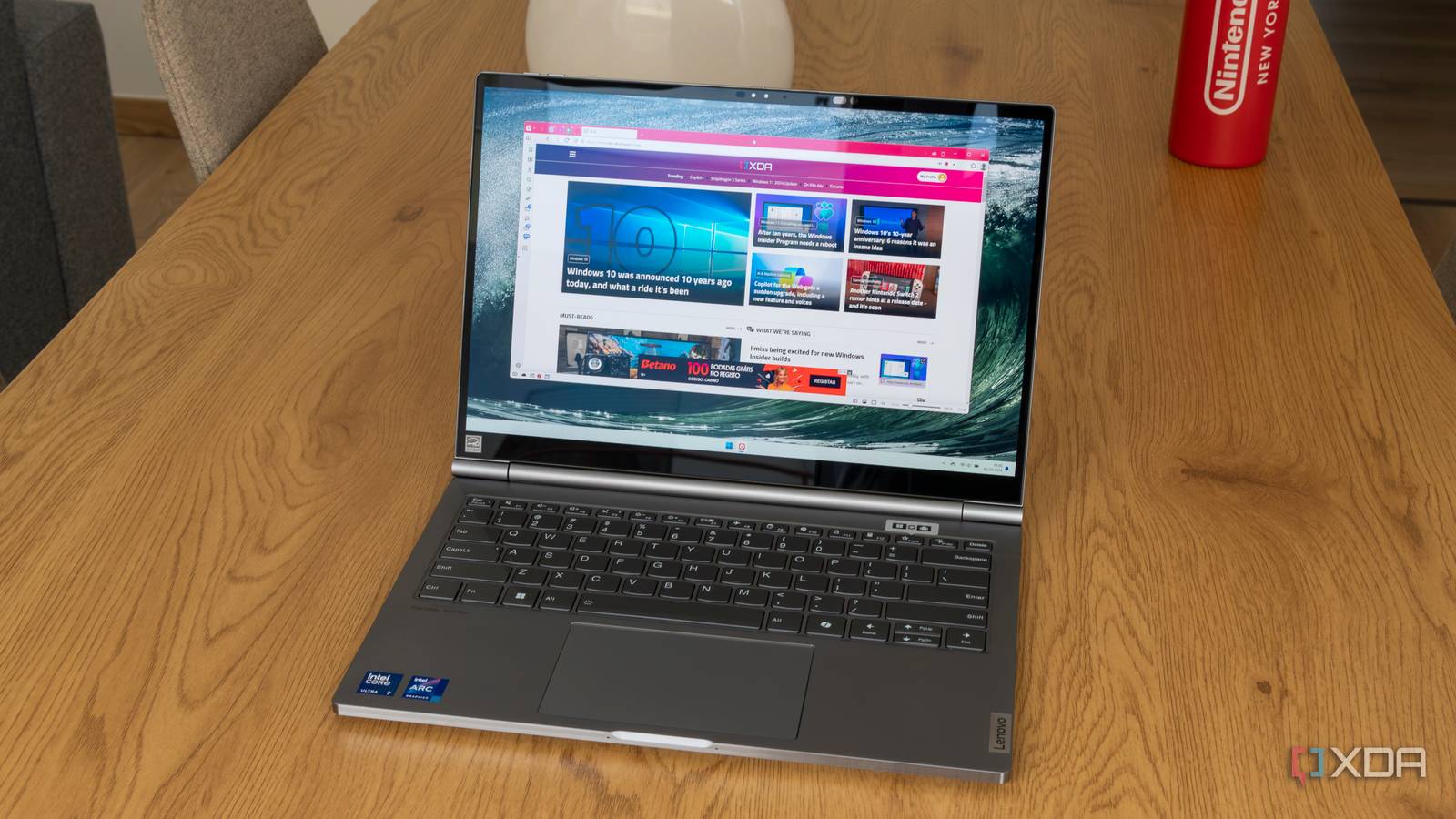
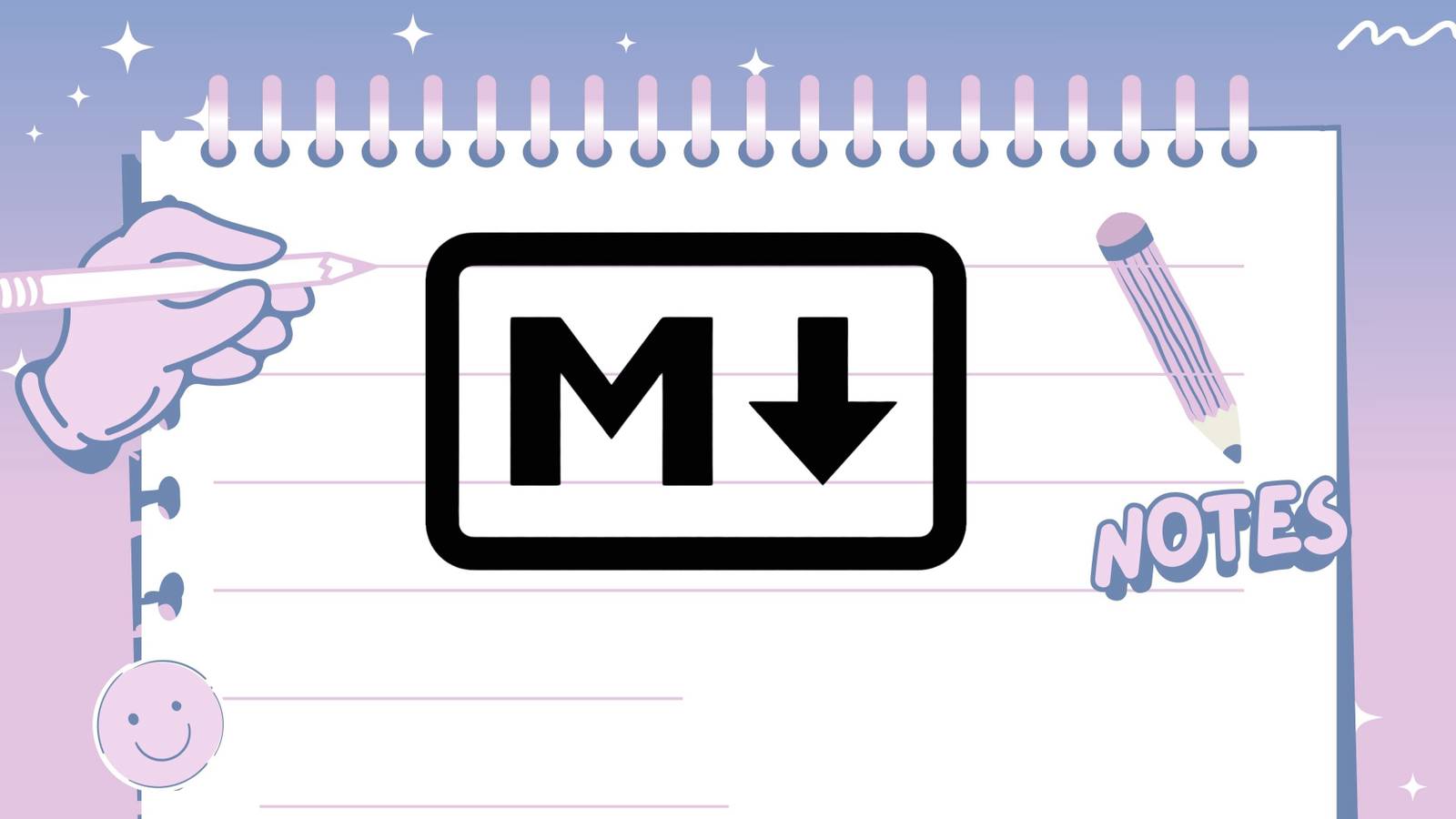
5 reasons you should use Markdown for documentation and notetaking A good reminder again about the future-proofed nature of Markdown format notes. They are essentially plain text and will be read my many apps well into the future. Also true that Markdown's "shortcuts" image for headings, lists, are largely universal, so that as you may switch apps or operating systems you don't have any different "shortcut" keys to remember. See #technology #notes #markdown #openstandards
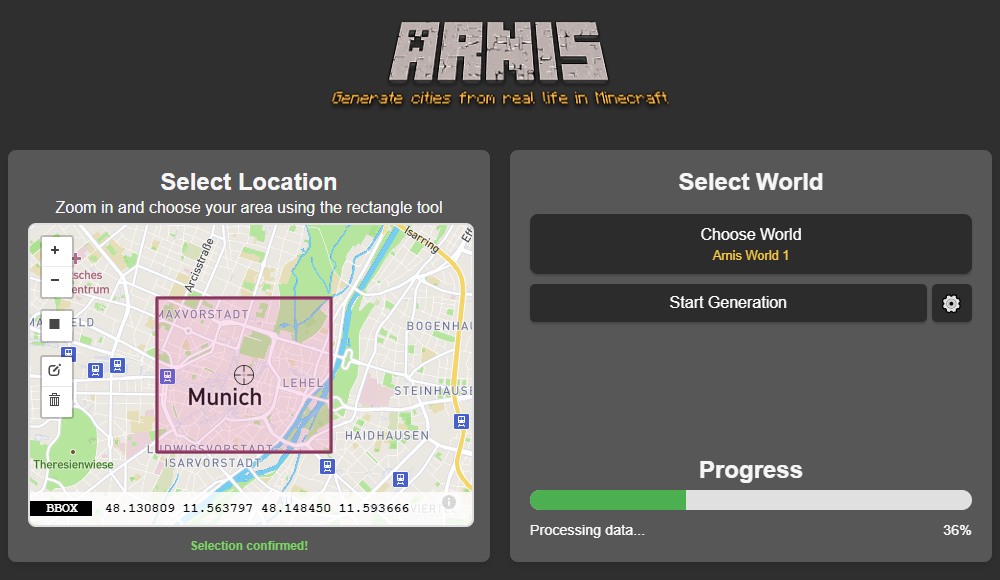
Bringing OpenStreetMap Data Into Minecraft Over the years, dedicated gamers have created incredible recreations of real (and not so real) locations and structures within the confines of Minecraft. Thanks to their efforts, you can explore everything from New York city to Middle Earth and the U.S.S. Enterprise in 1:1: scale. But what if you wanted to recreate your own town, and didn’t have the hundreds of hours of spare time necessary to do it by hand? Enter Arnis, an open source project from [Louis Erbkamm] that can pull in geographic data from OpenStreetMap and turn it into a highly detailed Minecraft map with just a few keystrokes. Once generated, the map can be loaded into the Java Edition of Minecraft. This refers to the original build of the game that predates the Microsoft buyout. Looks like a pretty interesting holiday project! See #technology #gaming #openstreetmap #minecraft
Microsoft claims its new Windows 11 Xbox popups aren't ads, merely "options you can purchase" With Windows 11 slowly receiving more and more ads across its system, people are getting a little tired of seeing new ones pop up. Over the past few days, some users have spotted ad pop-ups advertising the new Call of Duty: Black Ops 6 and the paid Microsoft Defender security app. Fortunately, Microsoft has cleared up this little mess by stating that these aren't ads at all but instead "giving the people the option to purchase" a product. Phew. Well, that clears that up, doesn't it? This is the very best of PR technobabble. You just know if a company dresses something up like this, that they actually do feel a bit guilty about it. But it's like a lie is to a mistruth. A lot of the problems we have today are because of propaganda being applied by corporates and governments. So there you go, all those pop-ups on websites, and the things that YouTube interrupts your videos with, are actually just options you can purchase. I feel the Oxford Dictionary word of 2025 may be something along these lines. We just need to invent the word now. See #technology #Microsoft #adverts
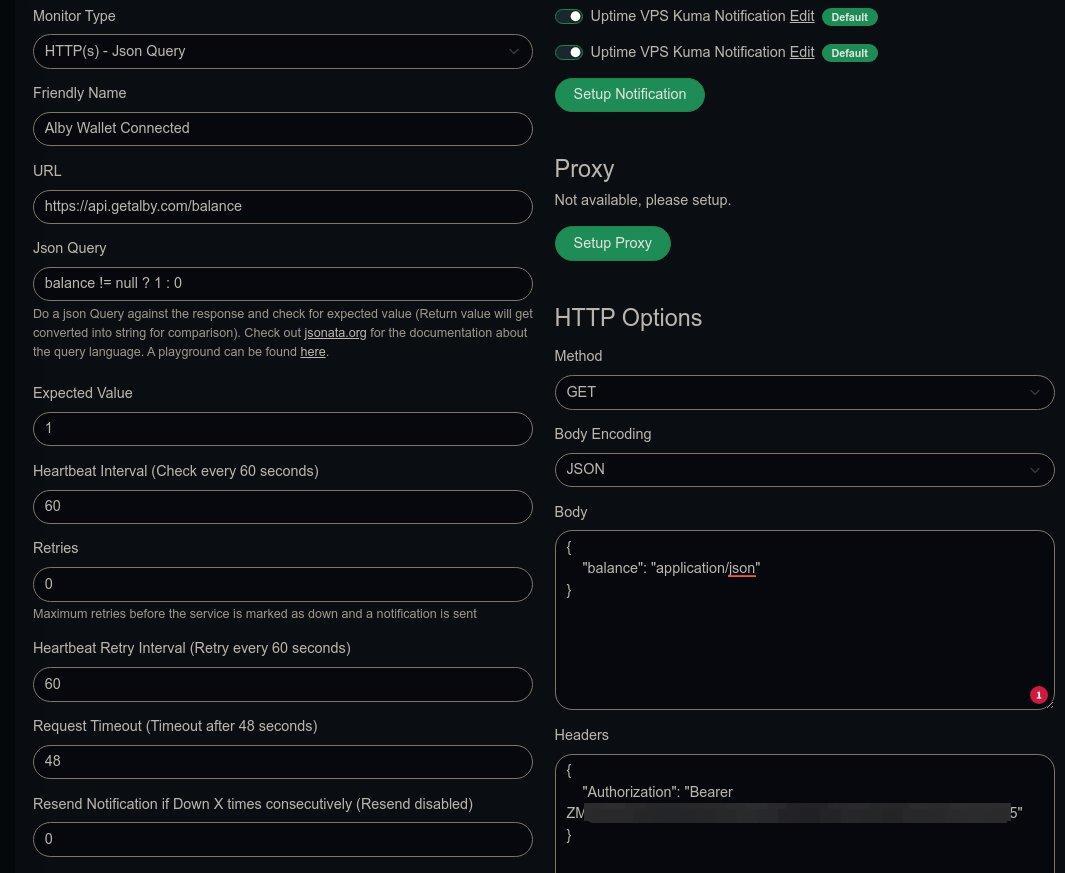
How to test if a self-hosted Alby Hub wallet is connected, and to get an alert if not I hope my blog post at will help out other Alby Hub self-hosters who want to get alerts if their wallets are offline. This seems to be working fine for me now, and the same theory can be applied for a Python script or even a bash script. image
Absolute Essentials You Need to Know to Survive Vi Editor The most common question most people ask about the vi editor is: How do I exit vi? The joke answer goes: "You don't. You learn to live with it." but the serious answer is to press Esc to ensure you're in command mode first, then type `:q!` and hit Enter (or `:wq!` to save and quit). The problem most modern users sit with, is that the vi editor originates from the 1970s and still uses those unique keyboard shortcuts (it did not modernise like the nano editor did in 2024). There is no doubt that the vi editor (or vim if you use the GUI) is very powerful with its long history of support and plugins. But for most users, like myself, the first thing I do on any new VPS I set up is run `sudo apt install nano`. The vi editor is usually already installed by default on most Unix or Linux systems, so you rarely need to ever install it. But there are many die-hard vi users, and none of those will ever be caught dead using anything else. Certainly if you are looking for more advanced usage out of an editor, it may be well worth learning how to use vi, and you'll also be safe in the knowledge that nothing will suddenly change in the next few years. It is an editor grounded in stability, extensibility, and consistency. The linked article is one of the best I've seen as a really easy to understand getting started guide with the vi editor. So, if you are curious to just have a look at it, this article will help you understand better how it works (and of course how to exit it). See #technology #opensource #editors #Linux
LosslessCut is an open source cross-platform FFmpeg GUI for extremely fast and lossless operations on video and audio files LosslessCut aims to be the ultimate cross-platform FFmpeg GUI for extremely fast and lossless operations on video, audio, subtitle, and other related media files. The main feature is lossless trimming and cutting of video and audio files, which is great for saving space by rough-cutting your large video files taken from a video camera, GoPro, drone, etc. It lets you quickly extract the good parts from your videos and discard many gigabytes of data without doing a slow re-encode and thereby losing quality. Or you can add a music or subtitle track to your video without needing to encode. Everything is extremely fast because it does an almost direct data copy, fuelled by the awesome FFmpeg which does all the grunt work. The linked article below shows how to install and use it, with some practical examples. See #technology #opensource #video
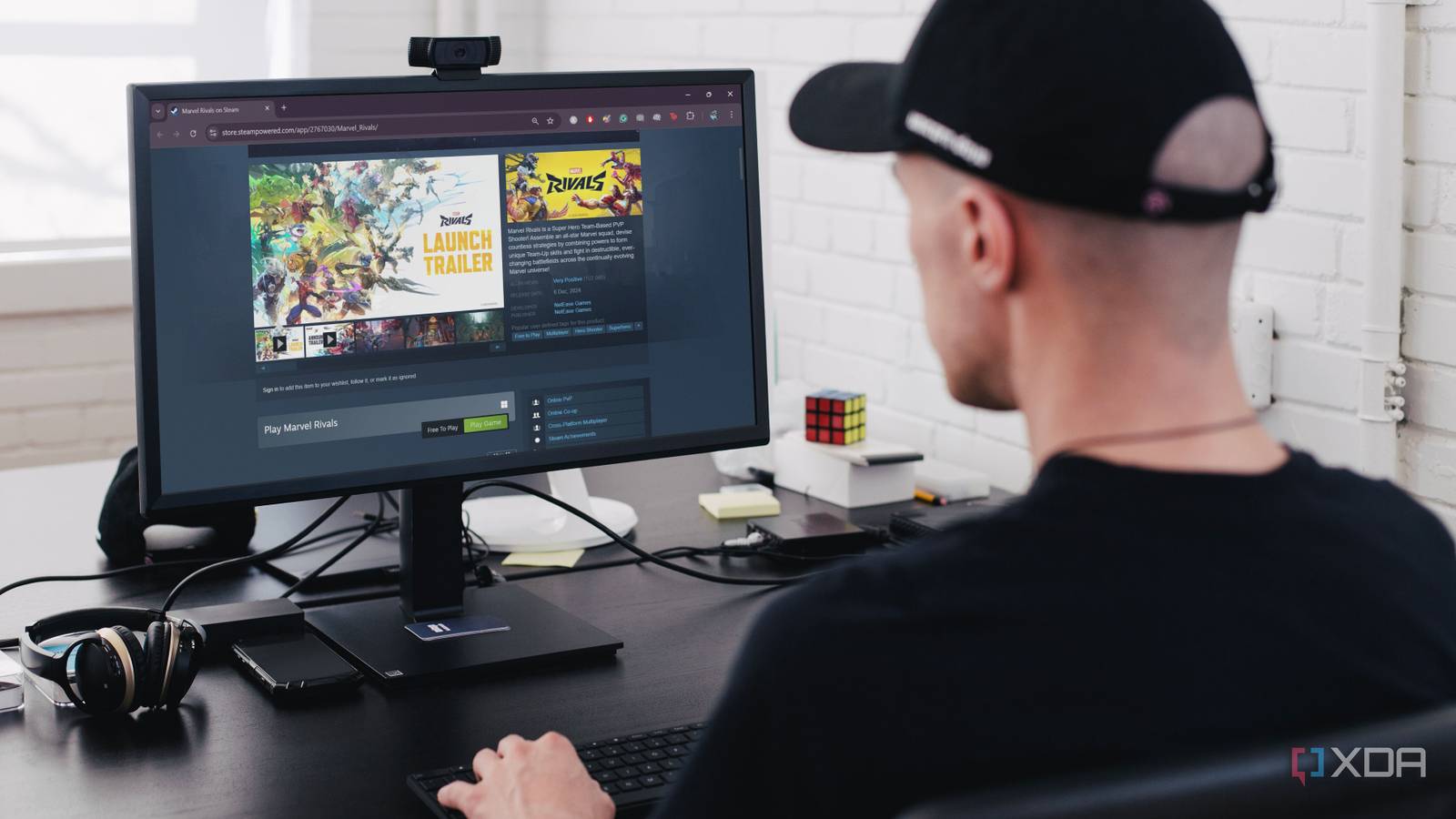
8 best free-to-play games on Steam Gaming doesn’t have to break the bank, especially when you have Steam’s incredible library of free-to-play games. Whether you’re into first-person shooters, strategy games, or fantasy worlds, Steam offers something for everyone. Here are the top eight free-to-play games on Steam you can download and enjoy on your PC without spending a dime. These are an interesting variety of games, and pretty well much something for everyone. I've been seeing quite a bit about new fishing fleet simulators in 2024, so although Fishing Planet is not the boat side of it, it is certainly a relaxing fishing sim game. Gaming cannot get more relaxing than fishing. See #technology #gaming
The nursery was quite colourful today
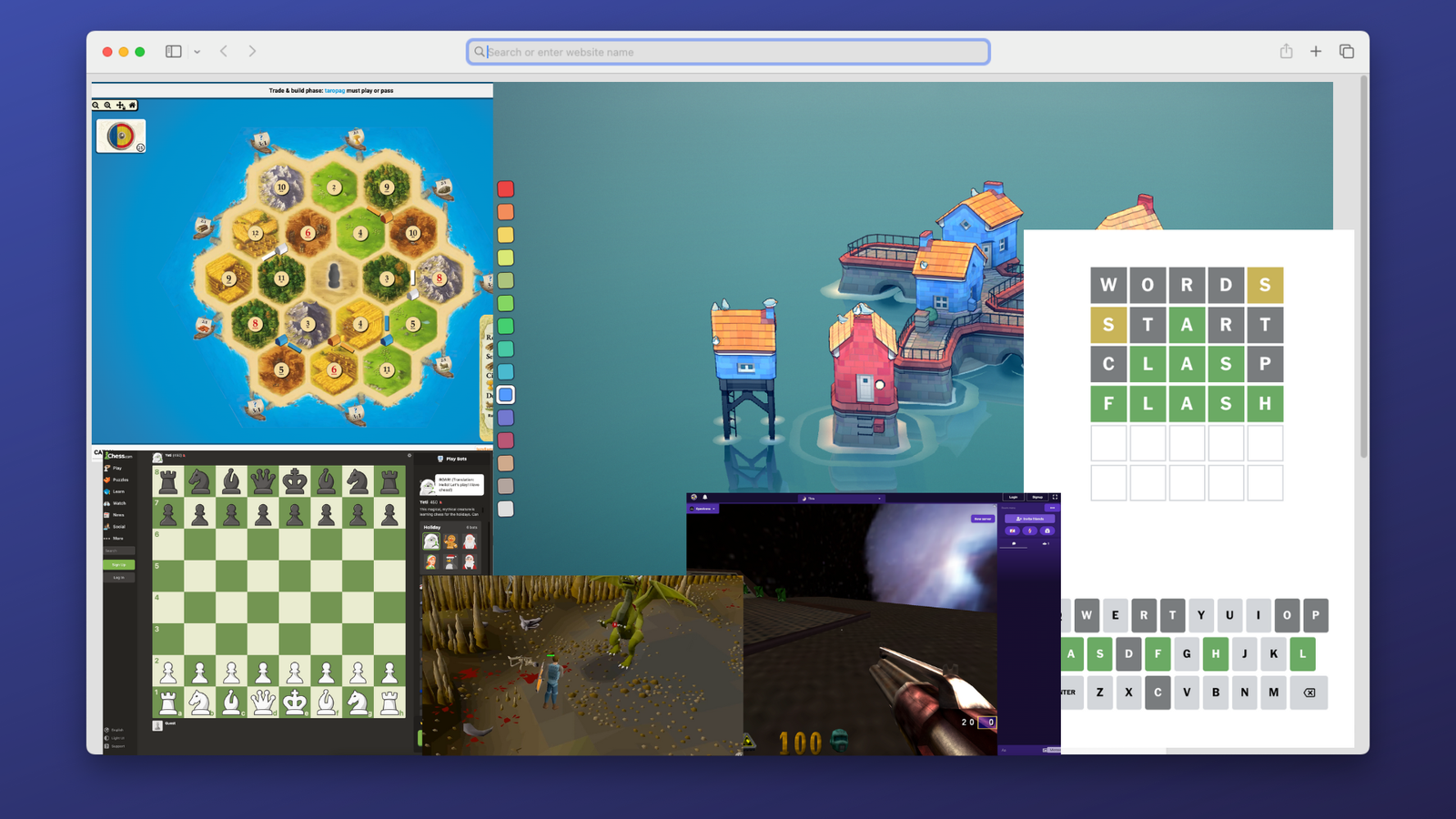
10 Awesome Games You Can Play Right Now In Your Browser Without Installing Anything Sometimes you have the urge to play some video games, but you don't have the right hardware with you. Perhaps you're stuck at work or school, or you have a basic device like a Chromebook. The good news is that there are a lot of games out there where you need nothing more than a web browser to play. See #technology #gaming
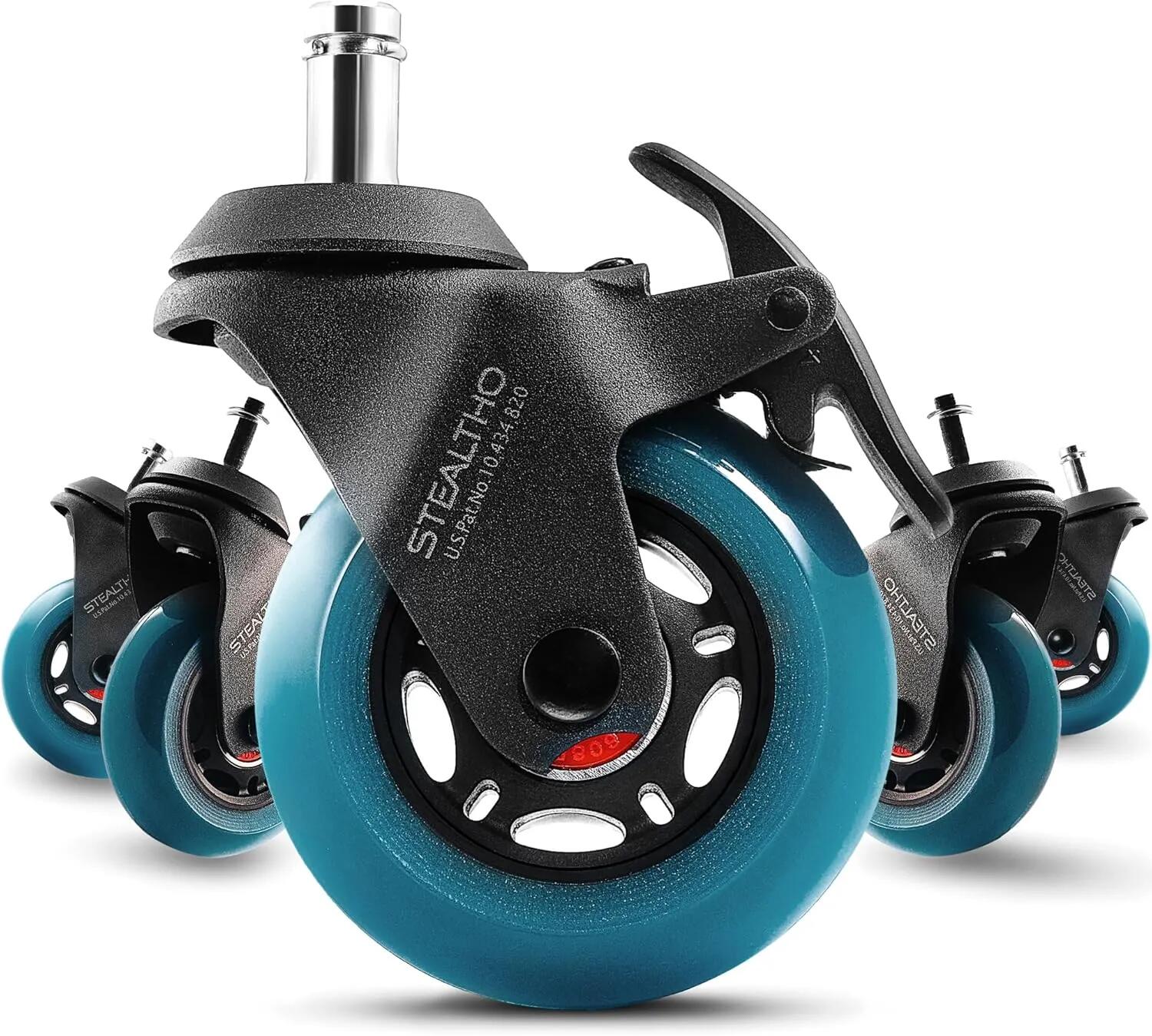
After market office chair wheels can be a worthy and cheap upgrade For some reason, even the most expensive office chairs come with pretty plain plastic wheels. They don't roll so well, often need a floor protector, and worse they make a bit of noise, especially on harder surfaces. Most chairs though will take generic wheels stems: 7/16" (11 mm), stem length: 7/8" (22 mm). Generally, the polyurethane wheel material is more abrasion resistant and quieter to use. STEALTHO for example uses elastic polyurethane, which is the safest material for your hardwood floor or carpet (so they say). These are not available locally in South Africa, though, but can be found on the Amazon US store. I see there are also Slipstick CB690 Floor Protecting Rubber Office Chair Caster Wheels, which are available in SA on Amazon SA (and US). But I'm going to take a chance first on some much cheaper ones I found on Takealot in SA, which are advertised as the Officeway brand. Yes, some wheels glow in the dark, but that is not a necessity for most people. In my case I'm looking to reduce the noise a bit as my wife records videos with a very high sensitivity level for audio. #technology #officechair #wheels image