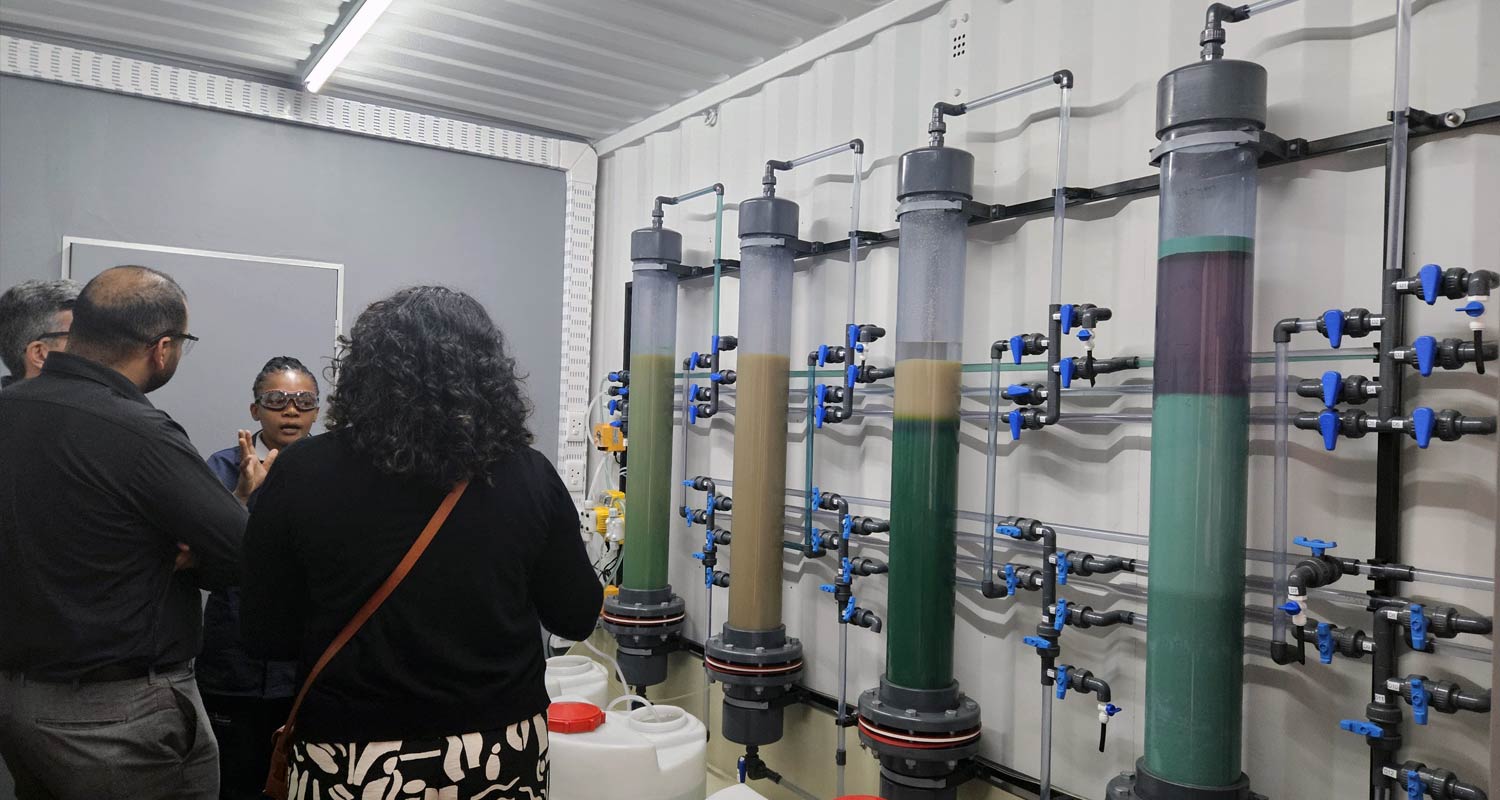
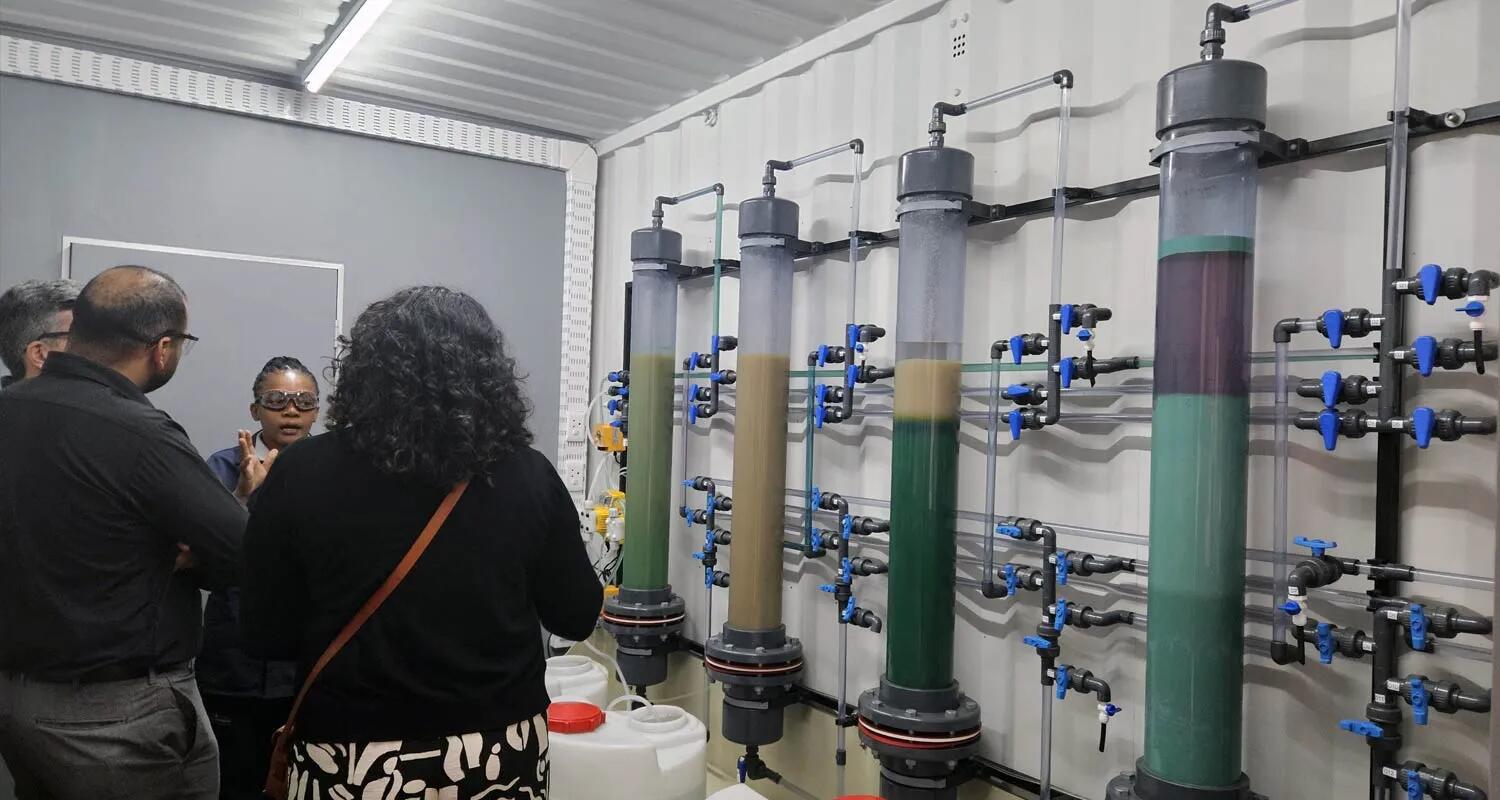
Inside Joburg’s new lithium battery recycling plant which uses food-safe chemicals Once collected, the batteries undergo shredding, which exposes the valuable metal-containing black mass at their core. From there, the black mass enters a proprietary hydrometallurgical process, where a blend of food-safe chemicals is used to leach out metals such as lithium, manganese, nickel and cobalt. Unlike traditional methods that rely on pyrometallurgy and high temperatures, Cwenga Lib’s facility operates at room temperature, making it safer for operators and more feasible in the South African context. There is going to be a growing demand for this type of recycling in future. Not only from an environmentally friendly disposal perspective, but also for recovery of these metals for re-use. Yes, whilst the SA government is bent on extending gas extraction and the use of coal, the private sector is investing in the future business around further enhancing environmentally friendly and sustainable energy production. See #technology #environment #recycling #SouthAfrica image
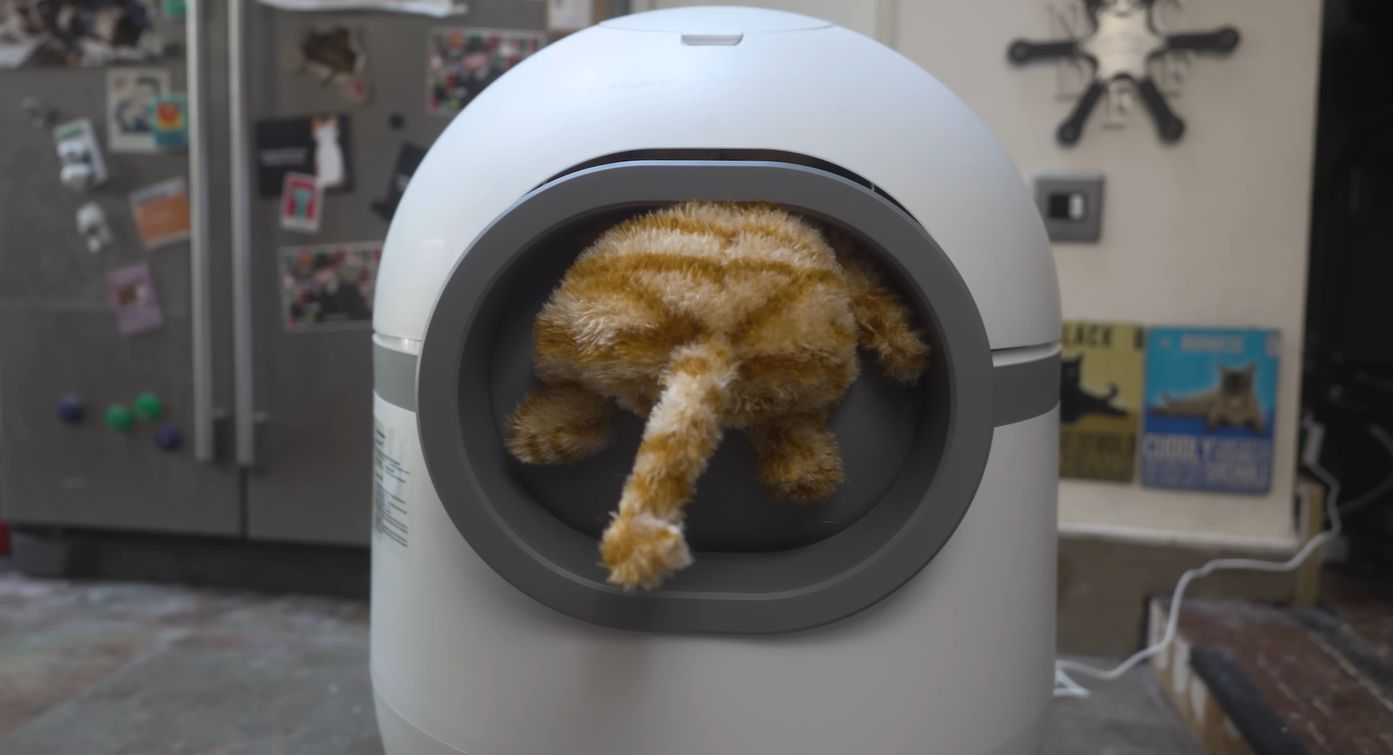
The Danger of Cheap Gadgets: The Rise Of Self-Cleaning, Cat-Killing Litter Boxes Machines that automate the various tedious tasks that come with being a servant in a cat’s household — like feeding and cleaning Mr. Fluffles’ litter box — are generally a godsend, as they ensure a happy cat and a happy human. That is, unless said litter box-cleaning robot kills said cat. That’s the gruesome topic that [Philip Bloom], also known as the bloke of the One Man Five Cats channel on YouTube, decided to investigate after coming across a report about a certain Amazon-bought unit. For some uses, one has to be really careful of trying to just save money. This is a good example of one such case. See #technology #gadgets #safety image
Installing Docker on Raspberry Pi OS When you combine Docker with the compact, affordable Raspberry Pi, you’ve got a powerful setup that’s perfect for both developers and hobbyists. Whether you’re building a mini server, automating tasks, or just tinkering for fun, Docker has unlimited usage. This guide will show you how to get Docker up and running on your Raspberry Pi in no time. This is also a great way to experiment with Docker. I'd imagine that for anything that reads and writes data a lot, you'd certainly want to have a proper hard drive attached to your Pi. The great thing though with Docker containers, is that they are very portable, so I've easily ported them between different hosting providers when I've switched. This is way quicker than full installations. See #technology #RaspberryPi #Docker image
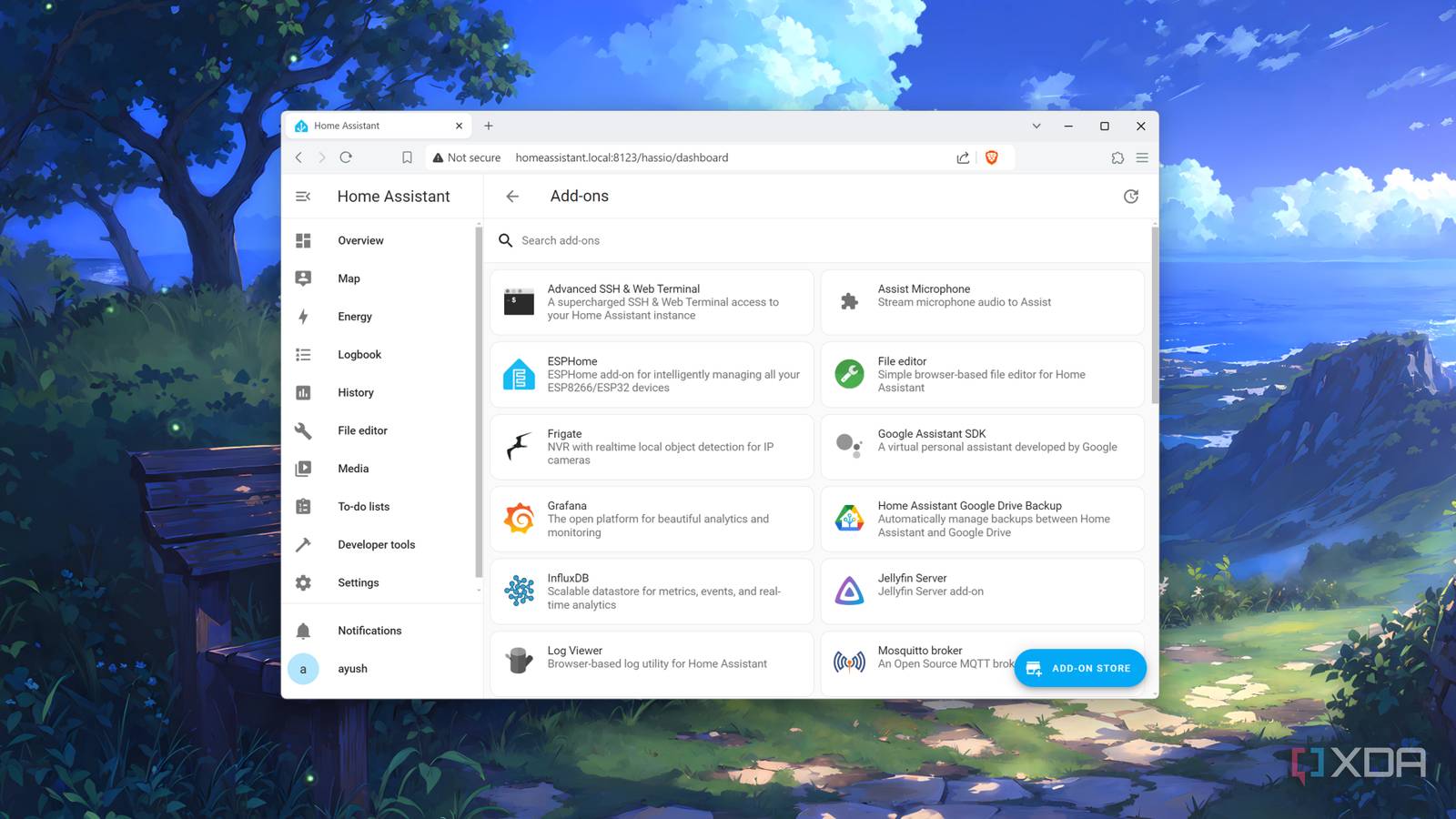
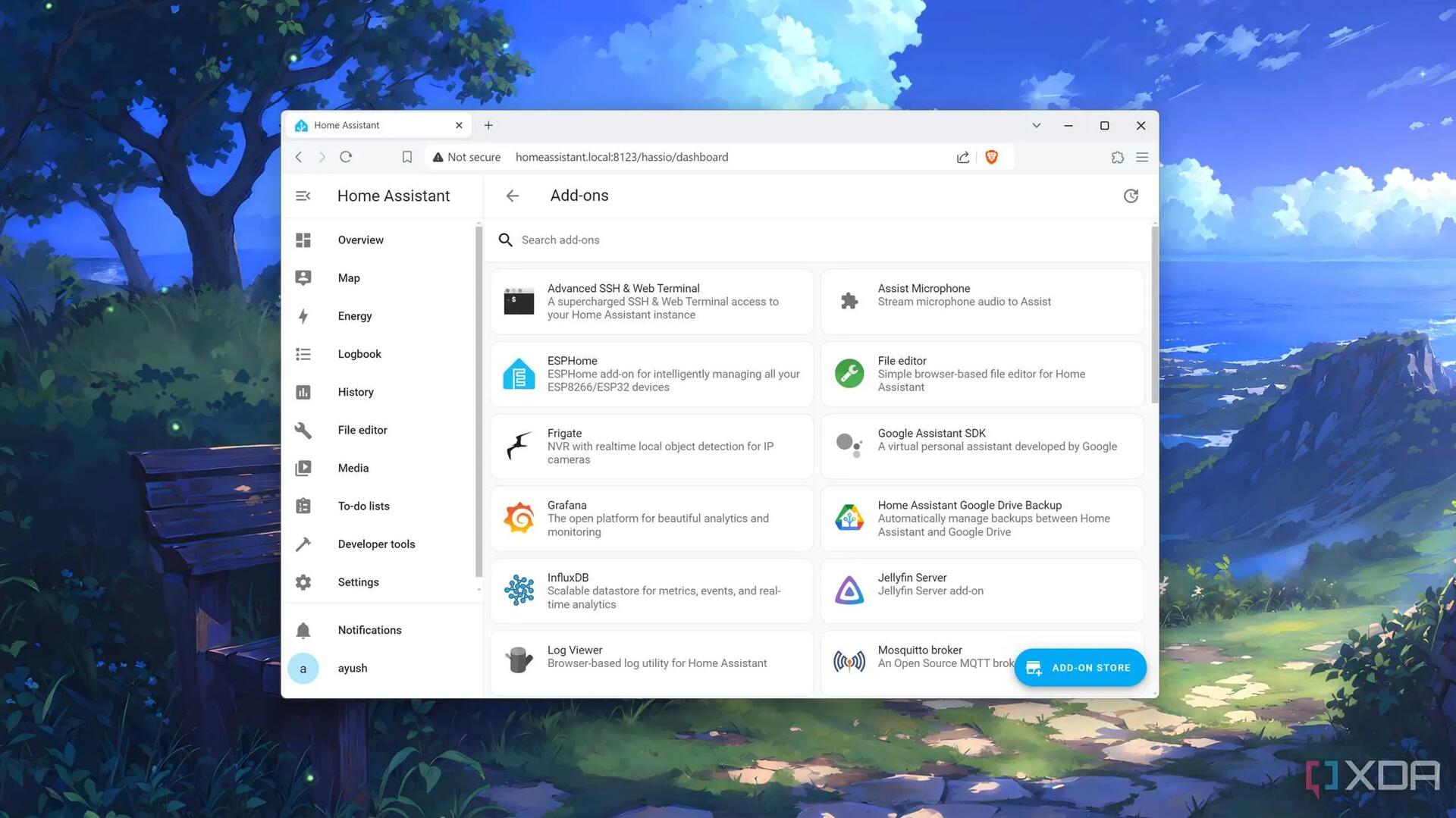
10 of the best add-ons for Home Assistant — In case your setup has stagnated a bit Home Assistant is an incredible platform that reduces the complexity of managing all your smart appliances. From its remote monitoring features to compatibility with most smart gadgets and IoT devices, Home Assistant can turn any dull living space into an automated fortress. What’s more, it has a robust list of integrations and add-ons, and you can even add more plugin repositories to take your smart home setup to the next level. But since it can get tough to sift through the barrage of integrations on the web, XDA Developers has compiled a list of the best plugins for most users. There are actually a mass of plugins available for HA, especially if you include the HACS ones. HA Can be one of the more useful services in the home. There are one or two in this list that I'll also be trying out. See #technology #homeassistant #selfhosting image
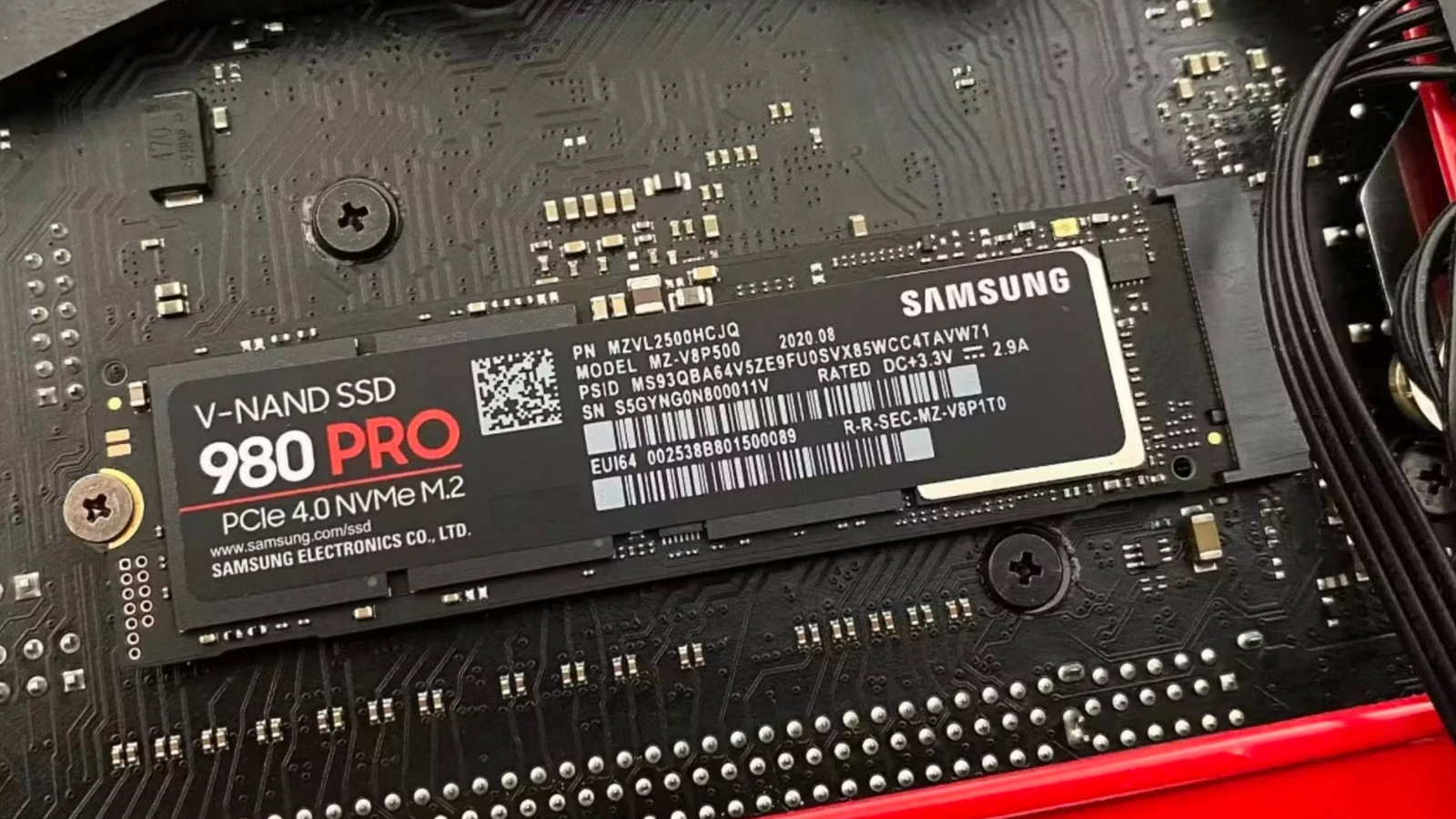
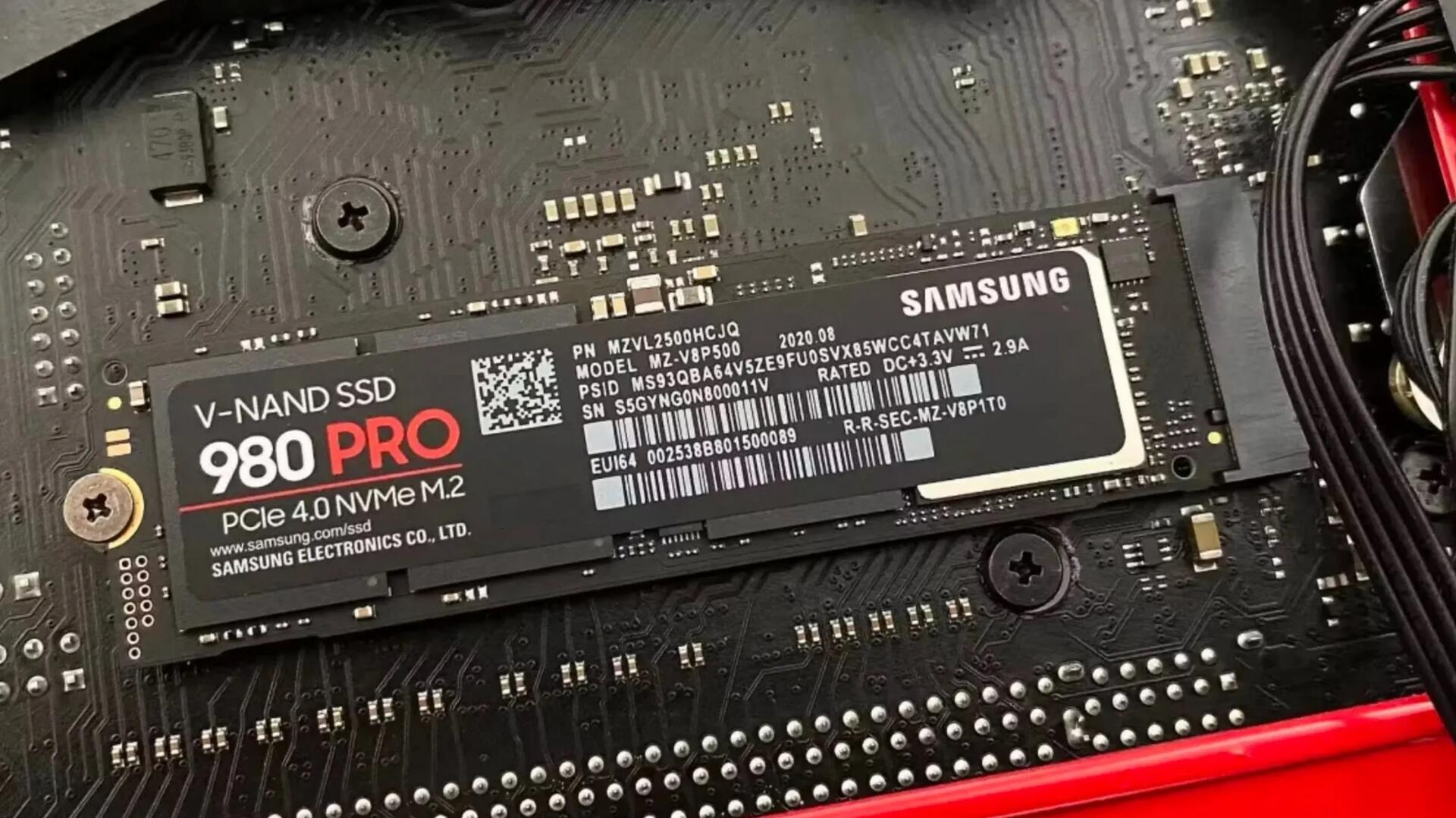
SSDs have a secret way to protect your data when they fail Many SSDs will use SMART to keep track of how close they are to failure, and when they cross a threshold that indicates failure is imminent, they will lock down and enter a read-only state. This means that you can't write anything to them, but it's also a clear sign to the user to get everything off of the drive while it still works. You can tell if your SSD has entered that state if you can't unlock it to write to it. This will be reassuring to many who think if an SSD fails, it is basically not usable and the data is gone. So, if you've used an SDD for quite a while (a good many years) and it suddenly no longer boots, check on another computer (it's SMART stats should show if it failed). You should be able to clone it to a new SDD drive and carry on working with your data intact. See #technology #SSD image
The FloorBoard - a DIY Foot Operated PC Button Pad The FloorBoard would be useful for people with limited use of their hands hence the inclusion in the Assistive Tech channel. For example, using the foot button for 'Control' means that just one finger is required for 'Copy' (Ctrl C). This avoids the necessity of using Sticky Keys (an accessibility feature in Windows designed to assist users who may have difficulty holding down multiple keys simultaneously). It may even appeal to gamers where it could emulate foot controls such as car and aircraft pedals. Many games requite a forward and reverse action, and I must say I do find the WASD buttons a bit difficult to move quickly with in the heat of battle. See #technology #gaming #DIY
WHO Review: ‘No link’ between mobile phones and brain cancer The final analysis included 63 studies from 1994-2022, assessed by 11 investigators from 10 countries, including the Australian government’s radiation protection authority. Despite the huge rise in the use of wireless technology, there has not been a corresponding increase in the incidence of brain cancers, the review, published on Tuesday, found. That applies even to people who make long phone calls or those who have used mobile phones for more than a decade. WHO’s evaluation will be released in the first quarter of next year. I've commented on this before, during the peak of the 5G cell tower 'panic'. There were all sorts of confusion about different frequencies, electromagnetic types, and over distances. Many heard the words 'microwave frequencies' and confused this with putting their heads inside a microwave oven. Light and audible sounds are both frequencies, but sound is going to do more damage as it is at a lower frequency and penetrates deeper. The higher the frequency, the less the penetration through solid objects. The human skull actually does a pretty good job of shielding ultra-high frequencies (and in fact even the skin does so). But it is good to finally have it shown there is no link found, which bears out the long-known theories that hold true for radio transmissions. See #technology #cancer #conspiracytheory #health image
Organic Maps — Free, Open-Source, Private, Low Battery mapping app for Hiking, Biking, Trails and Navigation Organic Maps is a free Android & iOS offline maps app for travellers, tourists, hikers, drivers, and cyclists based on OpenStreetMap data created by the community. It is a privacy-focused, open-source fork of Maps.me app (previously known as MapsWithMe), maintained by the same people who created MapsWithMe in 2011. Features: * Detailed offline maps with places that don't exist on other maps, thanks to OpenStreetMap * Cycling routes, hiking trails, and walking paths * Contour lines, elevation profiles, peaks, and slopes * Turn-by-turn walking, cycling, and car navigation with voice guidance and Android Auto * Fast offline search on the map * Export/import bookmarks in KML/KMZ, import GPX * Dark Mode to protect your eyes * Countries and regions don't take a lot of space * Free and open-source Why Organic? * Respects your privacy (requires no Google login nor registration) * Saves your battery * No unexpected mobile data charges * No ads * No tracking * No data collection * No phoning home * No annoying registration * No mandatory tutorials * No noisy email spam * No push notifications * No crapware It is based on OpenStreetMaps, so I could see a little known trail in the middle of the Cederberg mountains in South Africa. The great thing though with OpenStreetMaps is, if something dos nor exist, you can just add it yourself. It installs on iOS and Android phones (including from F-Droid and Obtanium), but I was also p[leased to see a Flatpak install for Linux desktops as well. See #technology #trails #navigation #opensource #privacy image
5 essential Linux terms every new user needs to know It's important because Linux gives a user lots of options, unlike Windows and macOS, which are essentially one integrated system with just applications that get installed. This is not to say Linux is "complicated" because for any distro chosen, it downloads and installs as a "single system" as a distro is basically packaged from a bunch of choices made by the distro provider. This is why you'll sometimes see Ubuntu GNOME and Ubuntu KDE as complete downloadable distros. But Linux is also not fixed by the distro you install. You can for example change the desktop environment, and you can switch between two or more desktop environments. This is one reason why understanding some key concepts can help clarify things for users. Another good reason is if you do need some help with diagnosing a problem, it does help that discussion if the concepts mentioned are understood (everyone on the same page). But also do not let this put anyone off, as many new users download and install say Linux Mint Cinnamon, and are perfectly happy not knowing what parts there are to the system. The linked article will unpack the concepts of a Distribution, a Desktop environment, a Package manager, the Command line, and your Home directory. See #technology #Linux #opensource image
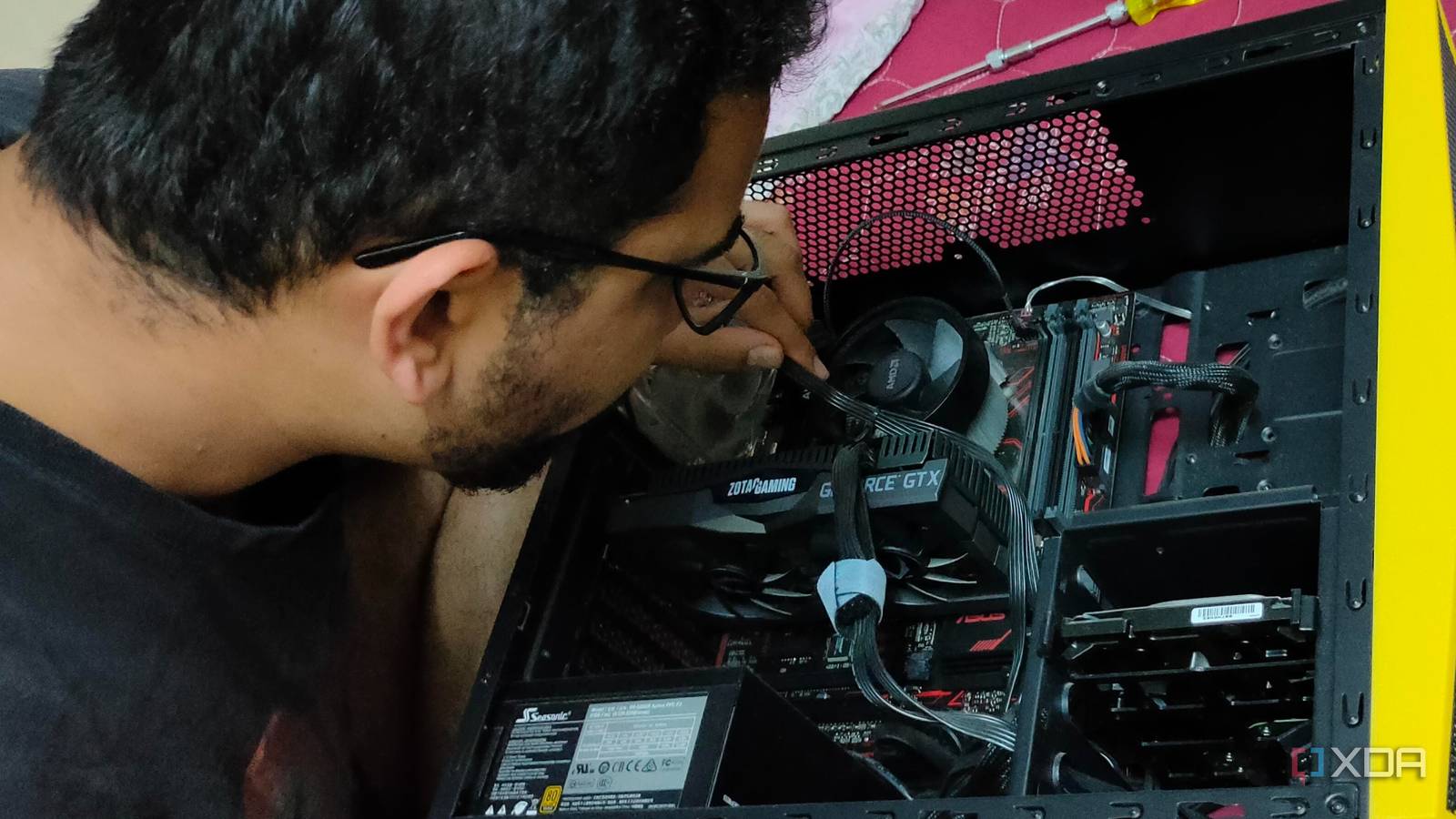
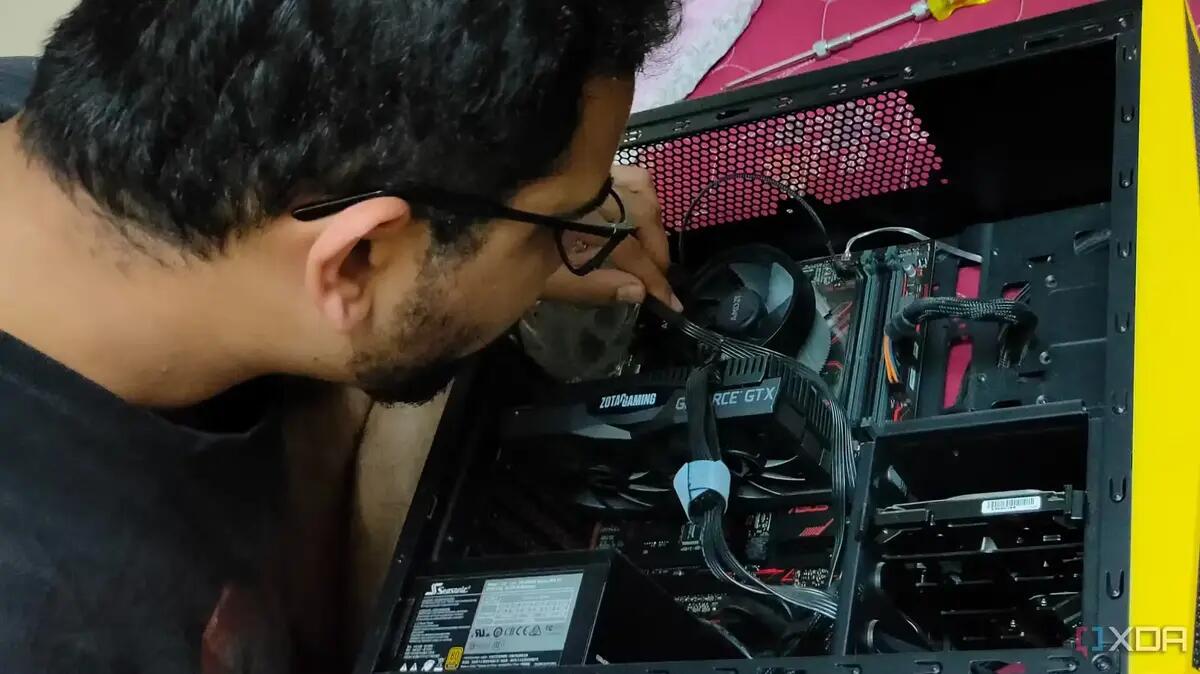
10 obvious things I wish someone told me before I built my first PC PC building may not be rocket science, but it isn't a walk in the park either, especially for a first-timer. Most of us who have built a few PCs in our time have learnt these tricks already. But these are good to read if you are thinking of building your first PC. They're all good tips, and the great thing about “modern times” is you have YouTube and similar video platforms to usually explain and show exactly how something is best done. Building your own PC is typically very rewarding, mainly because instead of getting nearly all “compromise” components at a price in a pre-built PC, you get to choose exactly what you want to put in your built PC. Most importantly, it gives the confidence to upgrade a component or two later on. Every PC I've ever built has had it's two or three upgrades done to it along the way. The case and keyboard have always lasted the longest, but do consider replacing a case at some point, as the newer ones have great cable management and airflow features. See #technology #hardware #DIY image