Today we are thrilled to officially announce the opening of 🎭 Shakespeare: Act II.
Act II is a dramatic improvement over the first version of Shakespeare. We have completely rewritten the codebase from the ground up to make it the most freedom-respecting AI web builder available.
Read more: 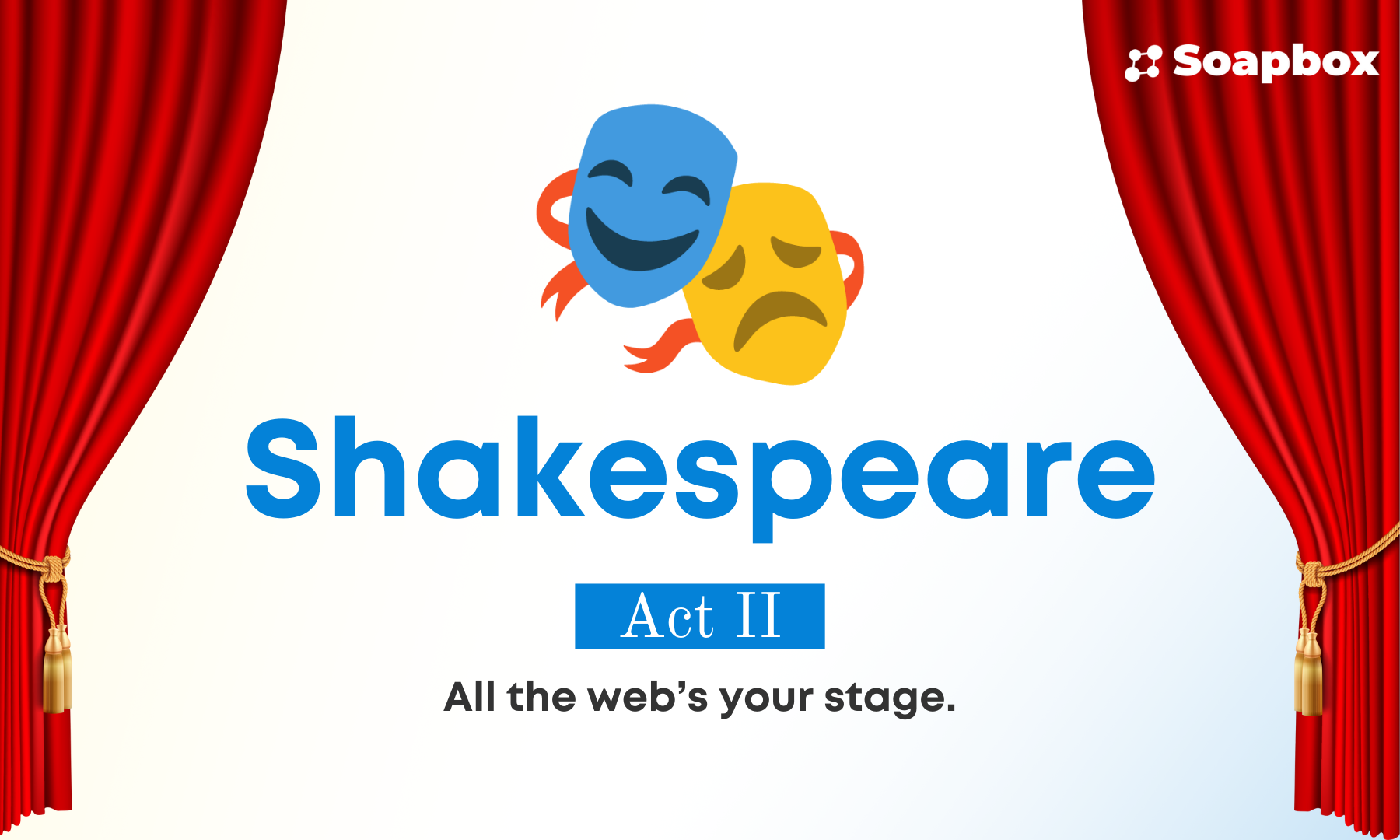 Try it here:
  What makes Act II different:
1. Runs entirely in the browser: Unlike Act 1, where your project files were stored remotely on our NSP servers, now all of your projects are stored locally in your browser — so you retain all control and full privacy.
2. Full AI provider and model choice: Before, you were locked into only the providers and models available from NSPs. With Act II, you can configure ANY AI provider you want. Bring your own credentials from your favorite provider like PerPerQ, Routstr, OpenAI, Z.ai, and Anthropic; use our pre-configured Shakespeare AI provider (with both free + paid tiers), or even run your own local model! This is the most choice of ANY AI web builder we’re aware of.
3. Complete development environment in the browser: We’ve built a text editor, terminal, and git version control integration directly into Shakespeare.
The new changes we’ve made to the architecture of Shakespeare unlock new possibilities. One feature we’re most excited about is the ability to “Edit With Shakespeare.”
Find any compatible open source project and start improving it in Shakespeare with one click! This is the power of open source, and with AI it’s finally accessible to everyone — no matter your technical level.
Want to try it? Pick any app or template from our showcase and click “Edit with Shakespeare”!
Showcase:
What makes Act II different:
1. Runs entirely in the browser: Unlike Act 1, where your project files were stored remotely on our NSP servers, now all of your projects are stored locally in your browser — so you retain all control and full privacy.
2. Full AI provider and model choice: Before, you were locked into only the providers and models available from NSPs. With Act II, you can configure ANY AI provider you want. Bring your own credentials from your favorite provider like PerPerQ, Routstr, OpenAI, Z.ai, and Anthropic; use our pre-configured Shakespeare AI provider (with both free + paid tiers), or even run your own local model! This is the most choice of ANY AI web builder we’re aware of.
3. Complete development environment in the browser: We’ve built a text editor, terminal, and git version control integration directly into Shakespeare.
The new changes we’ve made to the architecture of Shakespeare unlock new possibilities. One feature we’re most excited about is the ability to “Edit With Shakespeare.”
Find any compatible open source project and start improving it in Shakespeare with one click! This is the power of open source, and with AI it’s finally accessible to everyone — no matter your technical level.
Want to try it? Pick any app or template from our showcase and click “Edit with Shakespeare”!
Showcase: 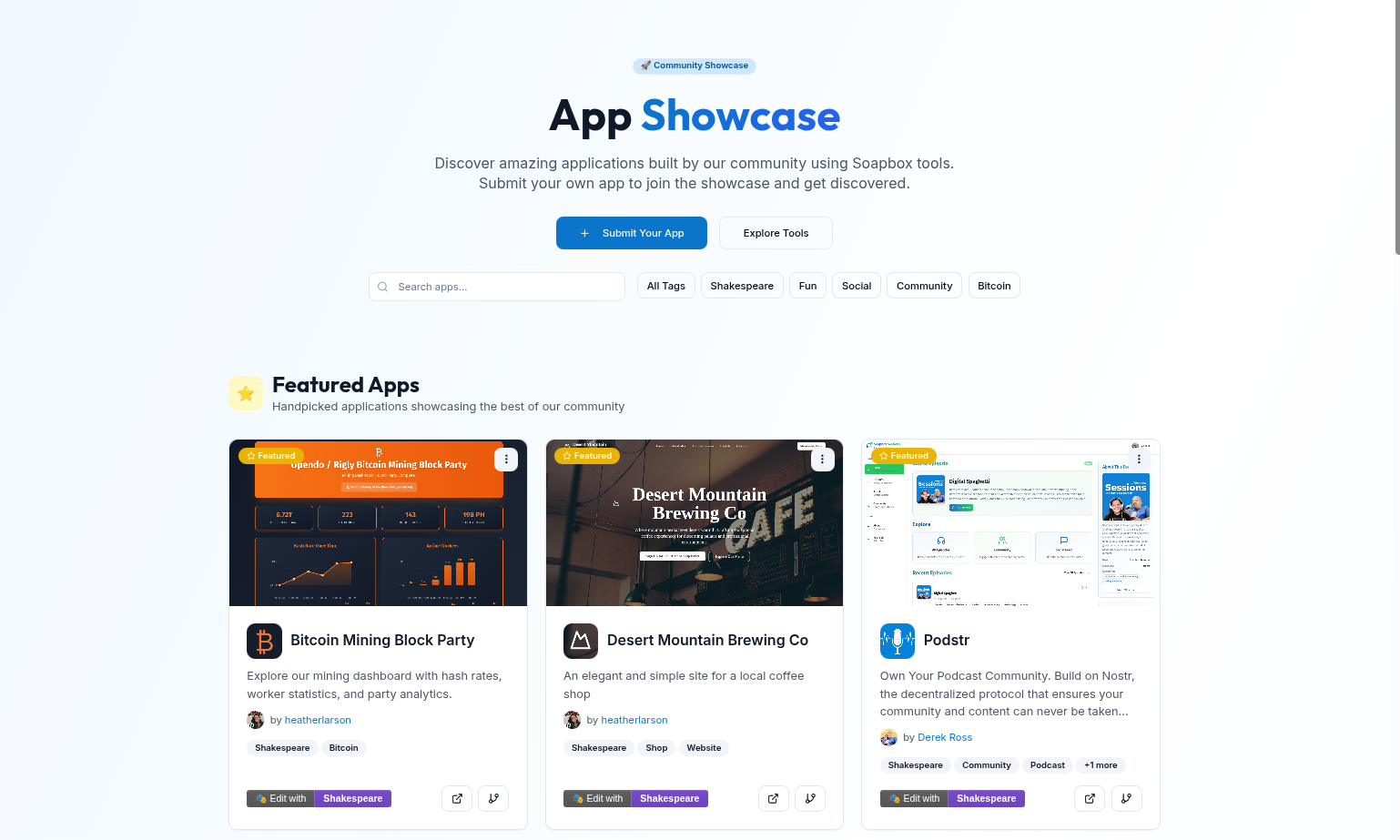 Need help?
We know debugging is always the worst part of building. We’ve built multiple new tools into Shakespeare to make it easier, including an in-web console to show errors, and a friendly assistant called Quilly who may make an appearance to alert you to key errors. Keep an eye out for him!
We’ve also built out a detailed Shakespeare resource center with an FAQ and guides on how to get the most out of Shakespeare.
Resource center:
Need help?
We know debugging is always the worst part of building. We’ve built multiple new tools into Shakespeare to make it easier, including an in-web console to show errors, and a friendly assistant called Quilly who may make an appearance to alert you to key errors. Keep an eye out for him!
We’ve also built out a detailed Shakespeare resource center with an FAQ and guides on how to get the most out of Shakespeare.
Resource center: 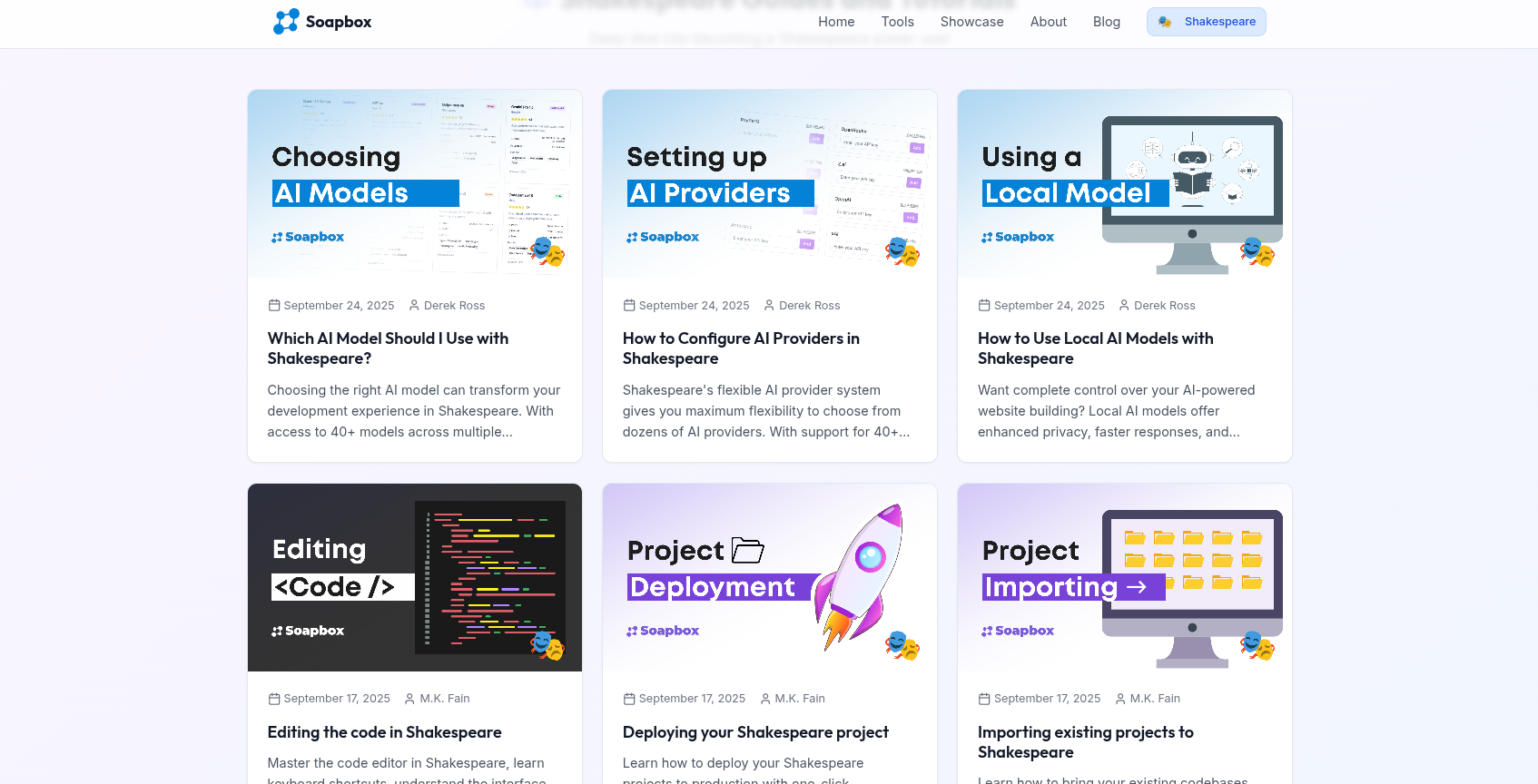 Shoutout to our team and community who have been working tirelessly for the past 3 months on this release! @Alex Gleason @npub1jvnp...89sc @chad @MAKE SONGS LONGER @Derek Ross @npub1hee4...rsv6 @Sam @danidfra@danidfra.com @Patrick PReis @shantaram
And, finally, thank you to @And Other Stuff @OpenSats and @npub17xvf...c9as for making this work possible!
Shoutout to our team and community who have been working tirelessly for the past 3 months on this release! @Alex Gleason @npub1jvnp...89sc @chad @MAKE SONGS LONGER @Derek Ross @npub1hee4...rsv6 @Sam @danidfra@danidfra.com @Patrick PReis @shantaram
And, finally, thank you to @And Other Stuff @OpenSats and @npub17xvf...c9as for making this work possible!
Soapbox
Shakespeare: Act 2 - Build Freely - Soapbox Blog
Shakespeare Act 2 transforms from a simple AI website builder into a full-featured development environment, entirely in your browser (no downloads ...
Shakespeare - Open Source AI Builder
Build custom apps with AI assistance using Shakespeare, an open-source development environment
Soapbox
App Showcase - Community-Submitted Apps Built with Soapbox Tools | Soapbox
Discover and submit applications built with Soapbox tools. Browse community-submitted projects, games, social platforms, and business applications....
Soapbox
Shakespeare Resources - FAQ & Guides | Soapbox
Complete resource hub for Shakespeare AI website builder. Find answers to frequently asked questions and explore tutorials on how to make the most ...





 - The debug output isn't very useful: it only shows the error message but no stack trace or even file name / line number:
  - Using the web inspector to debug the app, as suggested here:
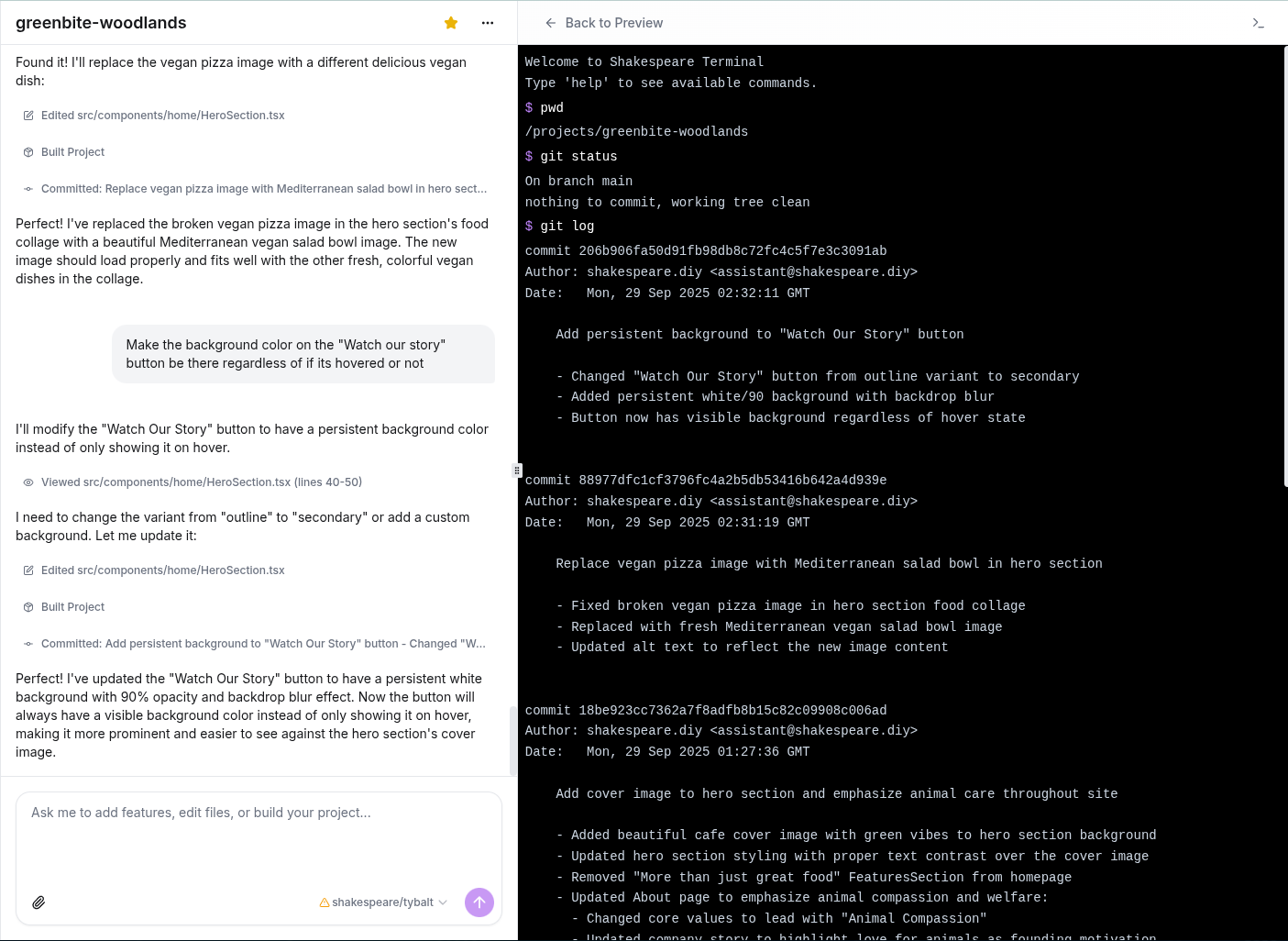
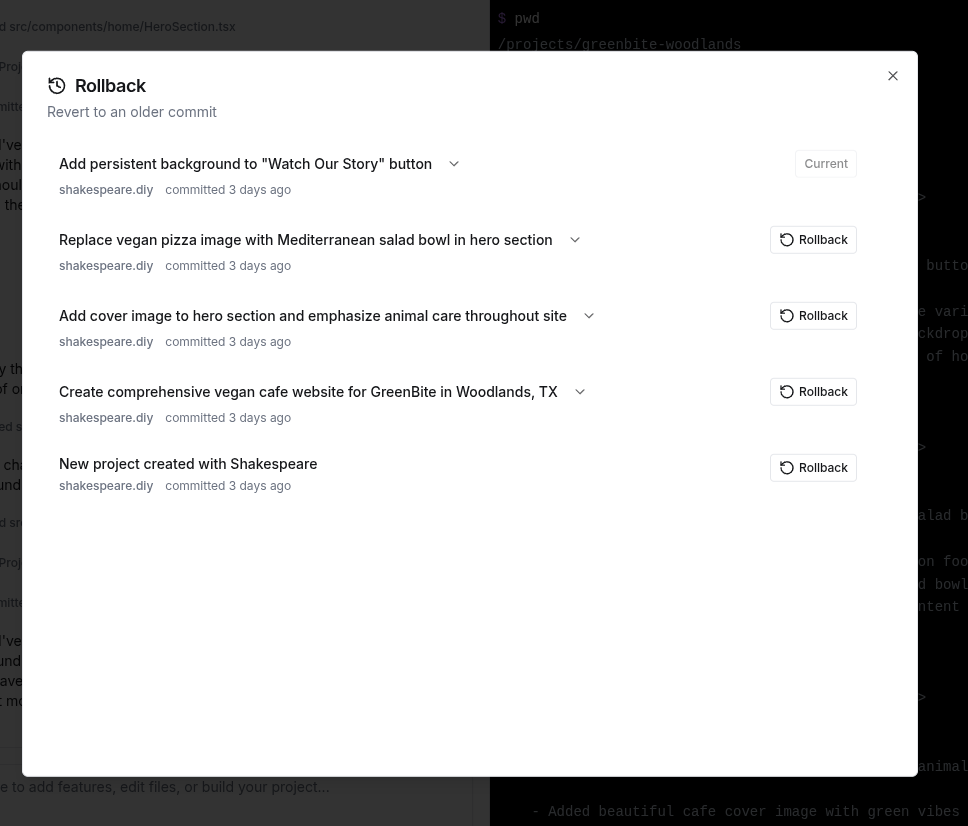
 Curiously, when I run `git show`, it DOES show the most recent commit made by the agent (no diff though), but when I try to inspect the previous commits using `git show HEAD~1`, `git show HEAD~2`, etc., it just says "Failed to show commit: Could not find HEAD~1."
 Guess we can scratch that issue. The `git show HEAD~1` etc. not working might be worth looking into, however.



 brave with normal boot while second is working with chromium with web security disabled

 this is my container configuration: