How to update your filters on the web: 1) Navigate to your profile 2) Tap "Edit Profile" 3) Tap the "Filters" tab 4) Tap the "Add New Filter" button Or use this link https://pixelfed.social/settings/filters ๐Ÿ”— your.pixelfed.tld/settings/filters #pixelfed #customFilters
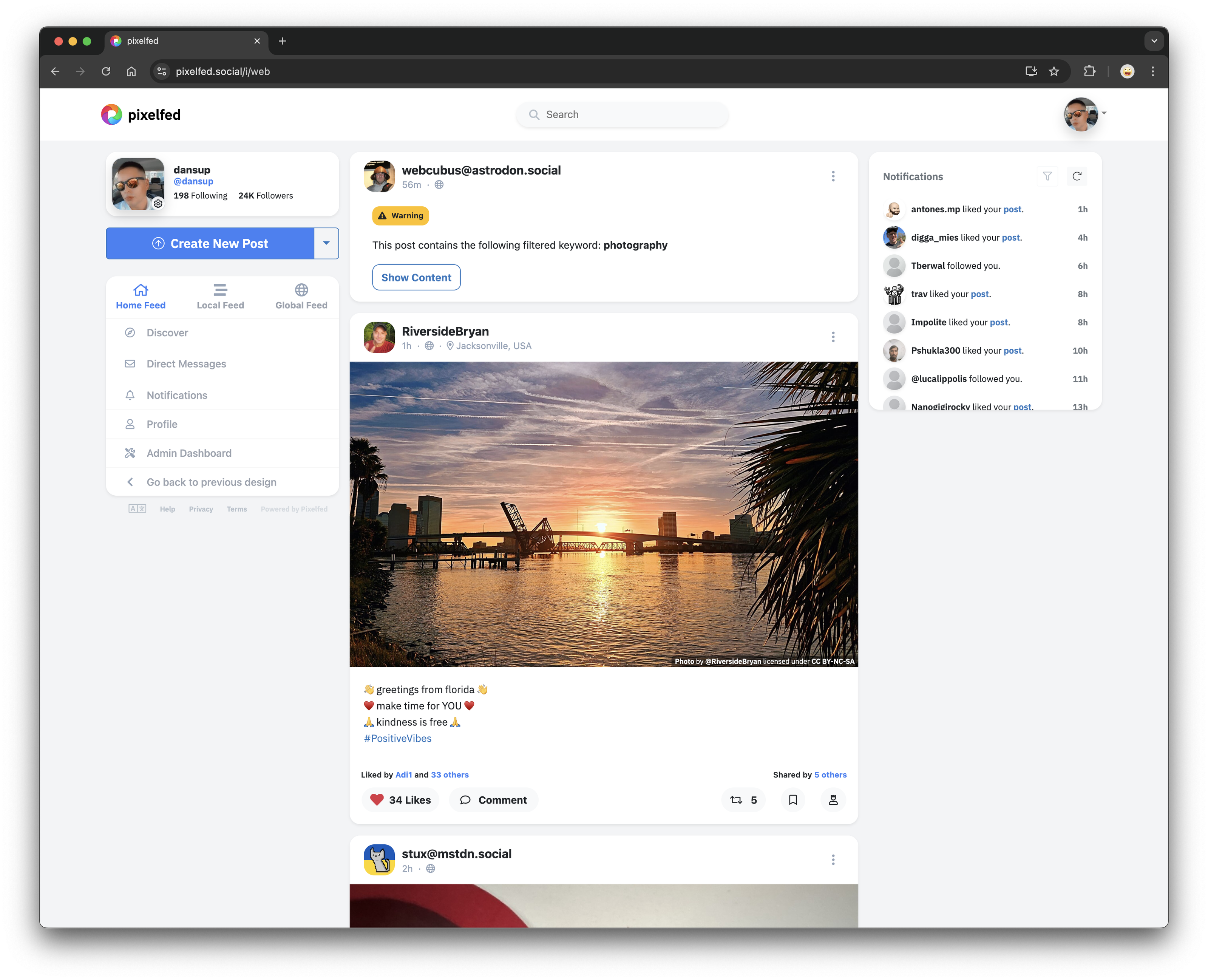
Custom Filters are now available! ๐Ÿฅณ You can now set keyword filters to blur, warn or hide posts that match, across home + public + hashtag feeds! These are based on the Mastodon v2 Filters API, and should be compatible with 3rd party apps. Our official app does not properly handle blur or warn context types, but soon will. #pixelfed #customFilters image
We're working on Custom Filters and a new AI generated content label, allowing you to easily filter out all AI content from feeds, explore and notifications. #pixelfed #customFilters #aiGenerated
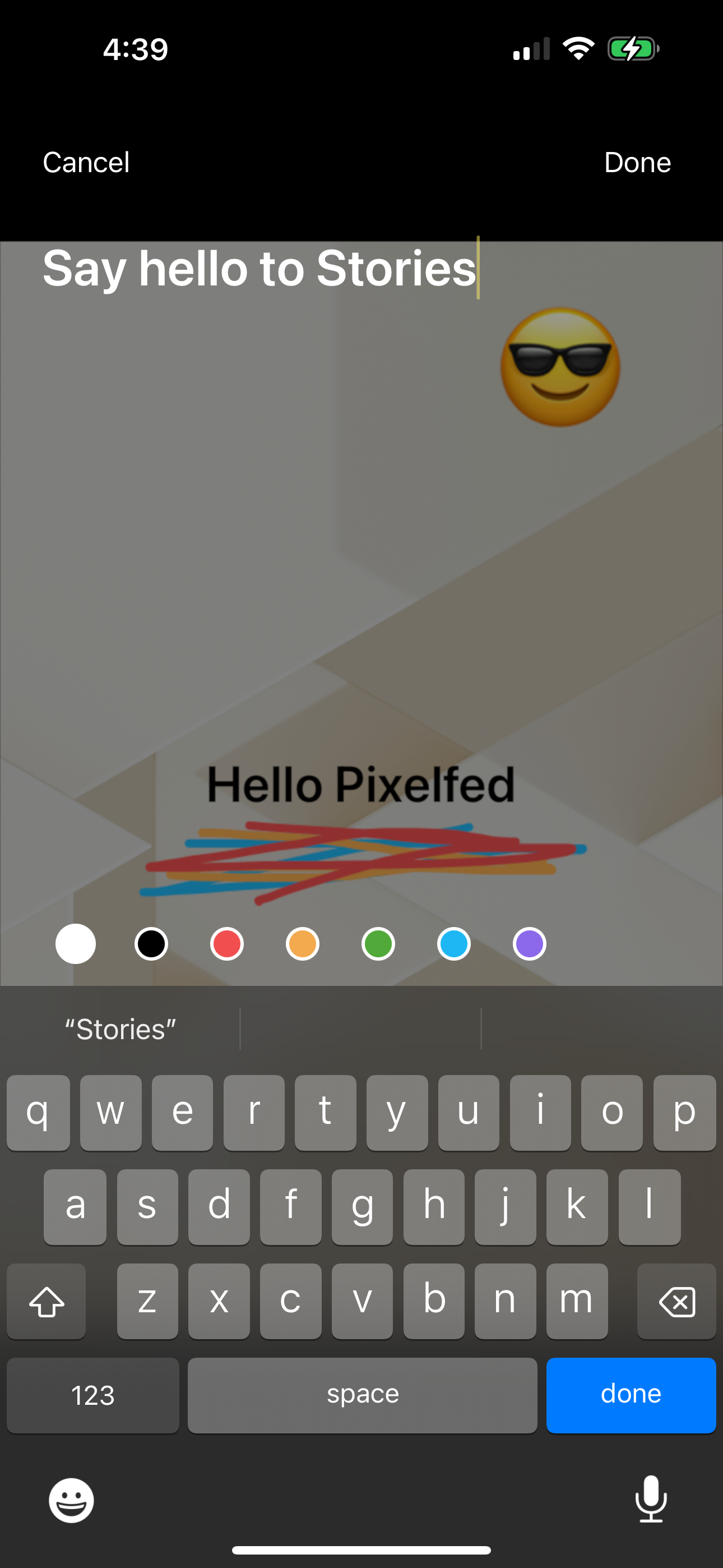
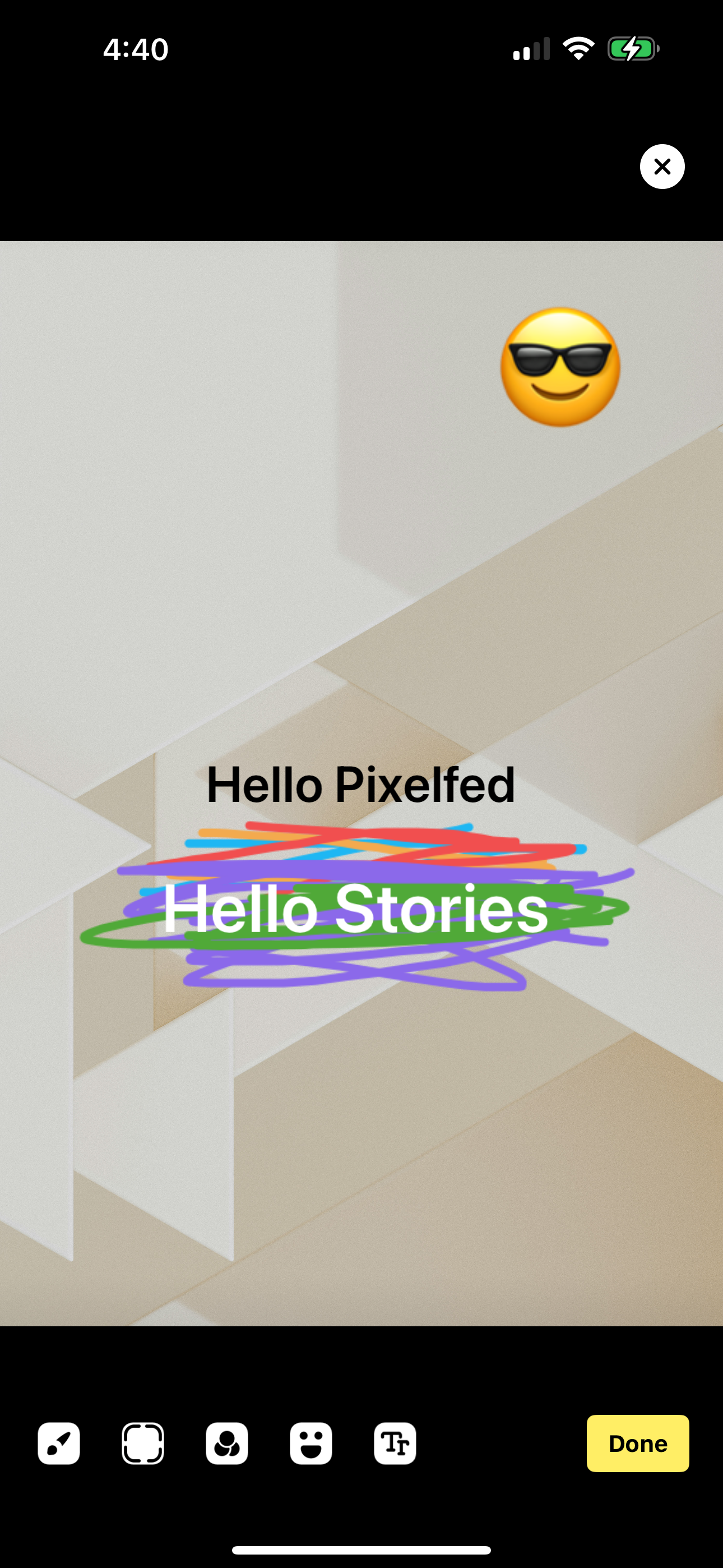
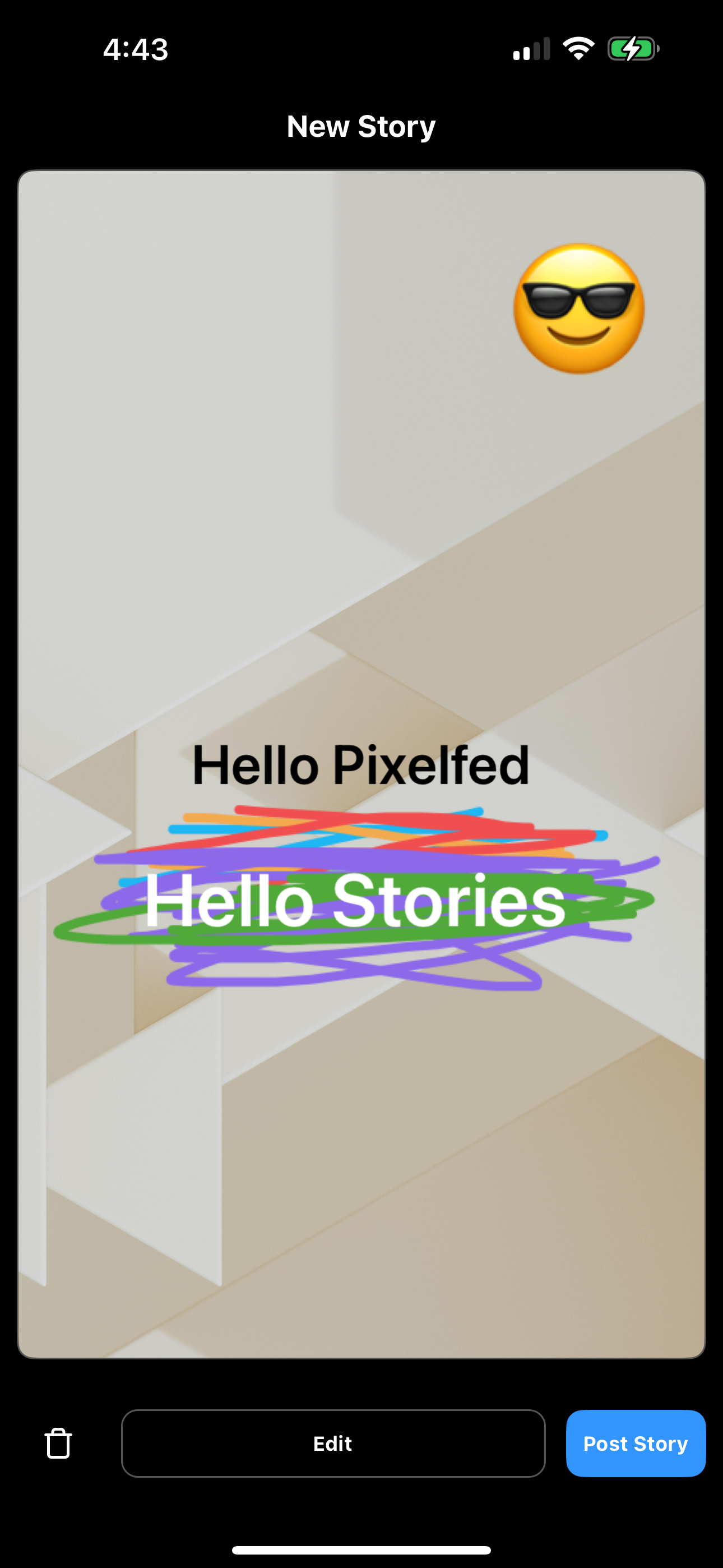
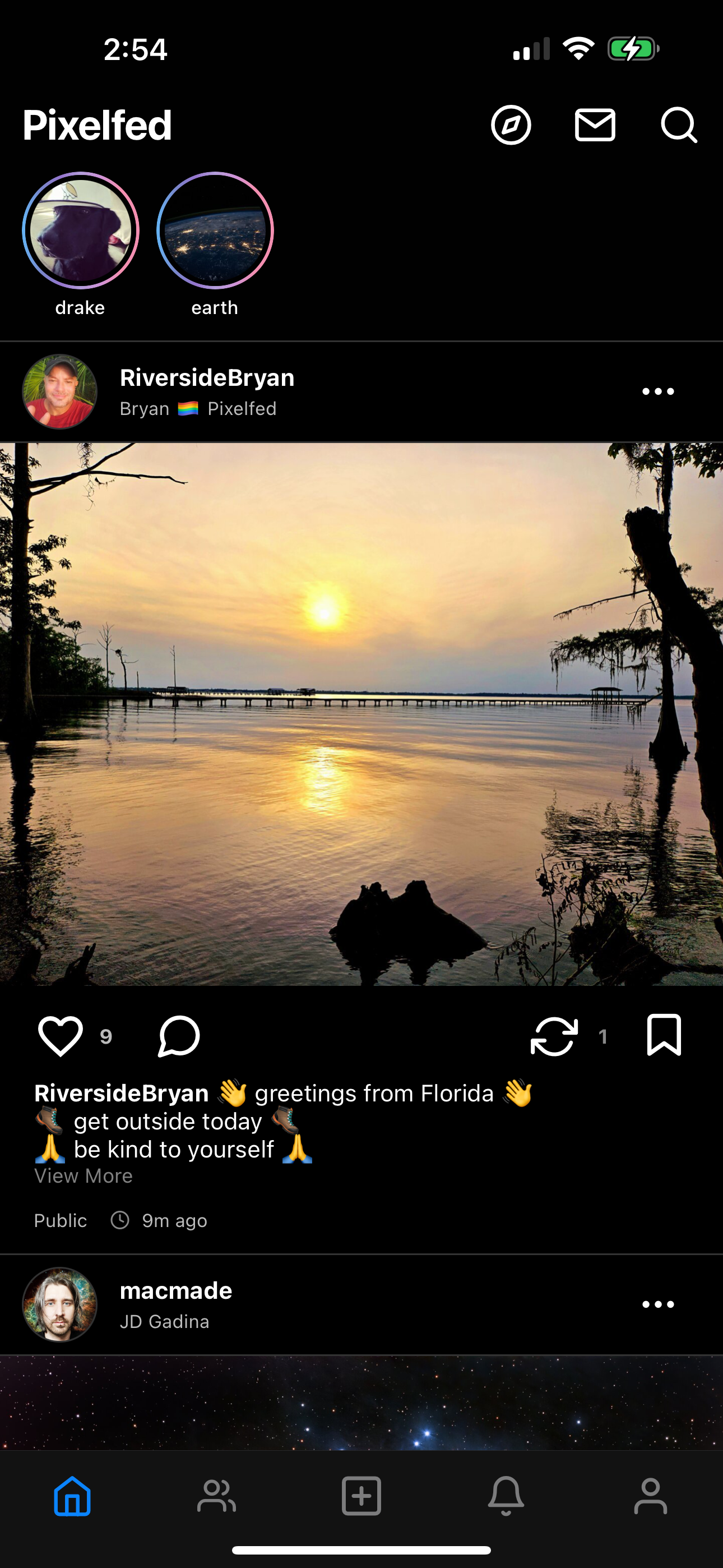
Stories + Pixelfed Available soon โœจ
Stories are coming soon to our official app! The best part? They are federated, so you can view/react/comment on Stories from friends on other servers. Stay tuned โœจ #pixelfed #stories image
We now have an official account on BlueSky! Follow us and join us in expanding the fediverse. Come say hi! ๐Ÿ‘‹ #pixelfed #bluesky
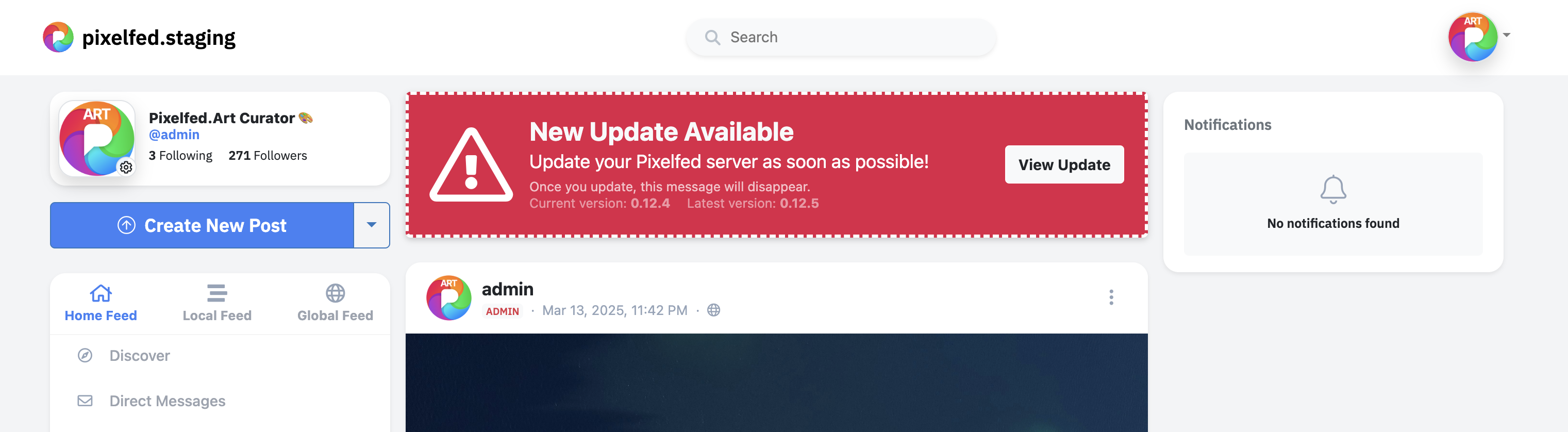
We added an update checker that displays this warning to admin accounts when a security release is available. It's been available for a while, so you should see this warning if you're running an outdated server! image
We've just released v0.12.5 with an important privacy fix. โš ๏ธ Please update your instances as soon as possible!
ICYMI: Pixelfed app v1.2.0 is now available on the App Store and Play Store, and it includes a new theme feature with Dark mode and 2 other new themes!
Pixelfed for Android (v1.2.0) with Dark, Slate and Pink mode, is now available on the Play Store! ๐Ÿฅณ https://play.google.com/store/apps/details?id=com.pixelfed